Author:


To change the skin color in a photo, use a free skin color changer app like YouCam Makeup. Simply upload your photo, use the "Foundation" or "Retouch" tools, and select from a range of shades to instantly lighten, darken, or even out your skin tone with natural-looking results.
Uneven lighting, camera quality, or shadows can make your skin look different in photos. A skin color changer app can instantly fix this by helping you lighten, darken, or fine-tune your skin tone for a natural and flawless look.
We've rounded up the 4 best free skin color changers that give you realistic results in seconds. These tools let you adjust your skin color online for free or through mobile apps, helping you enhance selfies and portraits with ease.

What Is Skin Color Changer?
Skin color changer is AI-powered tool that lets you adjust or change your skin color in photos. Instead of relying on heavy filters or complicated editing software, app to change skin color use smart technology to create natural, realistic results.
Whether you want to preview a subtle sun-kissed glow, even out your complexion, or change ethnicities for a fun photo effect, skin tone changers give you a quick and easy way to see the effect instantly.

What are the Best and Free Apps to Change Skin Color in 2025?
Here are the top apps and online editors to try if you want to change skin tone naturally while keeping the results smooth and realistic.
- YouCam Makeup: Best Free Skin Color Changer App
- FaceTune: Skin Tone Changer With Face Retouch Tools
- PicsArt: Versatile Photo Editor with Creative Skin Effects
- YouCam Online Editor: Change Skin Color Online
1. YouCam Makeup: Best App To Cajnge Skin Color

iOS Rating: ★★★★☆ (4.8/5 based on 160K+ reviews)
Android Rating: ★★★★☆ (4.5/5 based on 4M+ reviews)
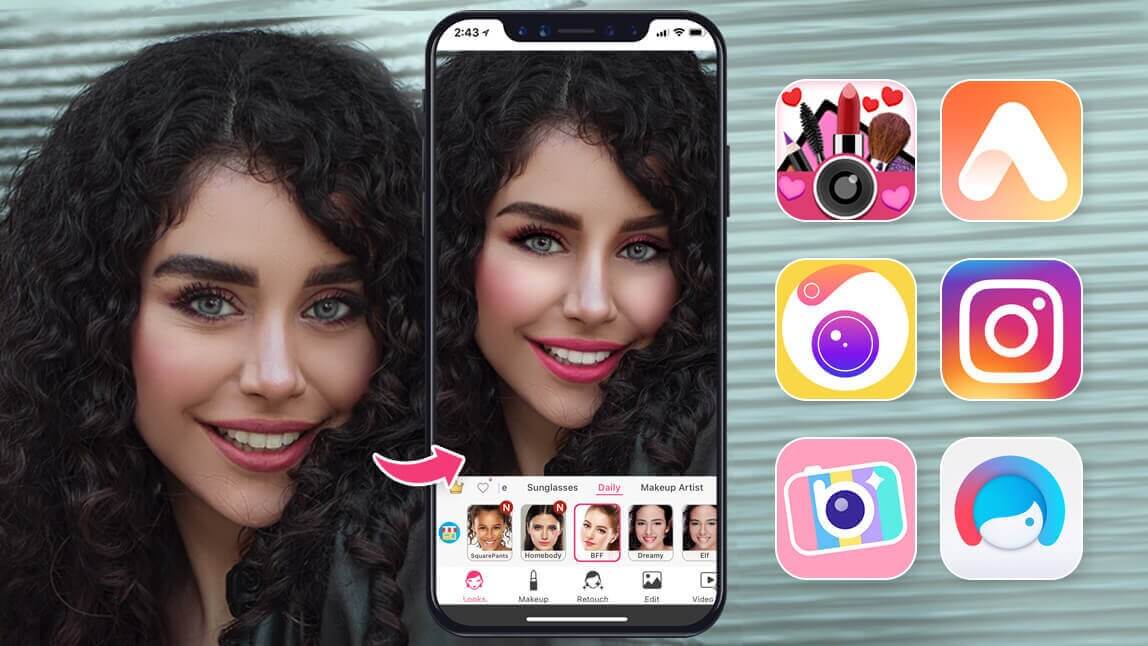
YouCam Makeup is a versatile app that lets you change skin tone and color, try on makeup looks, and enhance selfies with realistic beauty filters. You can lighten or darken skin tone, test different foundation shades, or simply adjust your skin color in a picture for a natural finish.
Why users love it:
- Realistic skin tone changes and makeup effects
- Easy-to-use interface with advanced AI editing
- Free version includes many skin retouch and face editing tools

2. FaceTune: Skin Color Changer with Retouch Tools

iOS Rating: ★★★★☆ (4.6/5 based on 470K+ reviews)
Android Rating: ★★★★☆ (4.4/5 based on 1.3M+ reviews)
Facetune is a well-known photo editing app that goes beyond basic retouching. Its skin tone filter allows you to smooth and even out your complexion, add warmth for a natural tan, or brighten dull areas. It also includes blemish removal and texture smoothing for a professional-quality edit.
Why users love it:
- Quick and natural-looking skin color adjustments
- Great for selfies and portraits
- Offers premium tools, but free version works well for tone edits
3. PicsArt: Versatile Photo Editor with Creative Effects

iOS Rating: ★★★★☆ (4.7/5 based on 750K+ reviews)
Android Rating: ★★★★☆ (4.2/5 based on 11M+ reviews)
PicsArt is a creative photo editor that also doubles as a skin color changer app. You can lighten, darken, or warm up your skin tone using its skin editor while also adding filters and effects for a unique look. It’s ideal if you want both natural adjustments and more artistic transformations.
Why users love it:
- Wide selection of editing tools beyond skin tone filters
- Smooth results when adjusting skin tone in photos
- Free to use with some optional in-app purchases
4. YouCam Online Editor: Change Skin Color Online Free

- Web-Based Tool (No App Download Required)
If you're looking for an easy way to change skin tone online for free, YouCam Online Editor is the easiest way to change skin color in photos directly in your browser. This web-based skin tone editor uses AI to let you adjust skin tone instantly. You can lighten, darken, or fine-tune your skin color online for free and save results in seconds.
Why users love it:
- Instant results without installing an app
- Perfect for quick photo edits on the go
- Natural-looking skin color changes with minimal effort
Change Skin Color App Comparision
| App | Platfrom | iOS | Android | Highlights |
| YouCm Makeup | iOS/Anroid | 4.8★ | 4.5★ | AI change skin colorv + makeup filters > enhance selfie |
| FaceTune | iOS/Anroid | 4.6★ | 4.4★ | Skin tone + retouch tools |
| PicsArt | iOS/Anroid | 4.7★ | 4.2★ | Creative edits + skin effects |
| YouCam Online Editor | Web | - | - | Free online + instant AI edits |
How to Use an App To Change Skin Color?
Here’s a simple step-by-step guide using YouCam Makeup, one of the best skin color editor apps:
- Step 1: Download the Best Skin Color Changer App
- Step 2: Upload Your Photo
- Step 3: Edit and Adjust Your Skin Color
- Step 4: Save and Share Your Edited Photo
Step 1: Download the Best Skin Color Changer App
Start by downloading YouCam Makeup from the App Store or Google Play. Open the app once it's installed.
Step 2: Upload Your Photo
Tap on 'Photo Edit' and upload the photo you want to change skin color.
Step 3: Adjust Your Skin Color
Go to the “Foundation” feature to test different shades. You can make your skin lighter, darker, or warmer while keeping a natural look.

Step 4: Save and Share
Once you're happy with the results, download and save the photo in your gallery.
Tips for Natural Skin Color Editing
When using a skin color changer, the goal is to keep edits smooth and realistic. Here are a few tips:
- Stay close to your natural tone: Small changes look more natural than drastic edits.
- Match the lighting: Adjust skin color so it blends with the photo’s light and shadows.
- Be subtle: Avoid overly dramatic filters that can make skin look unrealistic.
- Edit all visible areas: Ensure your face, neck, and arms match for a consistent look.
Best App to Change Skin Color in Photos
Skin color changer makes it easy to edit photos, whether you want to brighten your skin tone, get a natural tan effect, or correct uneven tones. With free apps like YouCam Makeup and YouCam Online Editor, you can change skin tone online or in-app within seconds.
Try them out and see how simple it is to create flawless, natural-looking selfies with the right skin color changer app.

About the Editors

The PERFECT Corp. Editorial Team
We are a team of experts on photo and video editing apps. Our goal is to deliver engaging content on everything from stunning selfie edits to eye-catching video effects. We cover the latest trends and share niche tips to help you master digital creation.