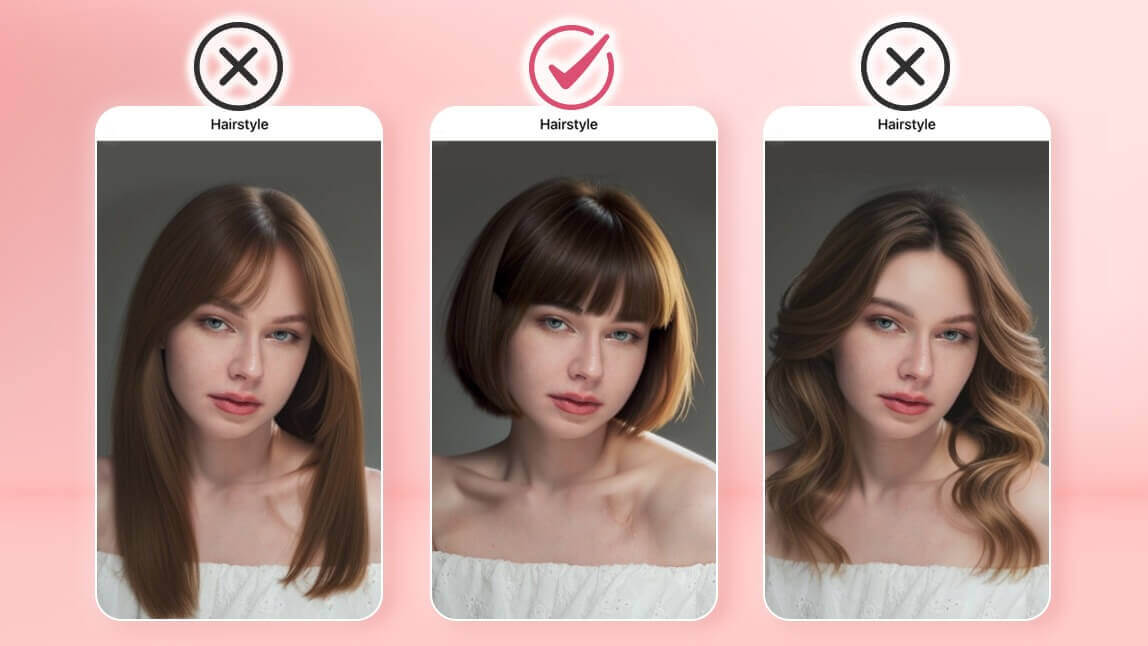
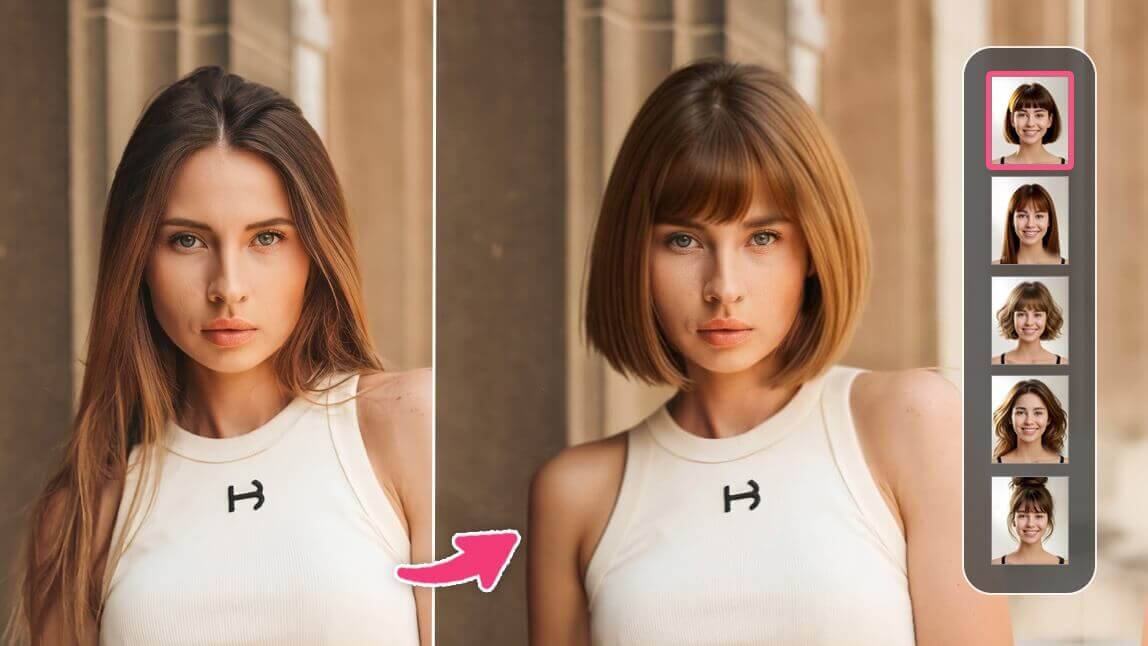
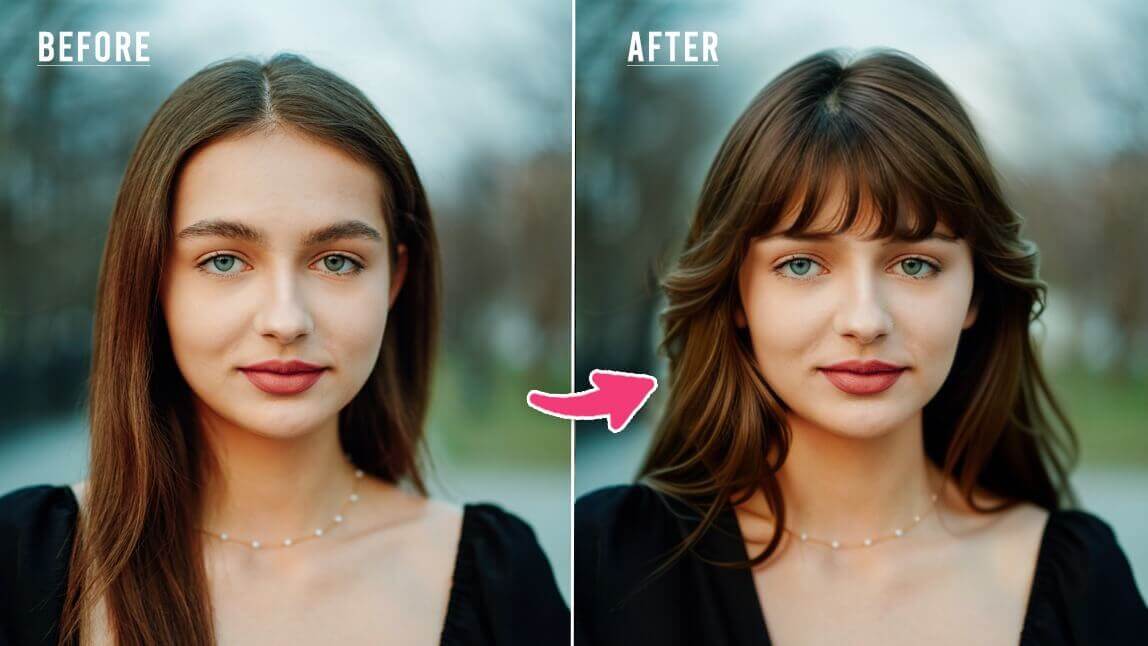
Author:


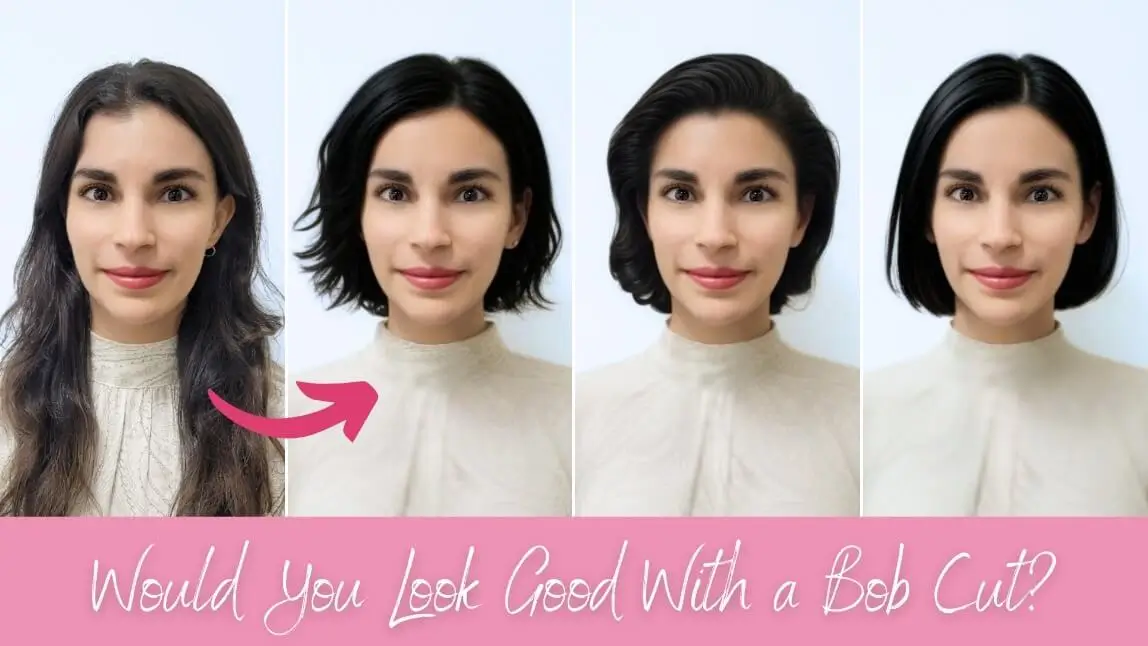
Ever wondered what you would look like with a bob cut? Now you can find out instantly with a bob haircut filter that lets you try on trendy bob haircuts for women. The popularity of these hair filters has skyrocketed on social media platforms like TikTok with people sharing their virtual transformations.
Now with virtual hairstyle try-on, you can preview how different bob haircuts suit your face with more style choices and AI precision. If you're thinking about going shorter, an AI hairstyle change is a fun and easy way to test the trend before making the cut.

How to Try Bob Haircut Filter with Virtual Hairstyle App
Trying on a bob haircut has never been easier because of virtual hairstyle apps like YouCam Makeup. Whether you want to test a classic bob or something more modern, here's how to do it.
- Step 1: Download the Best Free AI Hairstyle App
- Step 2: Try AI Hairstyle Feature
- Step 3: Try 10+ Bob Haircut Filters
Step 1: Download the Best Free AI Hairstyle App
Start by downloading a virtual hairstyle app that offers bob haircut filters. YouCam Makeup is one of the most popular options, available for both iOS and Android devices.
Step 2: Try AI Hairstyle Feature
Open the app and tap the AI Hairstyle tool and upload your photo. The hairstyle changer uses smart technology to apply realistic hairstyles to your face so you can preview different looks instantly.

Step 3: Try 10+ Bob Haircut Filters

You can try out multiple bob hairstyles in the app including:
- Classic bob cut
- Blunt bob
- Short bob
- Choppy bob
- Modern mid-part bob
- Slicked-back bob
- Bob cut wavy
- Curly bob
- Wavy bob with bangs
- Tousled bob
Apart from bob filters, the app offers 60+ hairstyle options, including mid-length and long hairstyles, as well as short styles like a pixie cut and a buzz cut.
Try Bob Haircut Filter Online with YouCam Online Editor
Prefer to skip the app download? You can also try a bob haircut filter online using YouCam Online Editor.
This browser-based tool lets you upload your photo and instantly preview various bob styles without any installations. It is perfect for trying out hair changes on the go or from your desktop.
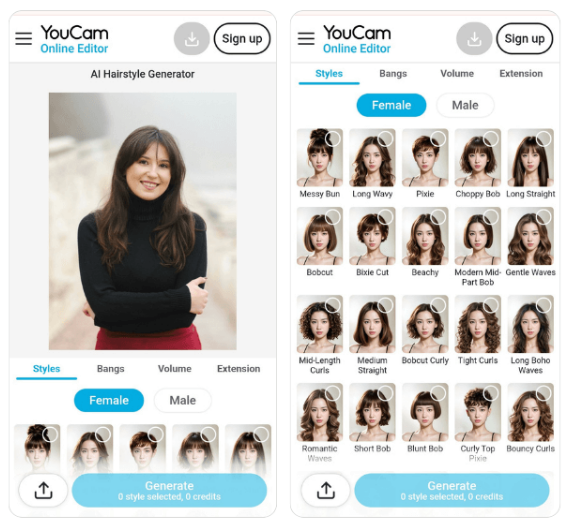
- Step 1: Visit the free YouCam Makeup Online Editor website in your browser
- Step 2: Click the Hairstyle feature from the editing toolbar
- Step 3: Upload a front-facing photo of yourself for best results
- Step 4: Browse different bob haircut styles and see how they look on you instantly