Author:


In today’s selfie-driven world, we all want to look our best in photos. If you’ve ever wondered how to make your forehead smaller or how to make your face look smaller, you’re in luck!
Thanks to advanced technology, a good face editing app can help you refine your selfies in no time. Whether it’s slimming your face, sharpening your jawline, reshaping your chin, or reducing a double chin, these tools make it easy to enhance your features. Let’s explore how you can achieve your ideal look effortlessly!

How to Make Your Forehead Smaller With AI Face Editor
If you’re looking for a way to achieve a smaller, more defined face, the best solution is using a powerful face editing app like YouCam Makeup. With its advanced AI face reshape feature, you can easily slim your face, refine your jawline, and enhance your facial structure—all from the comfort of home.
Here’s how YouCam Makeup can help you make your face look smaller effortlessly:
How to Make Your Forehead Smaller for Smaller Face
If you’re wondering how to make your forehead smaller, YouCam Makeup’s Head feature is the perfect solution. This tool allows you to subtly adjust and shrink your head size, giving your face a more balanced and proportionate appearance.

How to Slim Face by Adjusting Face Size
Looking for a reliable slimming face app? YouCam Makeup’s Face Reshape feature is your go-to tool. With the Size option, you can easily adjust and slim down your face while maintaining natural symmetry. It’s the perfect way to refine your facial features and achieve a smaller, more balanced look.

How to Sharpen Jawline for Smaller Face
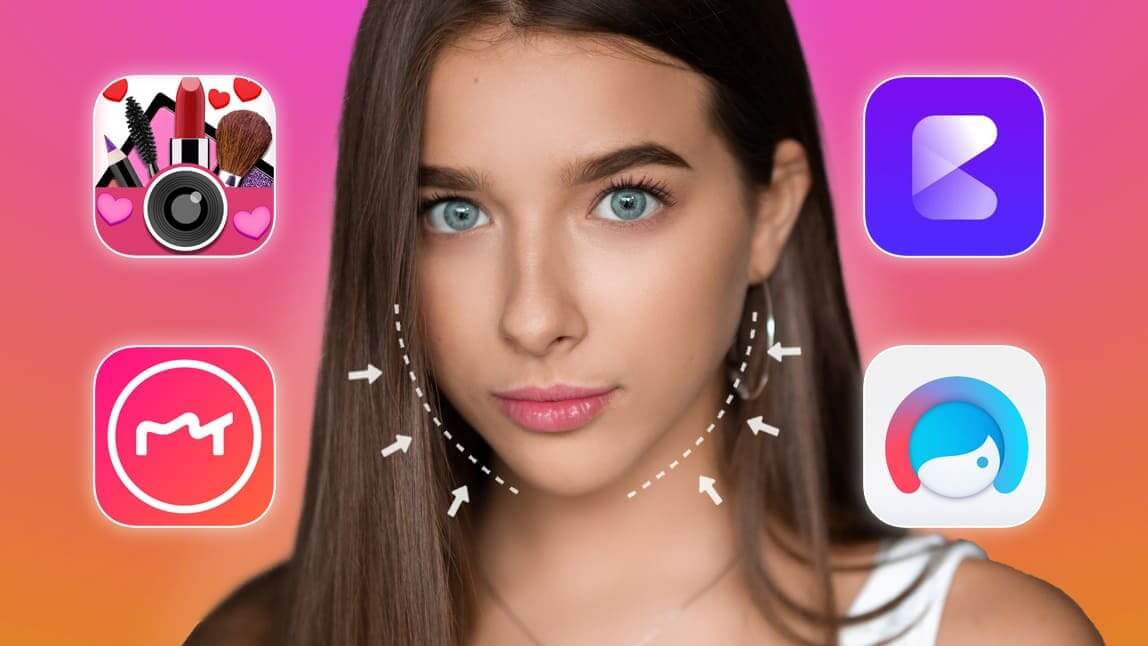
Achieving a sharp jawline and a smaller face has never been easier, thanks to YouCam Makeup. The "Jaw" feature allows you to define and reshape your jawline effortlessly, making it sharper and more refined. By adjusting the chin line, this tool creates the illusion of a smaller and more sculpted facial structure.

How to Edit Chin Shape for Skinny Face
Struggling with chin fat? The "Chin Shape" feature is here to help. This tool lets you reshape and resize your chin to enhance definition and symmetry, giving your face a sharper, more polished look.

How to Remove Double Chin to Get Rid of Chin Fat
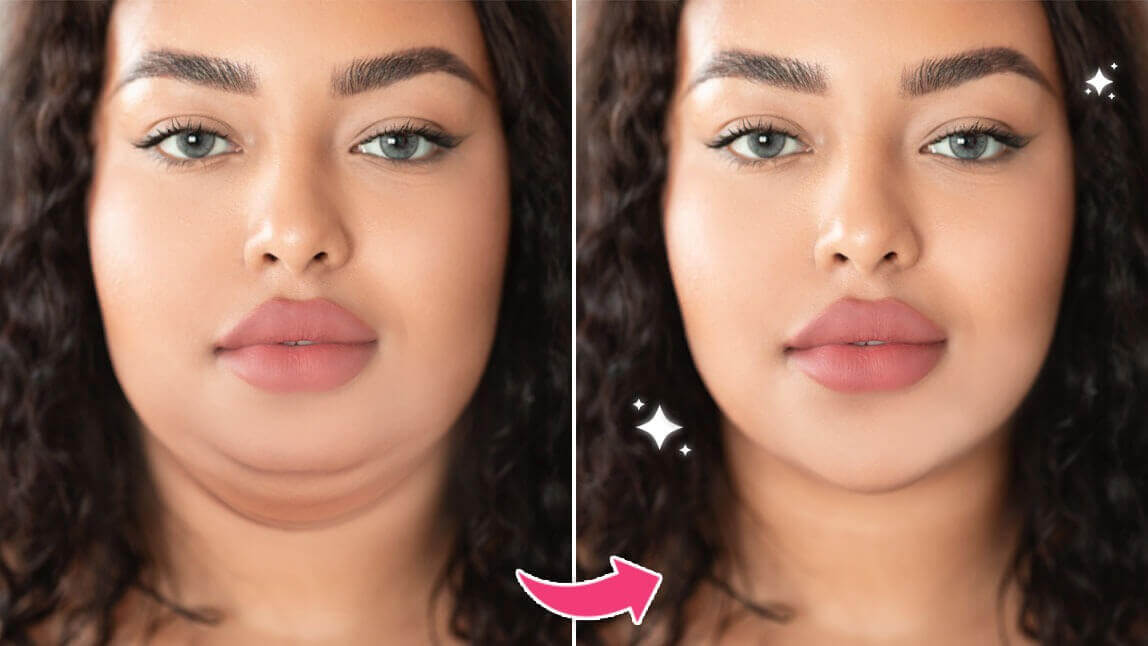
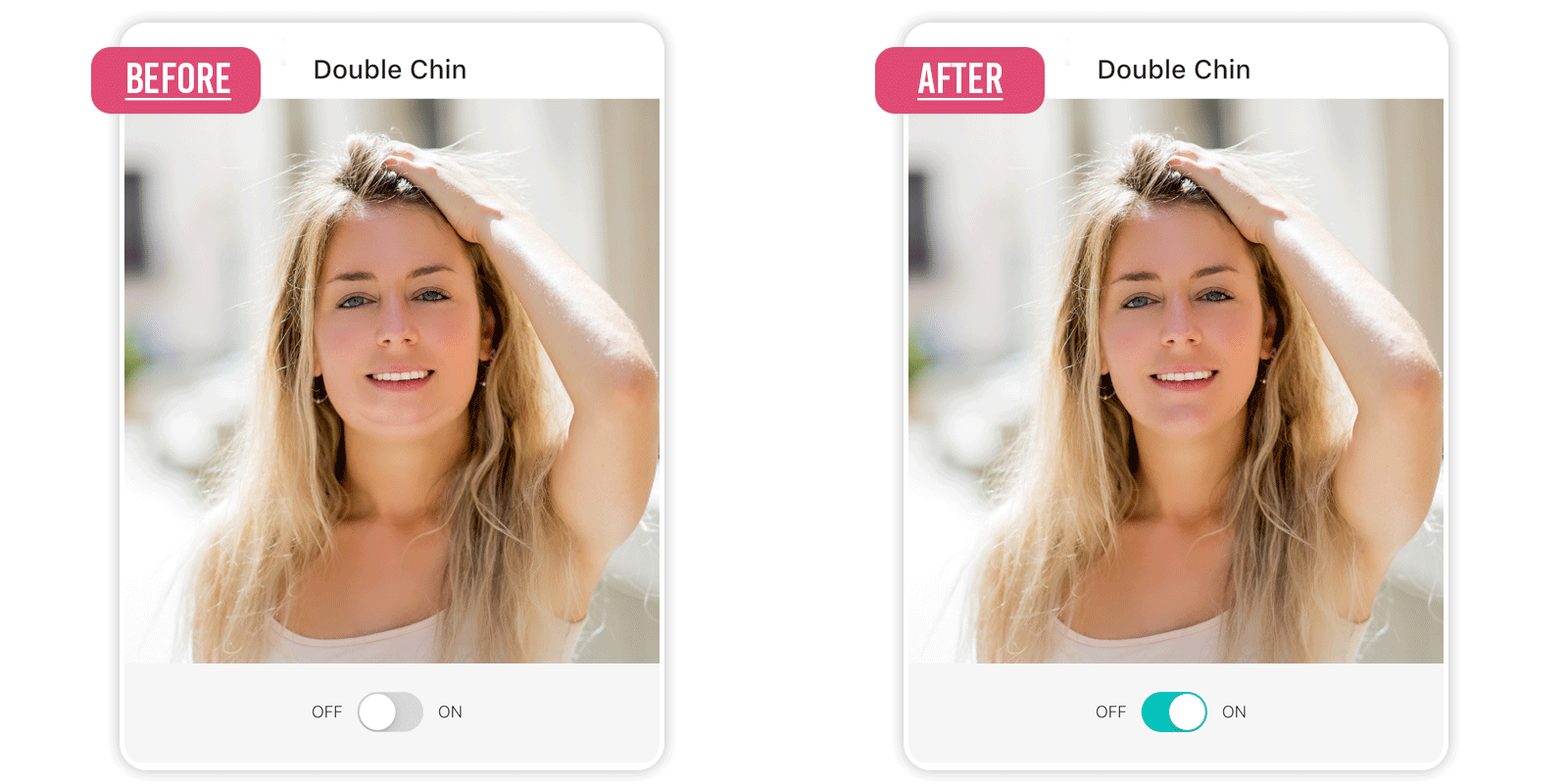
For those dealing with a double chin, YouCam Makeup offers a dedicated "Double Chin" feature under Retouch. This AI-powered tool slims down your entire face, including your double chin, for a naturally contoured appearance.
Best Face Editing App to Make Face Smaller in Photos
If you’re looking for a way to make your forehead smaller or make your face look smaller, YouCam Makeup is the perfect slimming face app. With its user-friendly features, you can easily adjust your face size, sharpen your jawline, refine your chin shape, eliminate double chin, and even shrink your head size. Whether you’re after a more defined look or simply want a smaller face, YouCam Makeup makes achieving your desired look fast and effortless.

More Face Reshape Ideas
- How to Remove Double Chin in Photos Free
- Slim Your Face in Photos Instantly With Face Slimming App
- How to Slim Your Face in Photos for Free