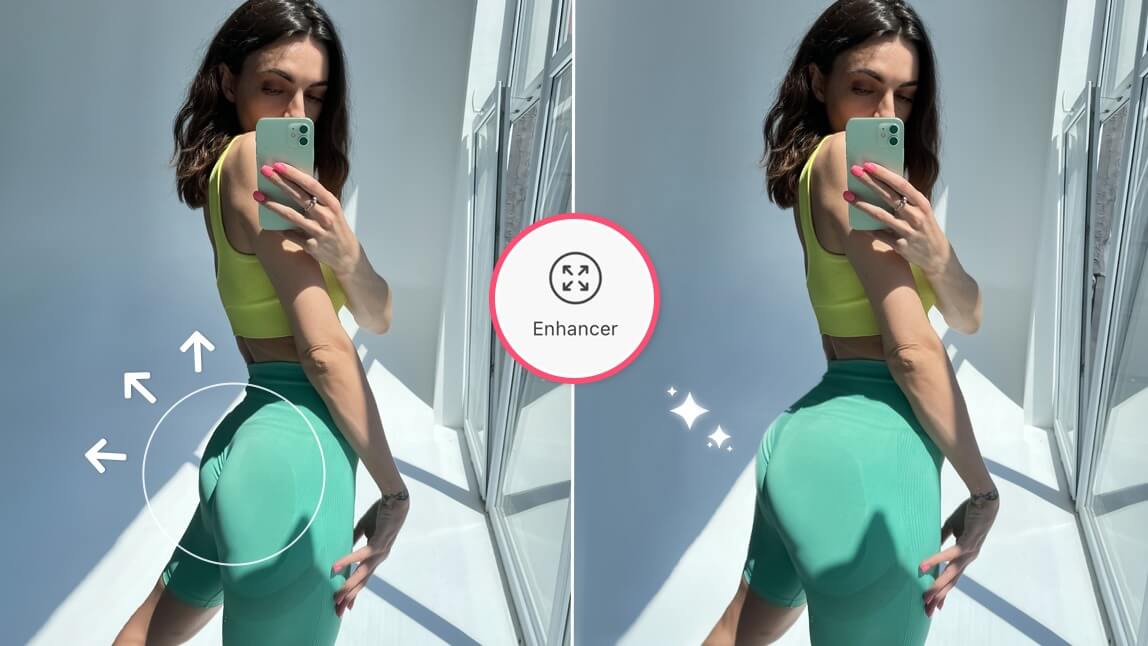
Author:


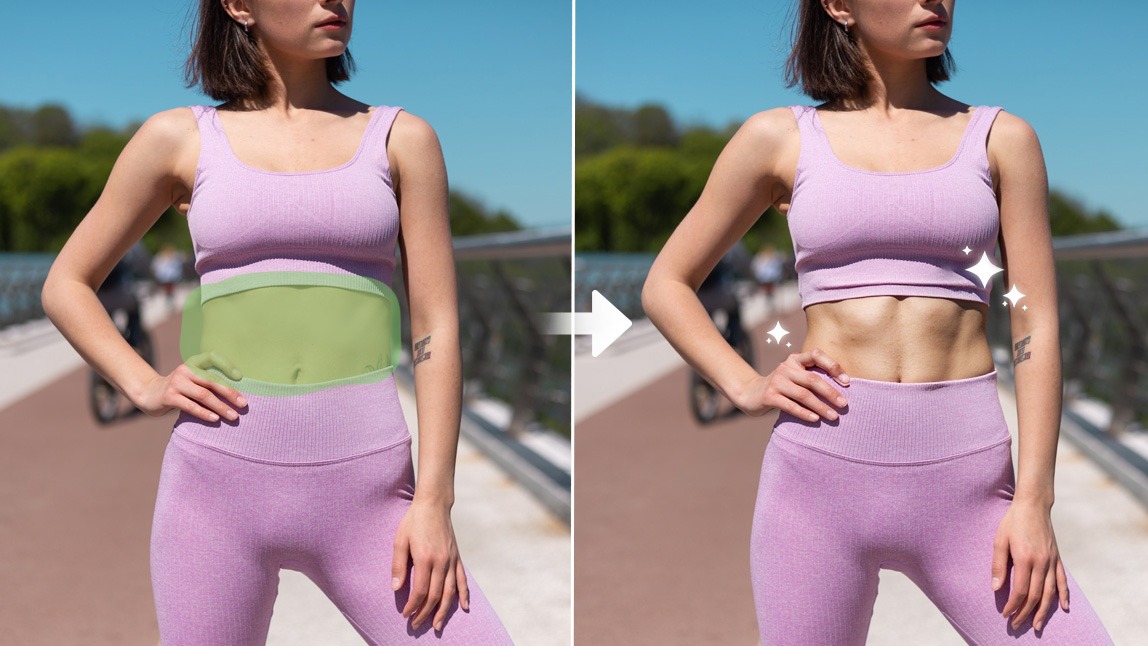
We’ve all seen those Instagram posts where someone seems to have been living at the gym. Perfectly defined abs, golden lighting, and a pose that says, "I woke up like this". The truth? Sometimes those abs are not the result of endless crunches but a little editing magic.
With a six pack filter, you can add abs to a photo instantly. Whether you want to test a new fitness look, enhance your beach shots, or simply have fun with your photos, YouCam Makeup’s six pack photo editor makes it super easy.
What Is a Six Pack Filter?
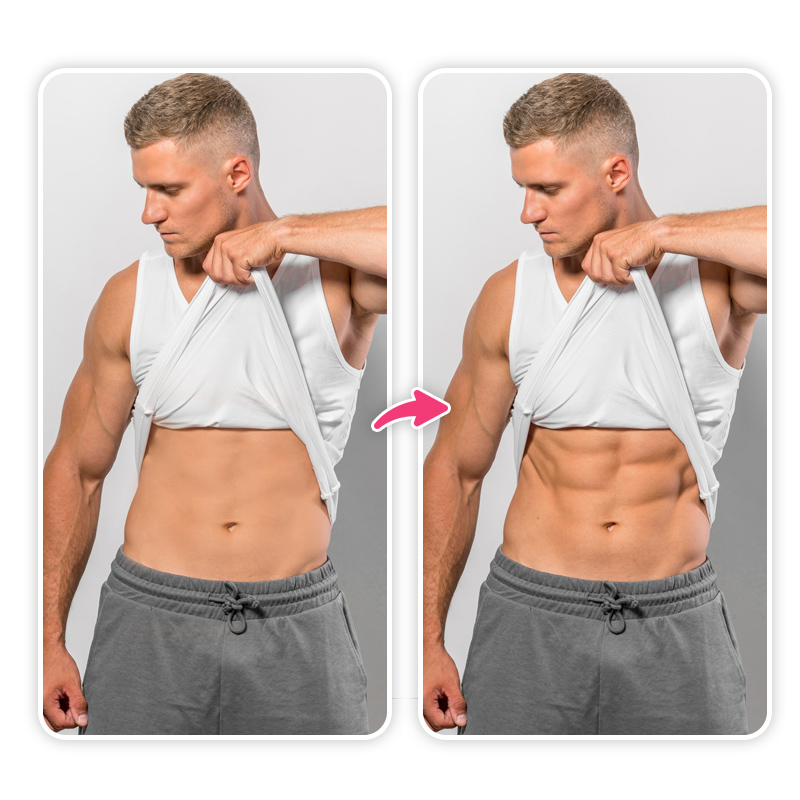
A six pack filter is a digital editing effect that adds realistic abdominal muscles to your body in photos. Instead of spending months in the gym for that shredded look, you can instantly preview what defined abs would look like on you.
The best part? You are in control. You can adjust the level of definition, shape, and placement so the results look natural and fit your body shape.
Best Abs Photo Editor with Realistic Six Pack Filter
If you want a realistic abs filter that looks like it belongs in your photo, YouCam Makeup is the top choice. Here’s why it stands out as the best six pack photo editor:
- Hyper-realistic abs effect that blends seamlessly with your skin tone and lighting
- No distortion to the rest of your body or background
- Extra body editing tools like waist slimming, arm toning, and leg reshaping
- Free to try with premium options for more customization
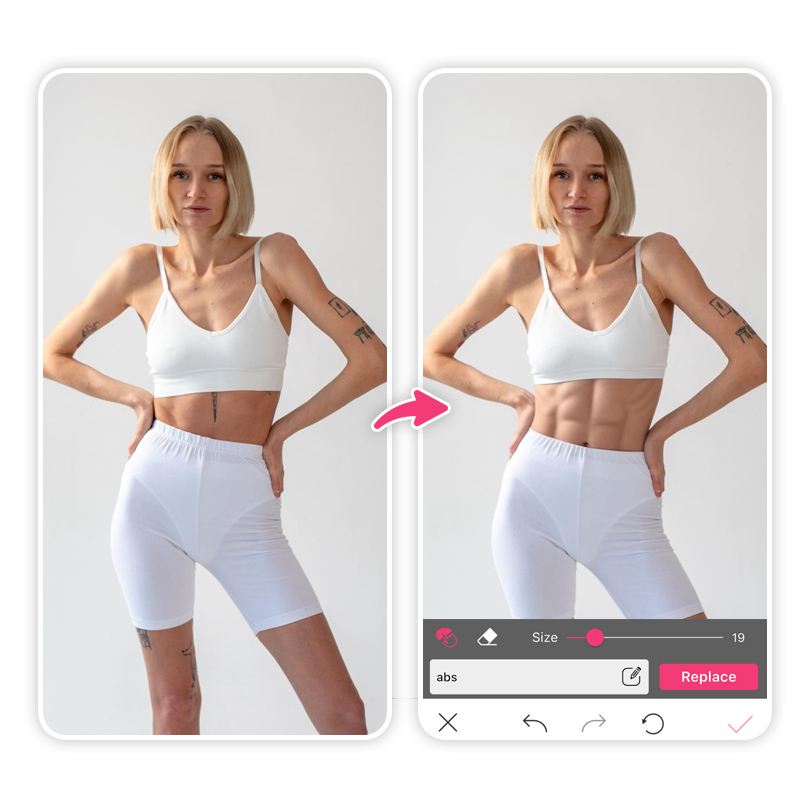
YouCam Makeup’s AI body editor ensures that your results look professional, whether you are going for a subtle definition or a competition-ready six pack.
How to Add Abs to a Photo with Six Pack Filter
With YouCam Makeup, you can create a toned, sculpted look with AI in just a few taps.
- Step 1: Download the Best Six Pack Photo Editor
- Step 2: Upload Your Photo
- Step 3: Try the Abs Filter
- Step 4: Describe Your Toned Look
- Step 5: Save and Share
Step 1: Download the Best Six Pack Photo Editor
Download the YouCam Makeup app from the App Store or Google Play to start editing your photos with the six pack filter.
Step 2: Upload Your Photo
Open the app and upload the photo where you want to add abs. Beach photos, workout shots, or even casual selfies work great.
Step 3: Try the Abs Filter
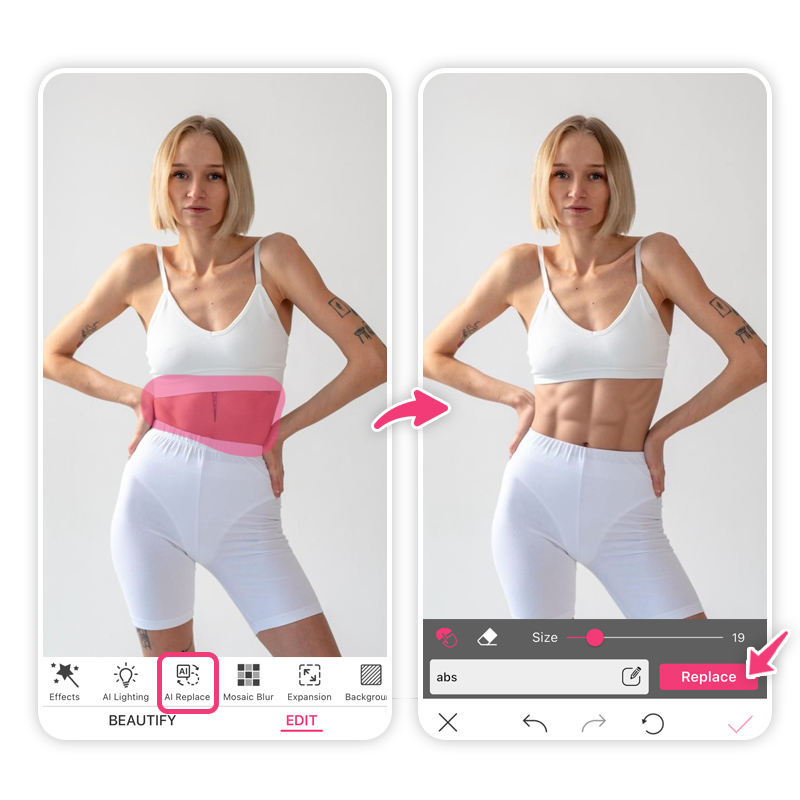
Go to the AI Replace feature in the editing menu. Use the brush tool to highlight your stomach area to add a six pack.
Step 4: Describe Your Toned Look
Type in a prompt to add abs to your photo such as ‘ six pack’ or ‘ toned abs’.
Step 5: Save and Share
Once you’re happy with your new abs look, save the photo to your device and share it on social media!
More Than Just Abs: Full Body Editing in YouCam Makeup
The six pack filter is just one of the many body editing tools in YouCam Makeup. You can:
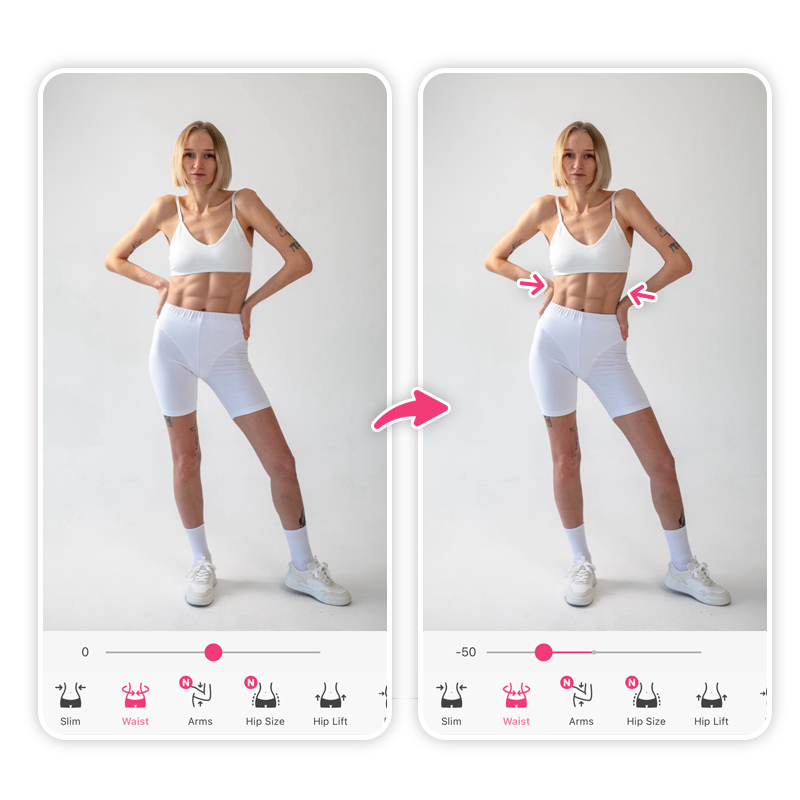
Slim Your Waist
Create a more defined waistline by adjusting proportions for a flattering silhouette.
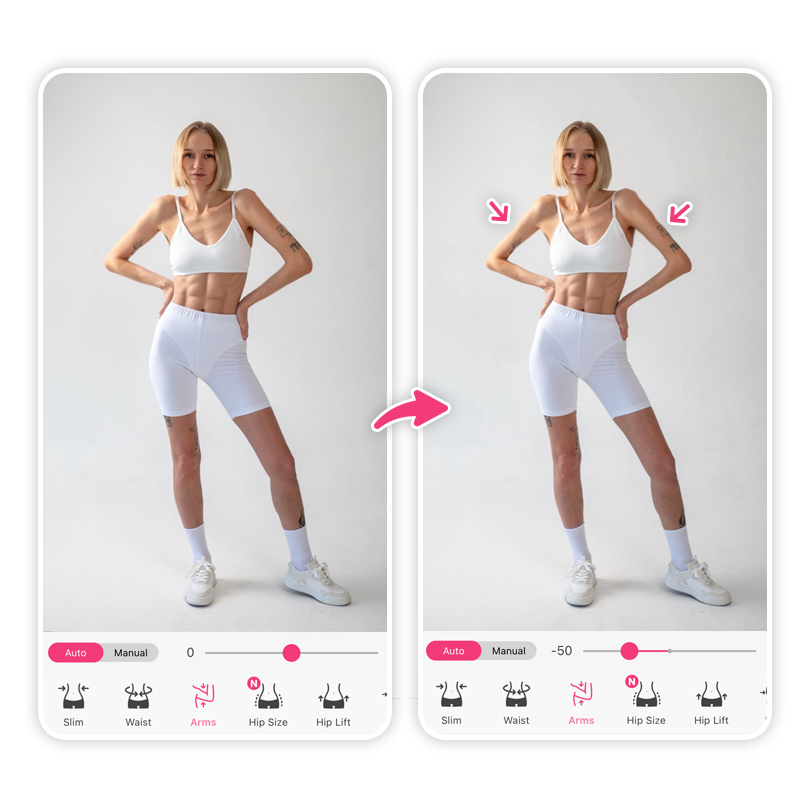
Shape Your Arms
Refine arm shape and smooth out any uneven areas for a toned appearance.
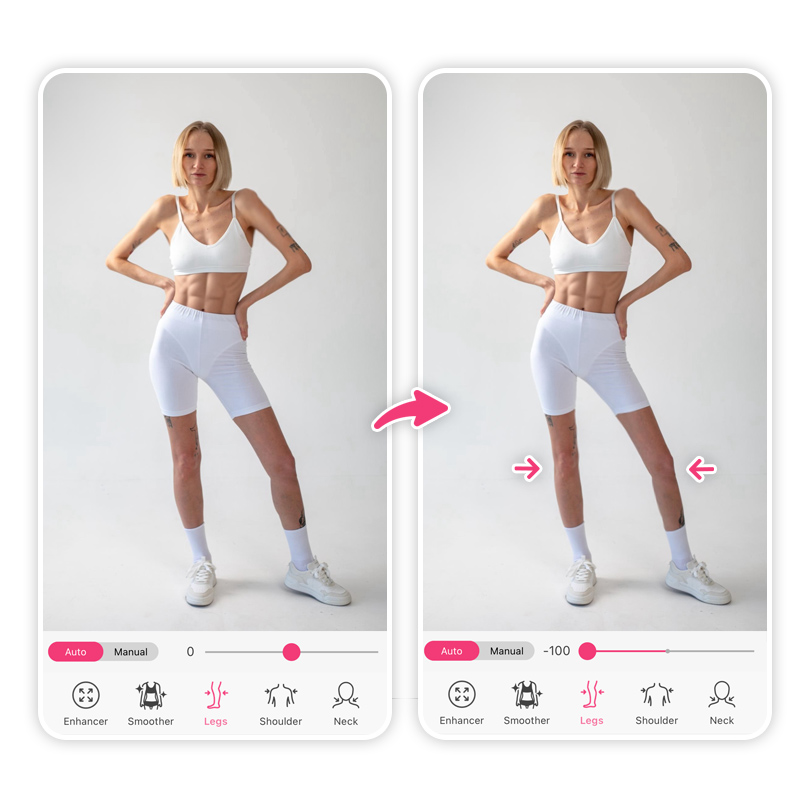
Enhance Your Legs
Lengthen or slim legs to match your desired look, perfect for outfit and swimsuit photos.
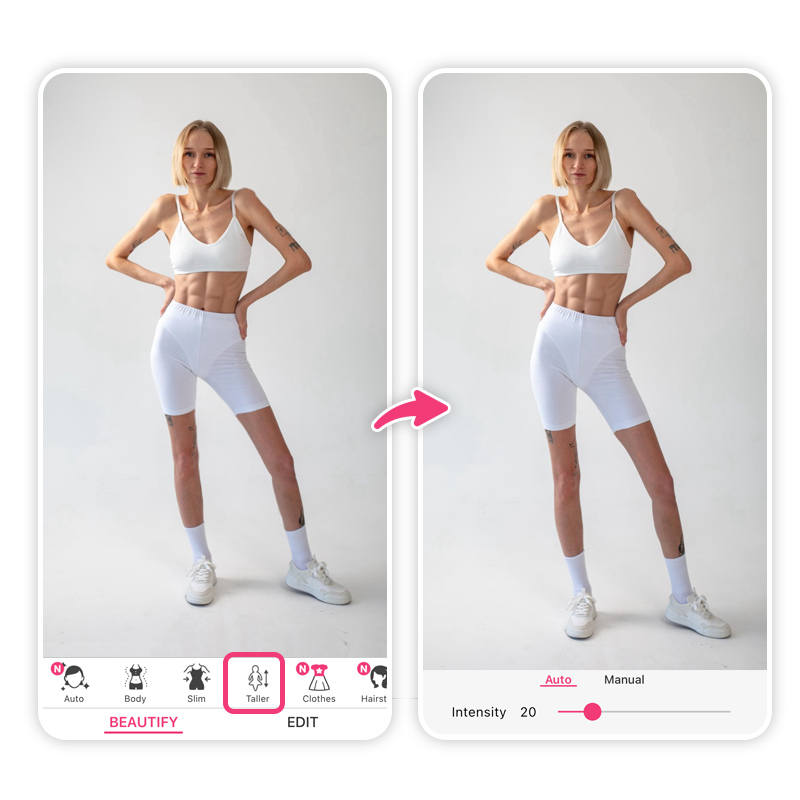
Make Yourself Taller
Instantly add height to your photo for a proportionally longer, leaner appearance.
Try the Abs Filter Without the Gym Commitment
A six pack filter is your shortcut to achieving gym-level abs without the hours of training. YouCam Makeup gives you a realistic, customizable way to add abs to a photo, plus a full set of body reshaping tools for your ideal look.
Next time you want to post that flawless beach shot, give the six pack photo editor a try and see just how fun and easy it can be.
About the Editors
The PERFECT Corp. Editorial Team
We are a team of experts on photo and video editing apps. Our goal is to deliver engaging content on everything from stunning selfie edits to eye-catching video effects. We cover the latest trends and share niche tips to help you master digital creation.