Author:


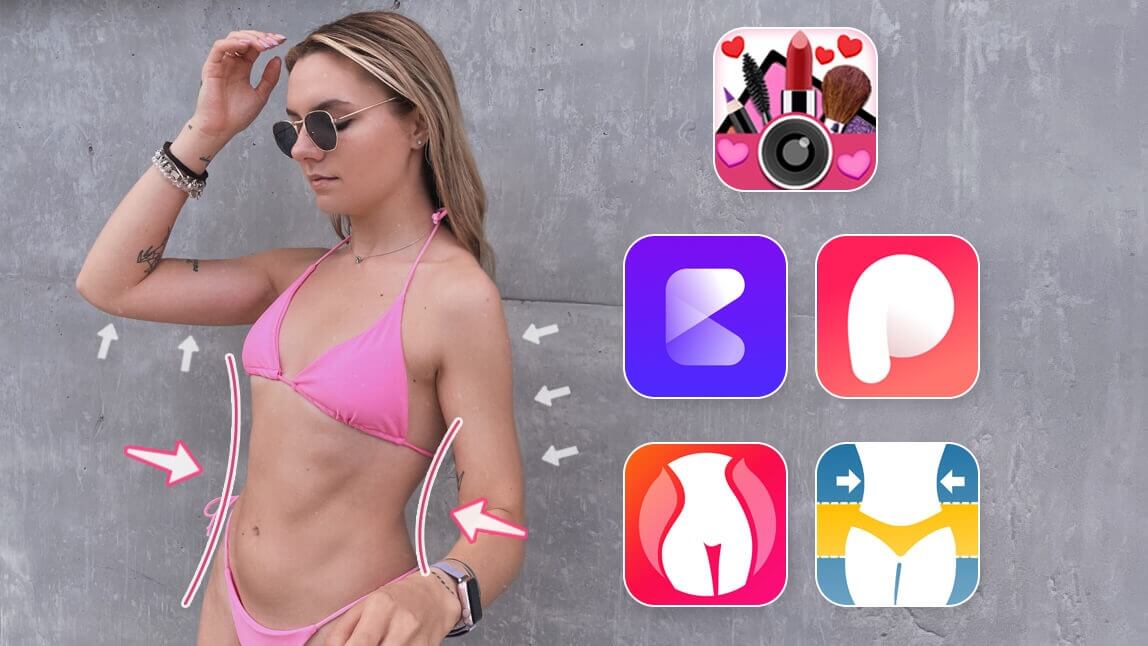
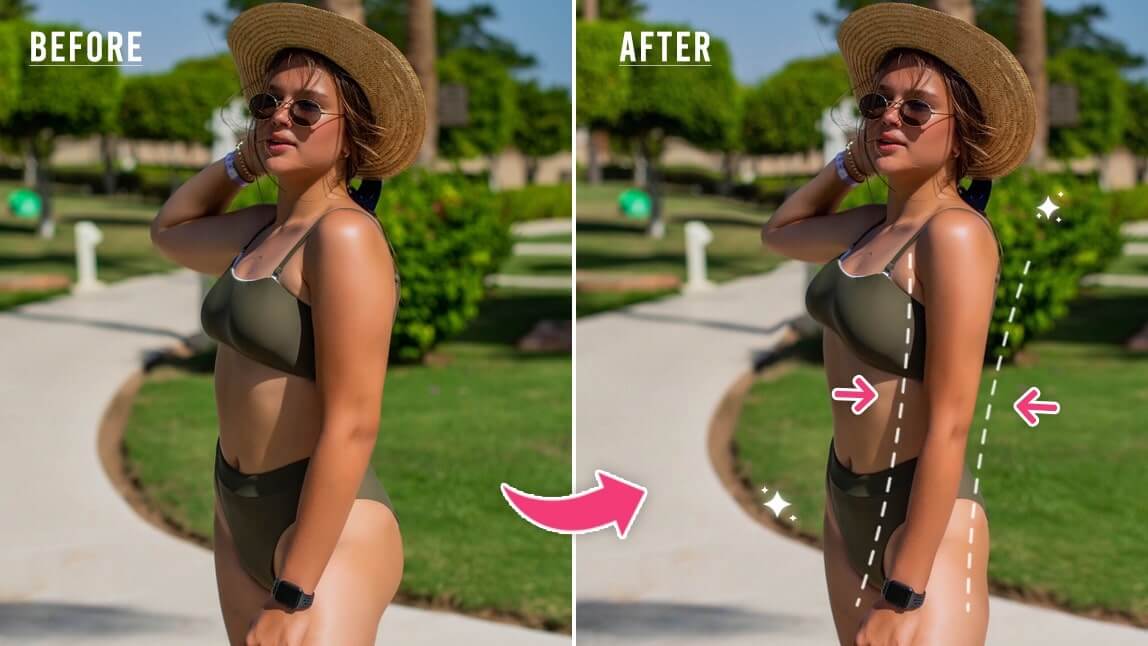
Want to reshape your body in pictures effortlessly? Whether you want to enhance curves, slim your waist, or make subtle adjustments, a body photo editor is the perfect tool. With the right photo editing tool, you can change body shape in photos naturally while keeping the background intact.
We’ll show you how to use a free AI body editor app to reshape your body in pictures and achieve picture-perfect results in just a few taps!

Best Photo Body Editor to Edit Body in Photos
YouCam Makeup is more than just a selfie editing app. It’s a complete body photo editor designed to help you look and feel your best from head to toe, while using AI technology to keep edits looking natural. Read on to discover some of the app's best body editing features.
- Body Editor App with Auto-Detection
- Breast & Hip Adjustment with Auto-Detection
- Arm Slimming with Auto-Detection
- Leg Slimming with Auto-Detection
- Make Yourself Taller in Photos
- Edit Body with Manual Controls
- Avoid Background Distortion
Best Body Editor App With AI Auto-Detection

YouCam Makeup's Body Tuner feature allows you to enhance and slim any body parts in your photo, all with a few simple taps. Here's an overview of all body editing features in YouCam Makeup:
- Enhancer
- Slim
- Waist
- Arms
- Legs
- Shoulder
- Neck (iOS only)
- Chest (iOS only)
- Legs
- Width (iOS only)
- Hip (iOS only)
- Taller
- Protection
Breast & Hip Adjustment (AI Auto-Detection)
Easily edit your breast and hip size with YouCam Makeup's "Chest"* and "Hip"* tools! The app automatically detects the relevant areas in your photo. Then you can use the slider bar to edit your body according to your needs. (*Available for iOS only)

Arm Slimming (AI Auto-Detection)

You can transform the shape of your arms with the "Arms" feature. The app automatically detects your arms. Then you can use the slider bar to make them slimmer or more muscular.
Leg Slimming (AI Auto-Detection)
Easily slim your legs with the "Legs" feature. The app automatically detects your legs. Then you can use the slider bar to make them slimmer or bigger.

Make Yourself Taller in Photos
You can use YouCam Makeup's "Taller" feature to make yourself look taller in photos. Simply adjust the side icons for accurate body proportions and then adjust your height with the slide bar.

Slim Body with Manual Controls
Apart from the Body Tuner tool, you can also use the Slim tool to easily reshape your body in photos with precise manual controls.

Avoid Background Distortion
To avoid background distortions while editing your body, make sure to use the app's "Protect" feature, to avoid any unwanted background distortions.

How to Slim Body in Photos With the Best Body Editing App
YouCam Makeup is the best body editing app for Android and iPhone. Its extensive body editing features are incredibly easy to use. Here’s how to get started:
- Step 1: Download the Best Body Editing App
- Step 2: Upload Your Photo for Body Reshaping
- Step 3: Enhance or Slim Body
- Step 4: Save the Photo
Step 1: Download the Best Body Editing App
Start by downloading the free YouCam Makeup app, available for both iOS and Android.

Step 2: Upload Your Photo
Select the Body Tuner feature, then open the image that you wish to edit.
Step 3: Enhance or Slim Body
Use the Enhancer and Slim tool to manually edit your body or let the auto-detect features do the work for you and just the easy slider bar to edit your body.

Step 4: Save the Photo
Then, you're ready to save your photo! Tap the Save button on the top right to export the picture to your phone.
Download the Body Photo Editor to Edit Body in Pictures
Achieving your ideal look in photos has never been easier with a reliable photo body editor. Whether you want to slim, shape, or retouch, the best body retouch app gives you effortless control to enhance your selfies while maintaining a natural appearance.
Download YouCam Makeup today and discover how simple it is to refine your photos to perfection!
More Body Editing Tips
- 5 Best Body Slimming Apps for iPhone and Android
- How to Edit Legs in Pictures
- How to Make Arms Slimmer in Photos