 Author:


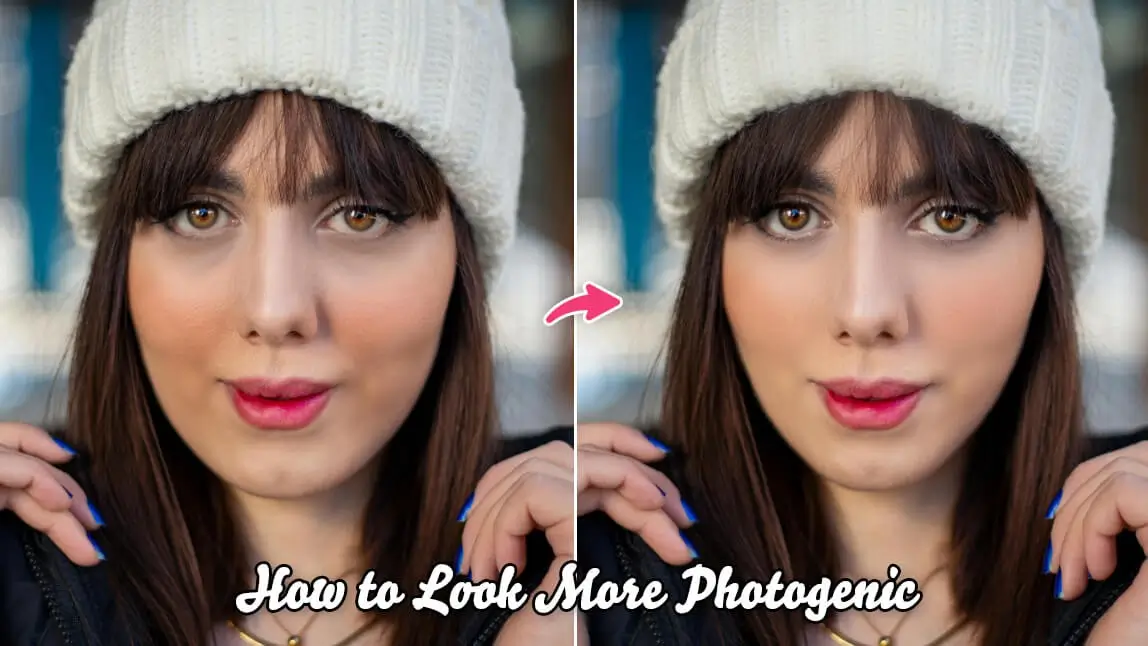
The quickest way to look better in photos is to combine three things at once: shoot from slightly above eye level, face a soft natural light source, and relax your expression instead of forcing a smile. Ever taken 20 photos and still thought, why do I look different in pictures? If you’ve been searching for how to look good in photos, you’re not alone. Cameras flatten features, lighting can wash you out, and angles can completely change how your face looks.
The good news is that looking better in pictures is not about being more photogenic. It is about knowing a few smart techniques and using the right tools. In this guide, you’ll learn practical tips on how to look better in pictures, how to make selfies look better, and how AI tools like YouCam Makeup can help enhance your natural features without overediting.

Best Makeup & Face Retouch App
The #1 Virtual Makeover & Selfie Camera App.
Experience real-time AR makeup trials.
Top 10 Tips to Look Better in Pictures
1. Find Your Best Angle
If you want to know how to look good in photos, start with angles. Most people look best when the camera is slightly above eye level. This helps define your jawline and opens up your eyes.
Avoid holding the camera too low, which can create unflattering shadows. Turn your face slightly to the side instead of facing the camera straight on. Even a small head tilt can add dimension and make your photo look more natural.
Tip: Take a few test shots from different angles and save the one that works best for you.
2. Use Natural Light Whenever Possible

If you are outdoors, avoid harsh overhead sunlight. Soft morning or late afternoon light gives a smoother and more flattering effect.
If lighting is not ideal, you can use YouCam Makeup to subtly adjust brightness and skin tone while keeping your photo realistic.
3. Relax Your Face and Soften Your Expression
A stiff smile rarely looks natural. Instead of forcing a big grin, relax your jaw and think of something that genuinely makes you happy.
For selfies, try slightly parting your lips or giving a soft smile. This small adjustment can instantly make selfies look better and feel less posed.
If your expression looks off in an otherwise great photo, YouCam Makeup’s AI Expression tool can help refine your smile naturally.
4. Master the Art of Posture
Posture changes everything. Stand or sit up straight, roll your shoulders back slightly, and elongate your neck. Good posture makes you look more confident and improves your overall silhouette in photos.
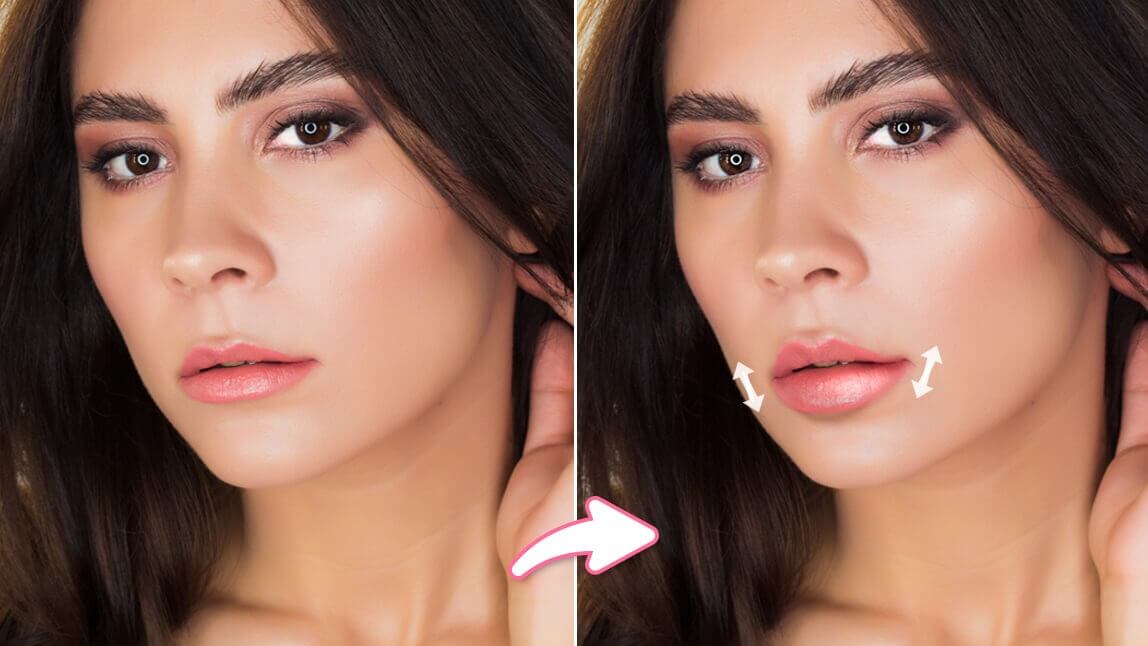
If you want a subtle boost, YouCam Makeup’s AI Facelift feature can gently lift and define facial contours to enhance your natural structure without looking fake.
5. Use AI Facelift for Subtle Definition
One of the easiest ways to look better in pictures is refining facial structure without overediting. YouCam Makeup’s AI Facelift feature helps:
- Define your jawline
- Smooth and lift facial contours
- Enhance natural symmetry
- Create a more sculpted appearance

6. Pay Attention to Background and Framing
Cluttered backgrounds distract from your face. Choose clean, simple settings whenever possible.
If your background is messy, a photo editing app lets you blur or replace it easily. A clean backdrop instantly elevates your photo and makes you stand out.
 Framing tip: Keep your face centered and leave a little space above your head for balance.
7. Use Makeup Filters That Enhance, Not Overpower
Heavy filters can make photos look unnatural. Instead, use soft makeup filters that enhance your features.

With YouCam Makeup, you can:
- Add subtle contour and highlight
- Enhance lashes and brows
- Smooth skin while keeping texture
- Adjust lip color naturally
These small edits can make selfies look better without screaming edited.
8. Fix Minor Imperfections Quickly
Sometimes a photo is perfect except for one small detail. Instead of deleting it, use retouch tools to fix blemishes, adjust shine, or brighten under eyes.

Quick corrections can turn a good photo into a great one while keeping everything realistic.
9. Choose the Right Hair and Color
Your hairstyle frames your face, which directly impacts how good you look in photos. If you are unsure whether a haircut or hair color suits you, try it virtually first.
YouCam Makeup’s hairstyle try on and hair color changer let you experiment before committing. The right style can dramatically improve your confidence and how you appear on camera.

10. Edit with Intention, Not Perfection
The goal is not to look like someone else. It is to look like the best version of yourself.
When using editing tools:
- Keep adjustments minimal
- Avoid over smoothing skin
- Maintain natural proportions
- Focus on lighting and balance
Subtle enhancements go much further than extreme filters.
Final Thoughts: Confidence Is the Real Secret
If you’ve been wondering how to look good in photos, remember that technique and small refinements matter more than perfection. Angles, lighting, posture, and subtle AI enhancements can make a huge difference.
With tools like YouCam Makeup’s AI Facelift, makeup filters, and hair try on features, you can confidently polish your photos while still looking like yourself.
The next time you take a selfie, try these tips and make small adjustments instead of deleting the shot. You might be surprised at how good you already look.
Best Makeup & Face Retouch App
The #1 Virtual Makeover & Selfie Camera App.
Experience real-time AR makeup trials.