Author:


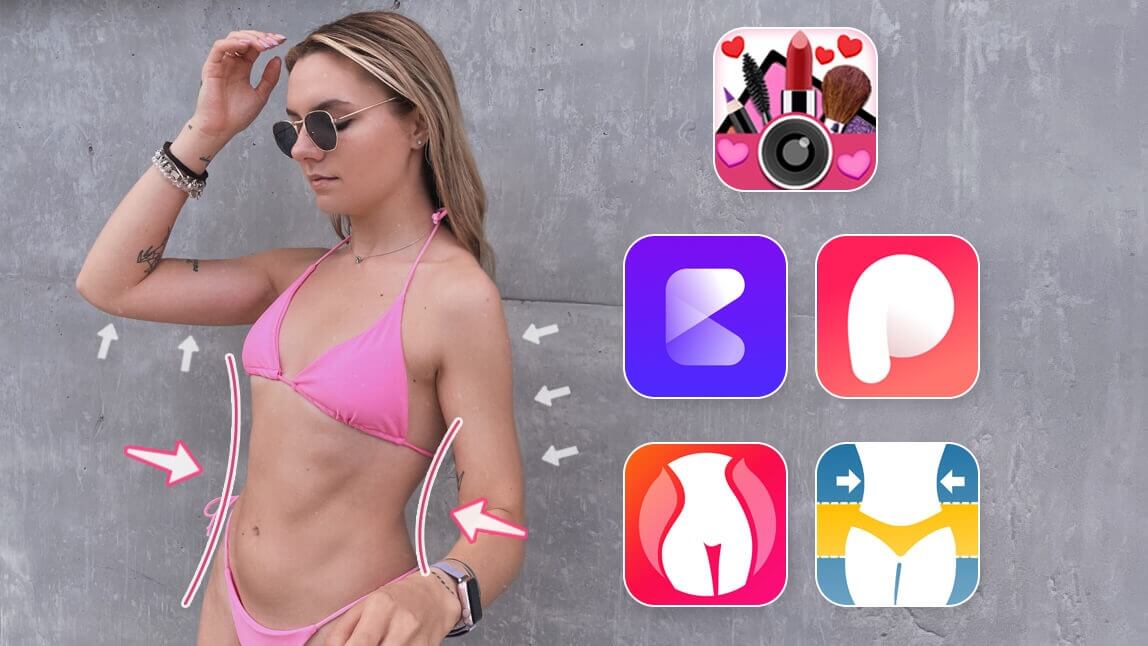
Want to edit your body in a photo without warping the background? A powerful body editing app can help you reshape and enhance your figure with natural, seamless results. Whether you're looking to slim your waist, enhance curves, or fine-tune proportions, the right AI body editor makes it easy to reshape your body while keeping the background distortion-free.
In this article, we’ll show you the best AI body editor to refine your photos effortlessly and confidently. Get ready to transform your pictures with pro-level results that still look like the real you!

Best AI Body Editor to Slim and Reshape Body in Photos
When it comes to finding a reliable and user-friendly AI body editing app, YouCam Makeup stands out as one of the best in 2025. With its powerful body editor tool, you can easily reshape, slim, and enhance your body in photos—while keeping everything looking natural and distortion-free.

Photo Body Editing with AI Background Protection
YouCam Makeup's body editor tool is designed to edit your body without distorting the background, so your photos look seamless.

With just a few taps and swipes, anyone can adjust their body shape with ease thanks to its intuitive design and helpful tools like Protect which locks in those changes while still allowing further edits elsewhere on their figure.

No more distorted backgrounds or wonky proportions - this app is your ultimate solution to all your body editing needs. Whether you want to slim down your waist or add a little extra oomph to your curves, the YouCam Makeup has got you covered.
Targeted Body Editing for Arms, Legs, Waist, and More

YouCam Makeup's Waist, Slim, Arms, and Legs features make it a great body editing tool. It also allows you to customize your pictures quickly and with ease, giving you excellent results in no time at all.
Learn more about all of YouCam Makeup's body editing features here.
How to Edit Body in Photos without Distortion
With the YouCam Makeup, you can easily adjust your photos to look like the best version of yourself. Here’s how you can use the AI body editor to reshape your body in a photo without background distortion:
- Step 1: Download the Best Body Editor App
- Step 2: Select Photo to Edit Body
- Step 3: Use Protect Tool
- Step 4: Adjust the Body Shape
- Step 5: Save and Share
Step 1: Download the Best Body Editor App
The first step is to download and open the YouCam Makeup app on your phone. This app is available free for Android and iPhone.
Step 2: Select Photo to Edit Body

Once you open the app, tap Body Tuner and select a photo from your camera roll.
Alternatively, you can also tap Photo Edit, select a photo and then tap Body Tuner to start editing!
Step 3: Use Protect Tool on Body Edits

The Protect tool is an important part of editing body shape with this app because it prevents having distorted background when adjusting your body line.
To use this feature, simply brush around the area that you want to stay unchanged while still allowing for adjustments elsewhere on your figure. This will help keep everything looking natural when making edits.
Step 4: Adjust Body Shape on the Photo

Now comes the fun part—adjusting your body shape! Using tools like Enhancer, Slim, Waist, Arms and Legs, you can customize your figure however you like.
Use the sliders and adjustment tools to fine-tune your changes. AI tools make it easy to achieve a subtle, realistic effect by keeping the background intact while you enhance your body shape.
Step 5: Save and Share Your Edited Photo
Once you’re happy with the edits, save your photo directly to your device or share it on social media. The AI body editor preserves photo quality and background integrity, so your final image looks smooth and professional.
Download the Best AI Body Editor to Slim and Edit Body Shape
Editing your body in a photo is easier than ever with the right body editing app. YouCam Makeup offers an advanced yet easy-to-use AI body editor that helps you reshape, slim, and enhance your body in photos—all without distorting the background.
Ready to perfect your photos? Download YouCam Makeup, the best AI body editing app, and start editing with confidence today!