Author:


Want to sculpt your features and enhance your selfies? A contour filter is the easiest way to define your face shape without makeup. Whether you're new to contouring or just want a quick beauty boost, a contour filter app can highlight your best features instantly. With smart, AI face retouch tools, you can try different contour styles and find the perfect look fast.

Best Contour Filter App with 40+ Contour Filters & Patterns
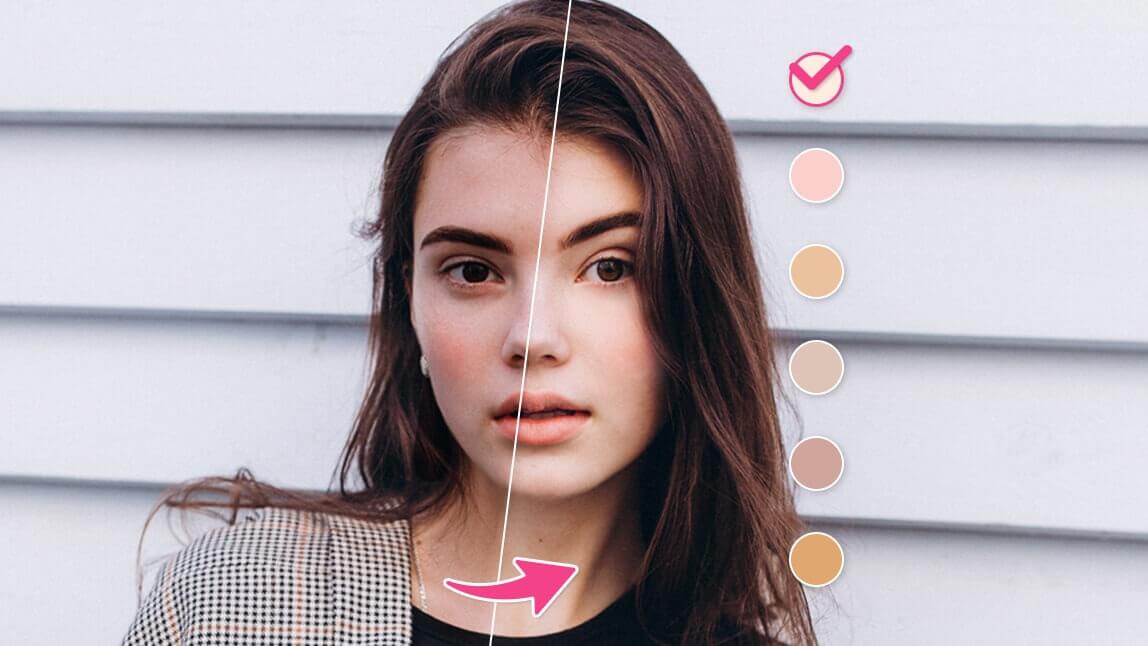
YouCam Makeup is the ultimate contour filter app for anyone who wants to level up their selfies with flawless face definition. With over 40 contour filters and highlight combinations and 5 unique contour patterns, this app makes it easy to find your perfect sculpted look.

Thanks to its smart AI technology, YouCam Makeup maps your face shape with precision, so you can experiment with virtual contour filters that truly flatter you. Plus, it’s packed with other fun makeup features like virtual lip color, eyeshadow, and more to complete your glam.
Want to take your look even further? YouCam Makeup also includes one-tap AI face editing tools to slim your face, plump your cheeks, and define your jawline for natural, camera-ready results every time!
How to Contour Face for Your Face Shape With a Contour Filter App
Want perfect contouring for your selfies? Follow these steps to contour your face in photos easily.
- Step 1: Download the Best Contour Filter App
- Step 2: Select Contour Filter
- Step 3: Select Contour Filter Color
- Step 4: Select Contour Filter Pattern
- Step 5: Save the Photo
Step 1: Download the Best Contour Filter App

To try contour filters, start by downloading the YouCam Makeup app. It's completely free to download and available on both iPhone App Store and Android Google Play.
Step 2: Select Makeup Contour Filter

Next, open the YouCam Makeup app, tap Photo Edit, and choose the photo you want to edit from your phone.
On the editing feature room, select Makeup and tap Face. Scroll through the options to find Contour.
Step 3: Choose from 40+ Contour Filters

Under Contour, choose the contour color that best complements your skin tone first.
The YouCam Makeup app offers more than 40 contour makeup shade options to try easily on your photos. Users can also change the highlight color to get the best contour filter effect.
Step 4: Select Contour Pattern

After picking the best contour color, tap Pattern to experiment with 5 different contour styles that looks the best for your face shape. You can also easily adjust the contour makeup intensity with a slider bar.
Step 5: Save the Photo
Save your edited selfie with a perfectly natural contour effect! You can also smooth your skin, add eye makeup, enhance lip color, and adjust your face shape easily all with the YouCam Makeup selfie app.
Contouring for Different Face Shapes
Aside from learning to add contour and highlight on photos, here are some tips on applying your contour according to your face shapes.
Contour for Round Face Shape
Apply contour just below your cheekbones, along your forehead, and down over your temples. Highlight your forehead and the apple of your cheeks.
Contour for Oval Face Shape
You’ll want most of your contour under your cheekbones and a little on your forehead. Highlight the apples of your cheeks and your chin.
Contour for Heart-Shaped Face
You don’t need many contours for this face shape. Only apply a little from your temples down to the area beneath your cheekbones. You can also apply a little around your chin and highlight your forehead and cheeks.
Contour for Square Face Shape
Contour under your cheekbones for definition. Apply it along your hairline, but stop before you reach your temples, and along your jawline on either side of your chin. Highlight your forehead, chin, and nose.
Download the Best Contour Filter App with 40+ Contour Filters
A contour filter app like YouCam Makeup makes it easy to sculpt your face and enhance your features in photos. With realistic contour filters and AI-powered tools, you can highlight your cheekbones and define your jawline in seconds. It’s the easiest way to try contour looks without any makeup.
Download YouCam Makeup to contour your face virtually and effortlessly!