Author:


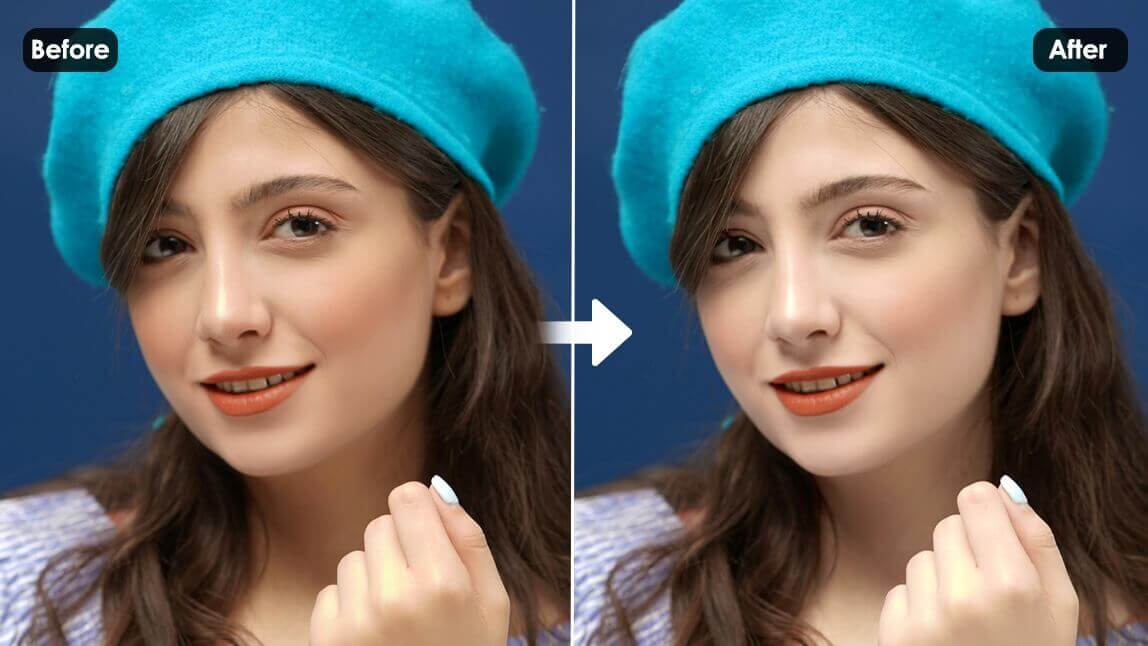
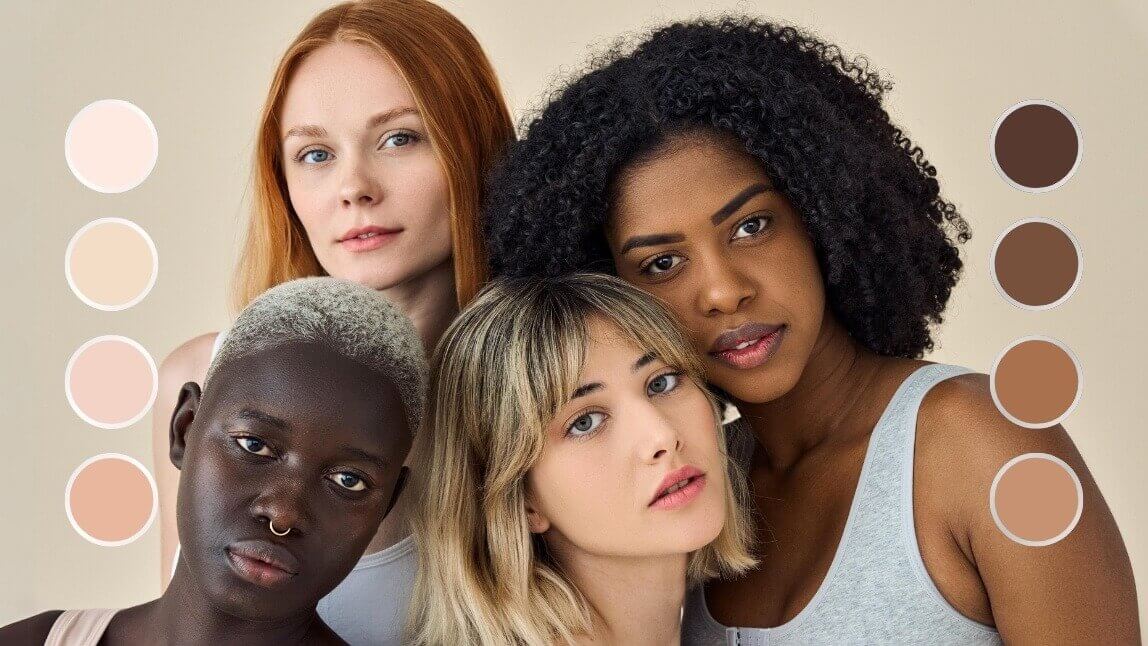
Finding your perfect foundation shade doesn't have to be difficult with a foundation match app. By using a foundation match app with photo capabilities, you can easily upload a picture and try on foundation shades until you get an accurate match for your skin tone.
In this guide, we'll show you how to use a foundation match app and share expert tips for achieving a seamless makeup finish. Get ready to perfect your foundation game!
Best Foundation Shade Match App for Virtual Foundation Try-On
YouCam Makeup is the best virtual foundation match app to help you find your perfect foundation shade for free.
Powered by the most advanced AR and AI technology, the app can offer a true-to-life makeup try-on experience with 20+ foundation shades, all with an easy swipe in the comfort of your home.

How to Use YouCam Makeup's Foundation Shade Finder with Photo
Finding the perfect foundation shade can feel like a guessing game, but with a foundation match app, it’s easier than ever! Here’s how you can find your ideal shade in just a few simple steps:
- Step 1: Download the Best Free Foundation Match App
- Step 2: Open Camera or Upload Photo
- Step 3: Test 20+ Foundation Shades Virtually
- Step 4: Save Photo
Step 1: Download the Best Free Foundation Match App
To find your foundation color match for free, download the YouCam Makeup app, which is available for both iOS and Android.

Step 2: Open the Camera or Upload a Photo
Next, tap either Photo Edit to try on one of your selfies, or Camera to try in live mode.
Step 3: Try Foundation Shade Finder with Photo
Tap Makeup, and select the Foundation product category.
From there, you can tap through to select and try on a variety of shades in seconds, adjusting the intensity and coverage to find your best match.

Step 4: Find Your Foundation Match
After finding the foundation shade that looks the best on you, take a screenshot of yourself with the color code, and use it to pick out the foundation shade for online shopping.
3 Expert Tips for the Perfect Foundation Shade Match
Now that you know how to test foundation shades with the free YouCam Makeup app, read on to discover more useful tips on how to find the perfect texture, color, and foundation makeup brand for you.
Tip 1: When in Doubt, Go Bright

When choosing between a range of closely matched foundation shades, the best rule of thumb is to opt for a brighter shade, versus a darker one. A brighter foundation shade is easier to adjust with the dust of a bronzer and helps to add natural definition around the contours of your face.
Tip 2: Choose Texture With Purpose

Your skin texture changes with the seasons and climate of your surroundings and your foundation formula should match with purpose.
If you’re living in colder, dryer environments you may need to opt for a richer, more hydrating formula, while those in hot, humid climates may look for a foundation that helps with oil control and has a more mattifying texture.
Tip 3: Use a Foundation Match App
Finding your best foundation match used to involve a messy lineup of arm swatches to see how the different variations play against your skin tone. Now, with the help of advanced AI technology makeup apps like YouCam Makeup can make it simple for you.

Beauty lovers are able to browse and navigate a complete range of foundation shades in seconds that help recreate the try-before-you-buy experience at home.
Find Your Foundation Color with Foundation Shade Finder Online
Shopping for foundation can be tricky, but with YouCam Online Editor’s foundation shade finder online, you can effortlessly discover your perfect match without download an app!
This virtual makeup try-on feature allows you to test different foundation shades directly on your photo to find the one that complements your skin tone best.

Best Foundation Match App with Photo Color Match
The foundation try-on feature in YouCam Makeup offers a seamless and personalized way to find your perfect shade from the comfort of your home. With AI-powered virtual try-on, you can test different foundation shades on your photo in real time, ensuring a flawless match before making a purchase.
Enhance your beauty routine with the YouCam Makeup app, your go-to tool for virtual foundation try-on, makeup experimentation, and more. Download the free app today and discover your perfect look instantly!

More Virtual Makeup Try-On Ideas
- How to Contour Your Face
- How To Find the Best Blush Color
- How to Find Perfect False Eyelashes
- 5 Best Free Foundation Match Apps