Author:


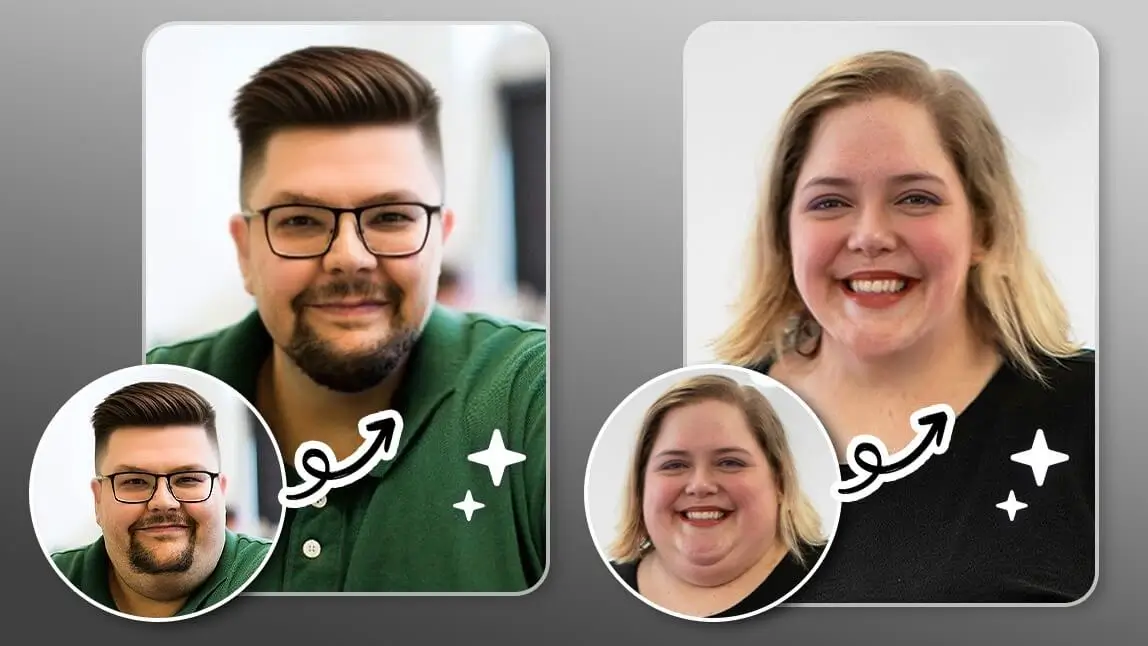
The skinny filter is a fun, creative photo-editing effect that lets you preview a slimmer version of yourself in a photo. With a tap, you can apply a virtual body-slimming effect and see a realistic, stylized preview — purely as a creative what-if, not a fitness or weight-loss tool. Below, I also compare the different in-app methods head-to-head so you can see which gives the most realistic result.

What's the Skinny Filter/ Weight Loss Filter on TikTok?
@fiwtemplate#CapCut slim effect ai . #capcut_edit#templateai#fypage#slim#ai#fyp#glow#CapCut#capcuttemplate#fypage#aieffects#fyppppppppppppppppppppppp♬ suara asli - FR_Template🏷
The "skinny filter" or "weight loss filter" on TikTok is a digital effect that uses AI to make a person appear thinner. It can reduce the size of the waist, slim the face, and generally alter a user's body shape in real time.
While these filters are a popular way to change one's appearance in videos, they've drawn criticism for promoting unrealistic beauty standards and potentially contributing to body image issues.
A quick note from testing this myself: the AI slider tools give a noticeably more natural result than I expected — proportions stay believable even at a strong setting, though pushing the slider to the extreme can start to warp the background behind you, especially near doorways or furniture edges.
Skinny Filter: What Would I Look Like If I Lost Weight?

Best AI Photo Editor
The Best AI Photo Editor & Selfie Camera.
Remove objects, apply filters & more.
Curious what a slimmer, stylized edit of your photo might look like? With the skinny filter, you can create that look in just seconds. These AI-powered tools apply a realistic slimming effect to your photo for a fun, creative result
Skinny Filter 1. One-tap Skinny Filter Powered by AI

If you're curious what a dramatically slimmer edit of your photo might look like, the "AI Fashion" feature in YouCam Perfect can help you create that image. Here's how it works:
- Head to the YouCam Perfect homepage and find "AI Tools" at the bottom
- Tap on "AI Fashion" and try on different looks (for instance, swimsuits)
- Upload one picture of yourself, preferrably one with your whole body and face in it
- That's it! You will receive your AI weight loss photo after a few moments
We also recommend another feature called "AI Replace", which allows you to paint over your body parts and enter prompts like - slim body.

Not only can you see a slimmer version of yourself in a photo, but you can also bring it to life!
Animate Your Skinny Photo with AI
With YouCam Perfect’s Image-to-Video feature, you can animate your edited photo to dance, pose, or move however you imagine.
In my own tests, the slider result held up well when animated — the image-to-video effect didn't distort the slimmed proportions or introduce new artifacts, though I'd recommend starting from a photo with a plain background for the smoothest animation.
Just pick a template or type in a prompt, and let the AI do the magic.
Skinny Filter 2. Slim Face in Photos with Skinny Face Filters

A skinny filter is a creative editing tool that helps you preview a slimmer, stylized version of yourself in a photo.
For example, you can use a 'Face Shaper' to preview a slimmer face shape as a creative edit. It's a fun way to see a different look, purely for photo-editing purposes.

To edit a single face in a photo using face filters:
- Tap on Photo Edit and upload your photo.
- Find the Beautify feature and select Face Shaper or other face-retouching features.
- With the YouCam Perfect app, you can even reshape multiple faces in group photos!

If you want to view your specific facial parts' before/after results, you can also use our 'AI Replace' tool to highlight the specific area in your image.
Remember, these edits are meant for fun and creative exploration — not as a record of real physical change. Please don't use them to edit dating profile photos, and remember every body type is worth appreciating exactly as it is.
Skinny Filter 3. Slim Photo Editor for Arms, Waist, Stomach

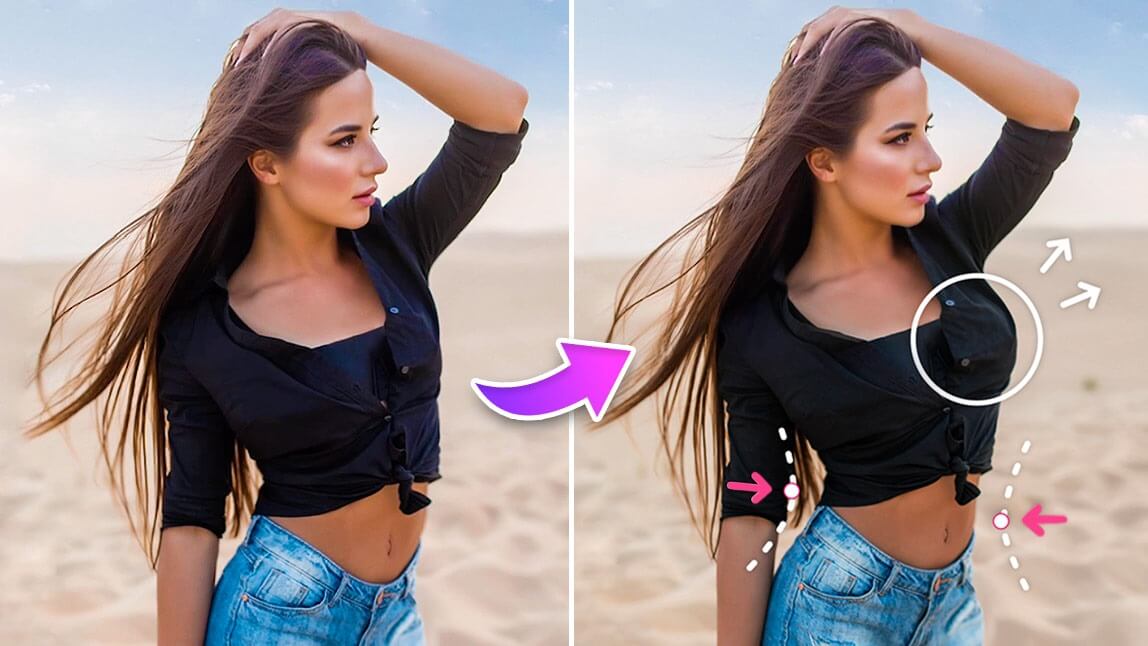
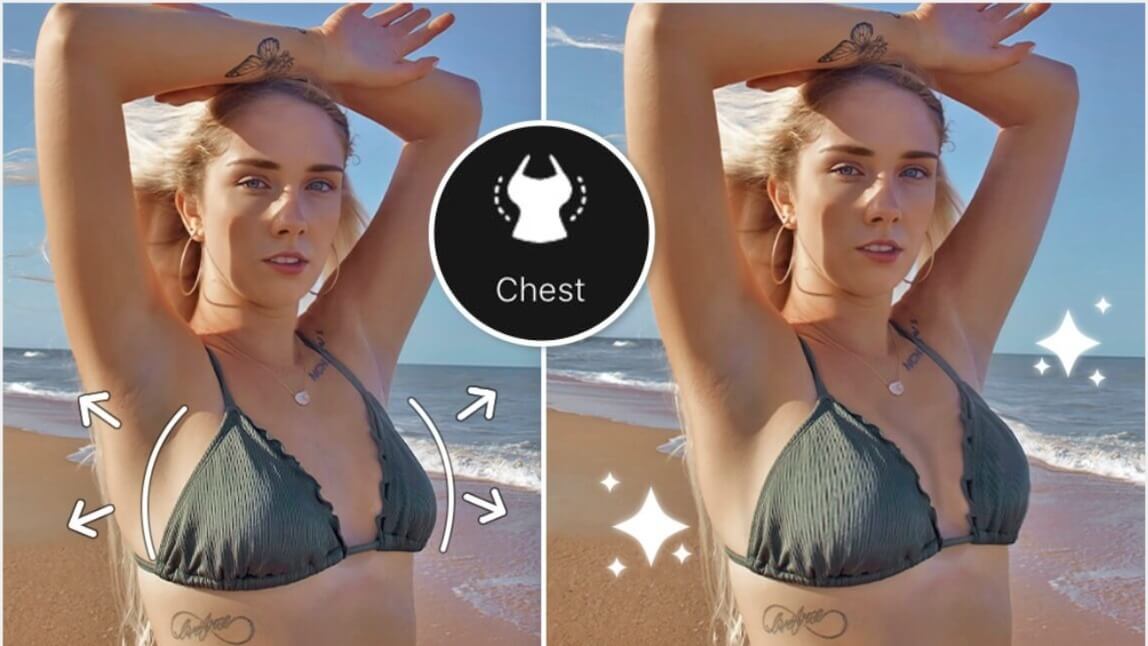
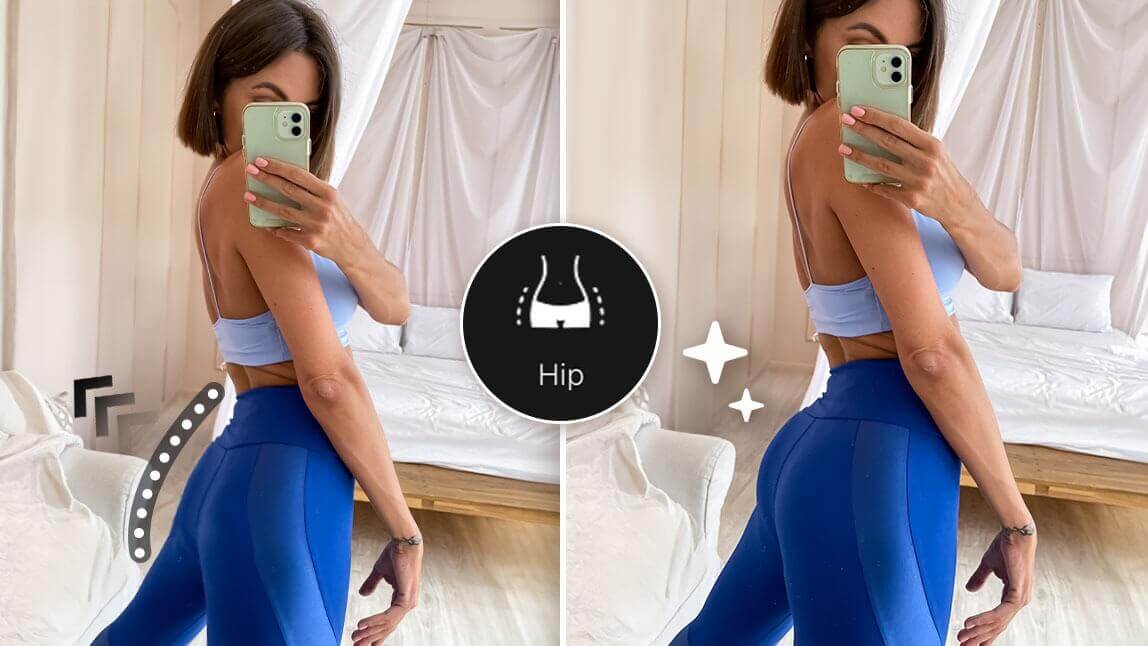
These slimming effects let you apply a complete body-transformation edit, previewing a stylized, slimmer version of yourself. These tools are especially helpful for creatively adjusting areas such as your waist, hips, and legs in a photo.

You can also save your before/after edits after applying the skinny filter, just for fun or to share a creative transformation photo. To create the result:
- Go to the Beautify section again, scroll to the right, and find the Taller icon.
- Adjust the side icons (head, body, leg) to match the corresponding body parts to set the proportions.
- Modify your body as much as you want; the app offers several sections to enhance your height.
- Be cautious not to over-edit, as this can distort the image and make it look unnatural.
- Save your AI weight loss photo!
Read More: 5 Best Apps to Make You Look Skinny and Fit in 2025
The Best AI Skinny Generator to Slim Body and Face in Photos
If you're searching for the best skinny filter to creatively slim your body and face in photos, YouCam Perfect is the ultimate go-to. With its powerful editing tools, you can instantly create a fun, stylized slimmer version of your photo to boost creativity.
Best AI Photo Editor
The Best AI Photo Editor & Selfie Camera.
Remove objects, apply filters & more.
Download YouCam Perfect free on iOS and Android and start transforming your photos!
Which Slimming Method Should You Use?
I tried all three in-app methods side by side — the "AI Body Tuner" sliders, the "Face Shaper" tool, and a manual freehand edit using a basic photo app — to see which actually gives the most convincing, natural-looking result.
| Method | Best For |
|---|---|
| AI Body Tuner (sliders) | The most realistic full-body result — adjusts proportions automatically so edges and proportions stay natural |
| Face Shaper | Quick, subtle face-only previews when you don't need a full-body edit |
| Manual/DIY freehand edit | Full creative control, but in my testing it took far longer and was easy to overdo, leaving warped edges around clothing and background |
My take: the AI slider tools are worth using first — they're faster and more forgiving than manual editing, and it's easy to dial the effect back down if it looks too extreme.