Author:


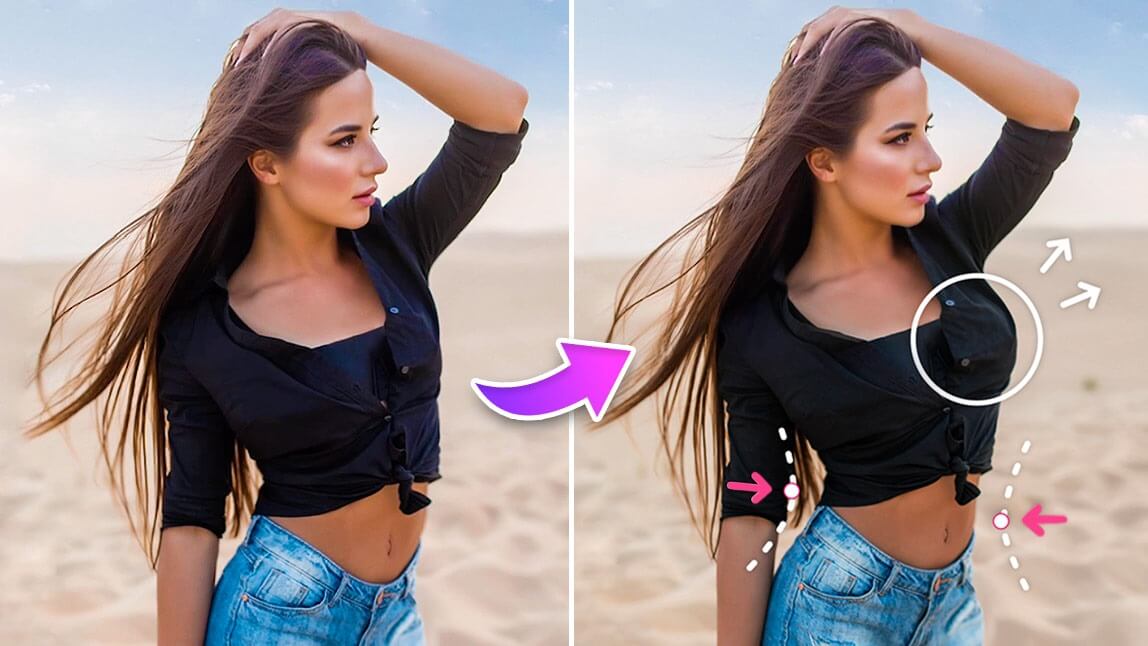
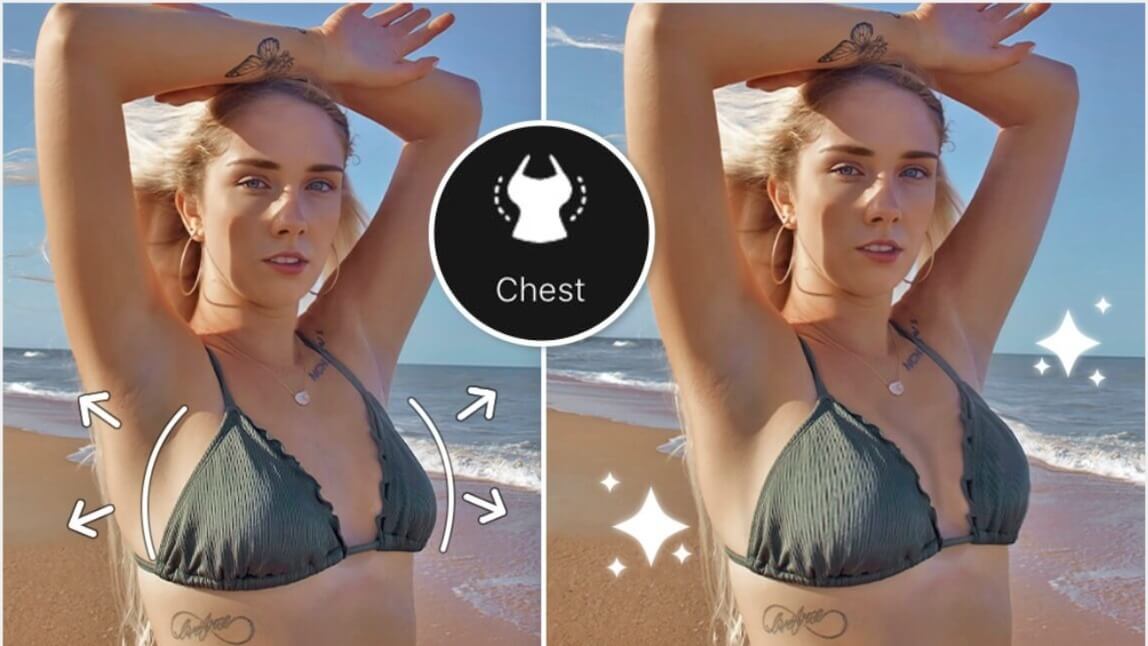
Want to know how to make your butt look bigger in pictures without spending hours at the gym? Whether you’re visualizing fitness goals, creating confident social posts, or just having fun with photo editing, a big butt filter powered by AI makes it quick, easy, and natural.
With free beauty and photo editing apps like YouCam Perfect, you can enhance curves, refine proportions, and create polished, realistic images in seconds.

How to Make Your Butt Look Bigger in Pictures?
Ready to enhance your curves? Using YouCam Perfect’s AI body editing tools, you can boost curves while keeping your photo balanced and distortion-free. Follow these simple steps to learn how to make your butt look bigger in pictures using the best body editing app and big butt filter.
- Step 1: Upload Your Photo and Try Butt Edit
- Step 2: Protect Your Picture Background Before Boosting Your Booty
- Step 3: Try Other Body Editing Features
- Step 4: Save Your Final Picture
Step 1: Upload Your Photo and Try the Big Butt Filter

Start by opening YouCam Perfect and uploading a photo from your gallery or taking a new one.
- Go to Beautify mode
- Select Body Tuner
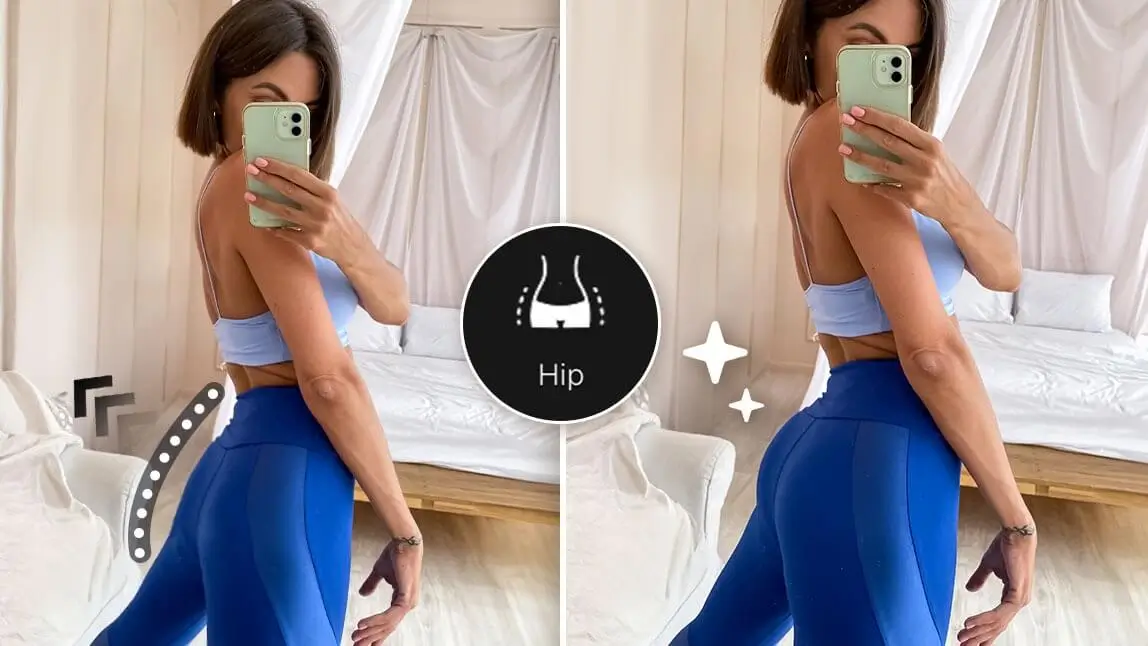
- Scroll to find the Hip tool
- Adjust the slider to enhance your butt naturally
💡Pro Tip: Small adjustments create the most realistic and flattering results.
▼Oh my gosh, look at that butt✨📸

Step 2: Protect Your Picture Background Before Boosting Your Booty

One of the biggest challenges in body editing is background warping—but YouCam Perfect’s Background Protection solves that. Just use the "Protect" tool first to put a force field around the parts you don't want to change. Here's a simple how-to:
- Hit up the "Protect" button
- Tap that portrait icon to tell the app what you want to edit
- Select tools you wish to apply without background distortion!
This ensures your edit looks clean, smooth, and believable.
🏋️♂️ Read More: How to Edit Body in Photos Without Background Distortion
Step 3: Try Other Body Editing Features

Shout out to all the ladies who do their best working out to either enhance their body curves or adopt a healthy and vigorous lifestyle!
Aside from having a reference image simply focusing on the glute area, why not utilize other tools to help you visualize your ideal look?
- Waist Tool – Refine your silhouette
- Leg Length – Create balanced proportions
These tools are perfect for:
- Fitness goal visualization
- Social media content
- Styling inspiration
- Creative photo fun
Editor's Tip: How to Edit Your Waist In Photos Naturally

Don't want to spend lots of credits or try countless prompts to refine your AI-generated image? Our AI body filters offer a quick way to adjust body curves on your digital creations.
The app makes it easy to detect bodies in pictures without manual selection—perfect for smaller smartphone screens.
Step 4: Save Your Final Picture
Once you're happy with your enhanced image, save it as your fitness motivation snap!

✨ Reminder: All bodies are beautiful. This tool is meant for fun and exploring different looks, not changing who you are. Think of it as a visual motivation to hit the gym more and work towards the body you want.
Why Use an Big Butt Filter App?
The Big Butt Filter in YouCam Perfect is the easiest, most natural way to visualize your dream figure. It detects your body automatically, enhancing curves with precise, smooth adjustments.
So go ahead, try the free YouCam Perfect, enhance your curves, and share your best “before & after” looks with the world. Because every body deserves to shine — in every photo!