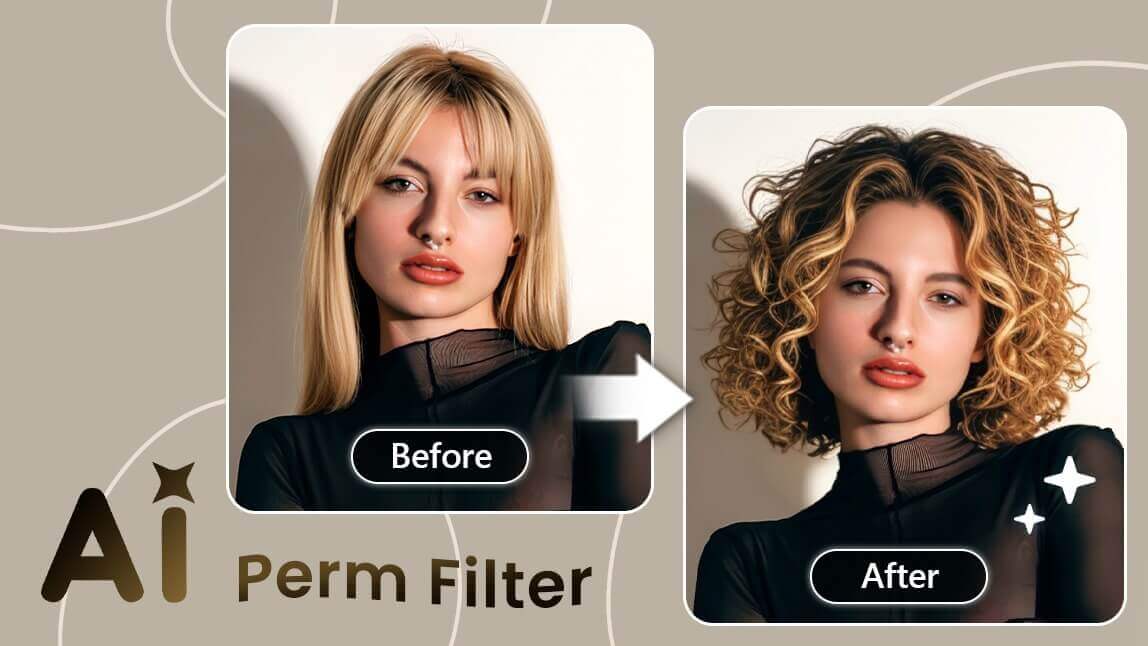
Author:


Crew cut is a classic hairstyle known for its refined and stylish appearance.
Unlike the buzz cut, it features slightly longer hair on top, which is usually styled forward or to the side. The sides and back are cut shorter in a taper, creating a smooth fade that blends into the longer top.

✨ Try out the edgy crew cut look using a crew cut simulator!
With a crewcut filter, you can easily see the perfect blend for this summer's modern but sharp look. Read on to learn the tips and tricks!
| Table of Contents |
|---|
How to Use the Crew Cut Filter on Your Photo?
Step 1. Upload Your Photo

In the YouCam Perfect app, users can easily apply "Hairstyle filters" to see how they look before heading to the salon, spending money, and realizing it's not the right fit once the hairstyle is permanent.

Simply upload your photo, switch to 'Beautify' mode, and locate the "AI Hairstyle" feature in the menu bar. You can easily find the 'Crewcut' style in both Male and Female options.
Moreover, the crewcut effect supports style regeneration as you press on the same style again, making it easier for users to check how they look in slightly different crewcut hairstyles.
Step 2. Describe the Hairstyle You Prefer

You can also utilize the app's AI Replace tool to try out modern or trendy new crew cut looks on social media! To achieve the look:
- Tap 'Photo Edit' and upload a picture (we suggest using a photo with your clear front face)
- Locate 'AI Replace' in the menu bar under "Edit" mode
- Type the style you prefer in the text input field
- Press 'Replace' to view the effect, or press the regeneration button for a different effect display
- As you're satisfied, save and share your image with a nice-looking crewcut

Prompt suggestions: crew cut hairstyle, modern crew cut hairstyle, classic crew cut hairstyle (works for both male & female)
Step 3. Save Your Crew Cut Preview

Once you're happy with the preview, save the image. You can use this to show your barber or just to get feedback from friends and family.
Or click on more hairstyle-related posts and get inspired:
- Perm: What Would I Look Like with a Perm
- Curtain Bangs: What Will I Look Like in Curtain Bangs
- General Bangs: See What You Would Look Like With Bangs
- Short Hair for Females: How Would You Look With Short Hair
- 1980s Men Hairstyle: Try Out Men's Hairstyles in the 80s
Crew Cut Hairstyle Examples
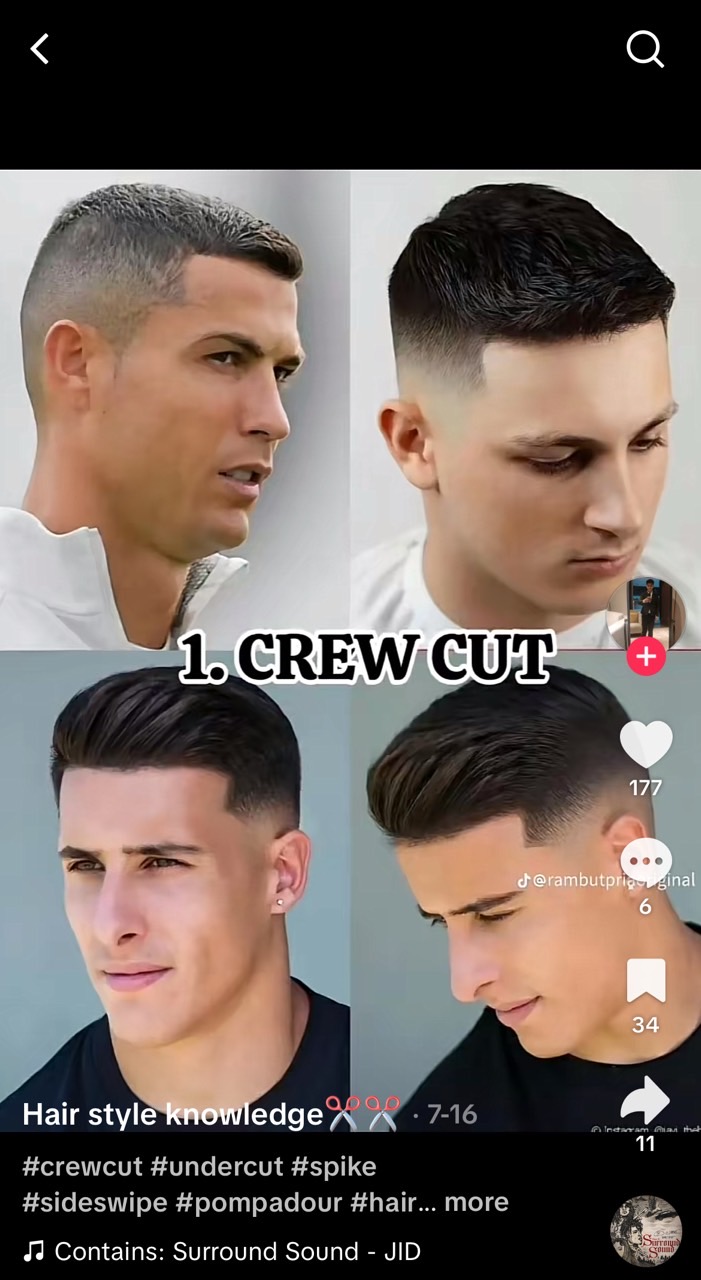
Source: TikTok @ Hair style knowledge
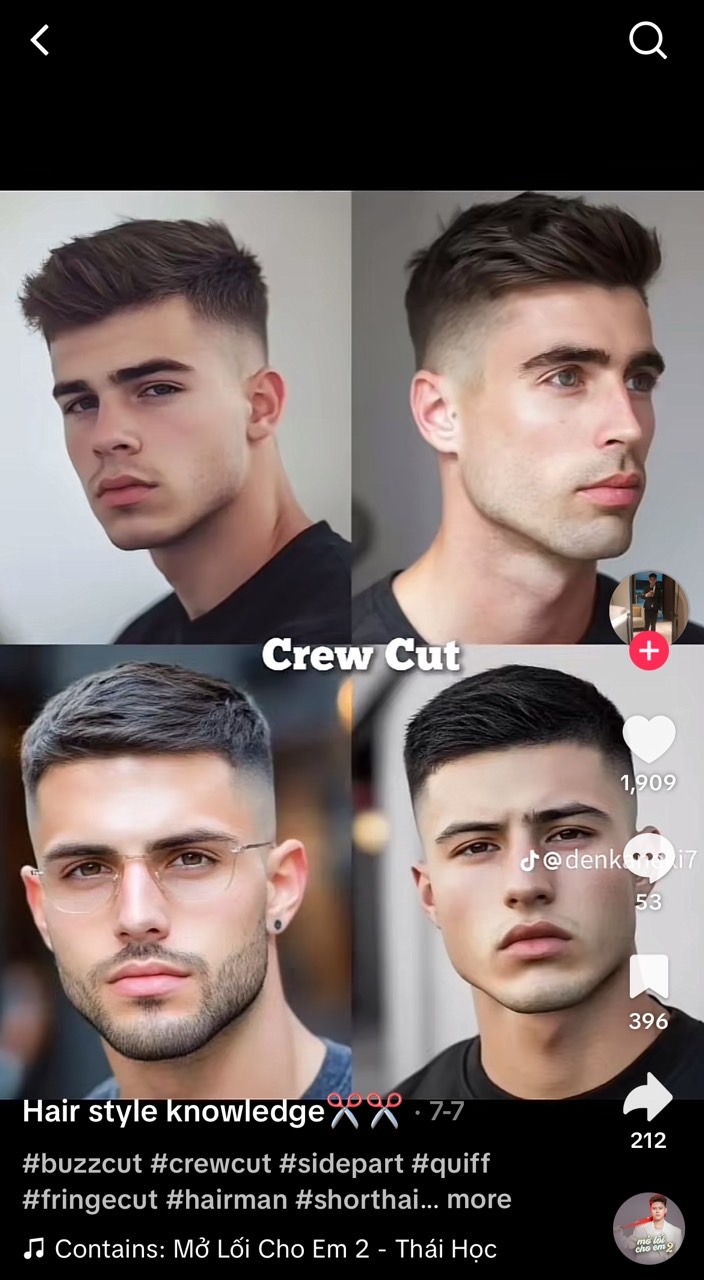
Source: TikTok @ Hair style knowledge
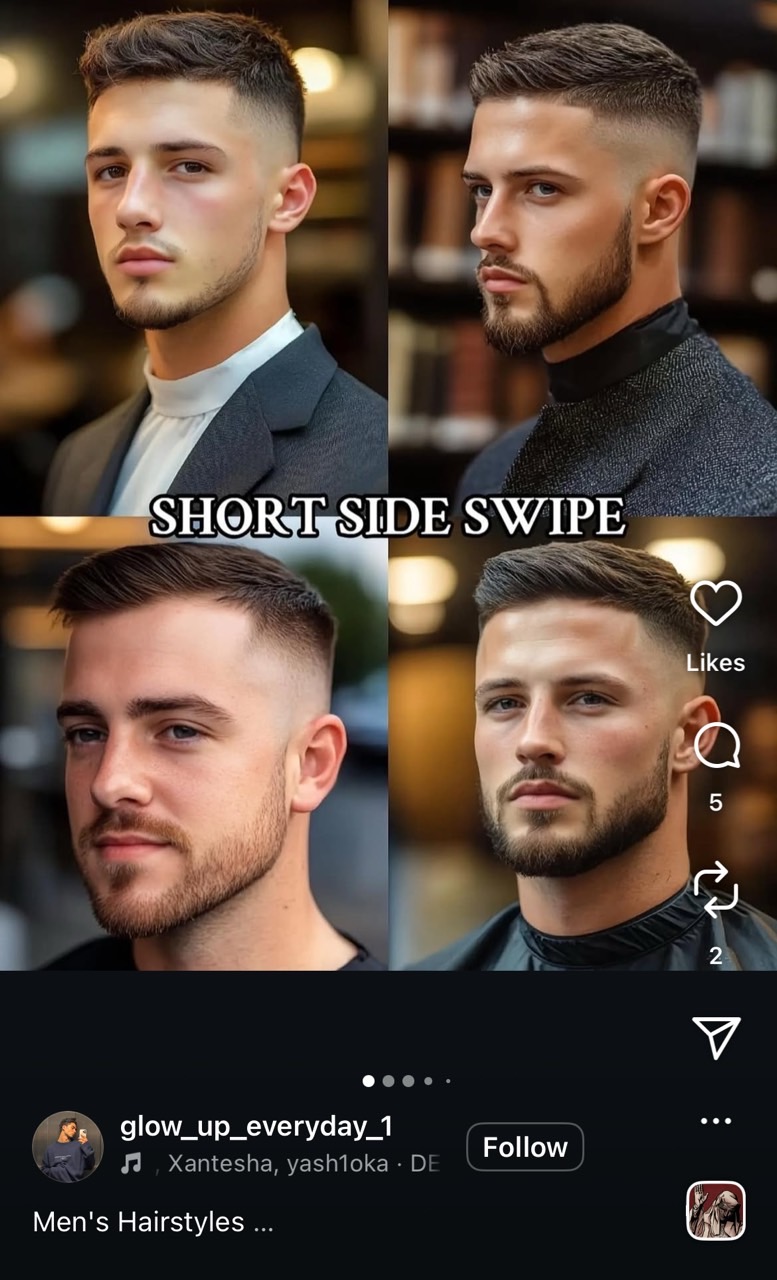
Source: Instagram @ glow_up_everyday_1
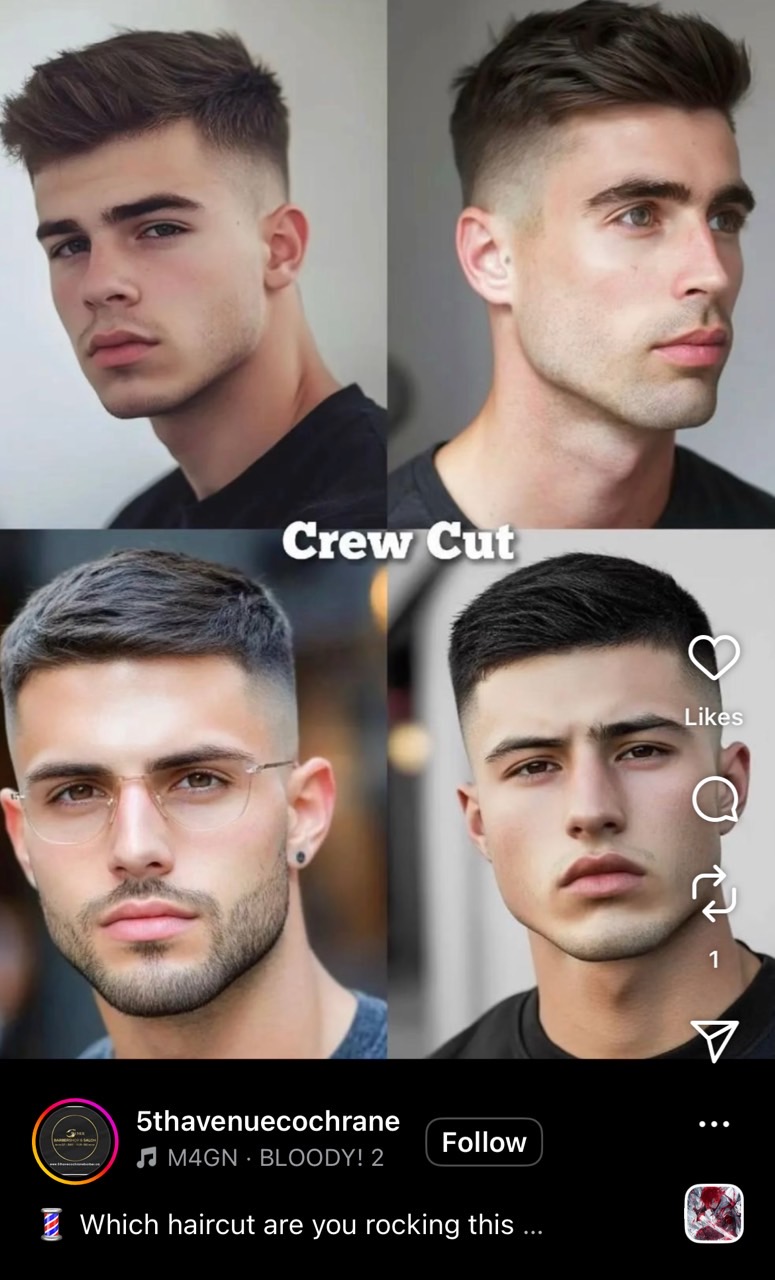
Source: Instagram @ 5thavenuecochrane
This May Also Interest You: What Would I Look Like with a Buzzcut