Author:


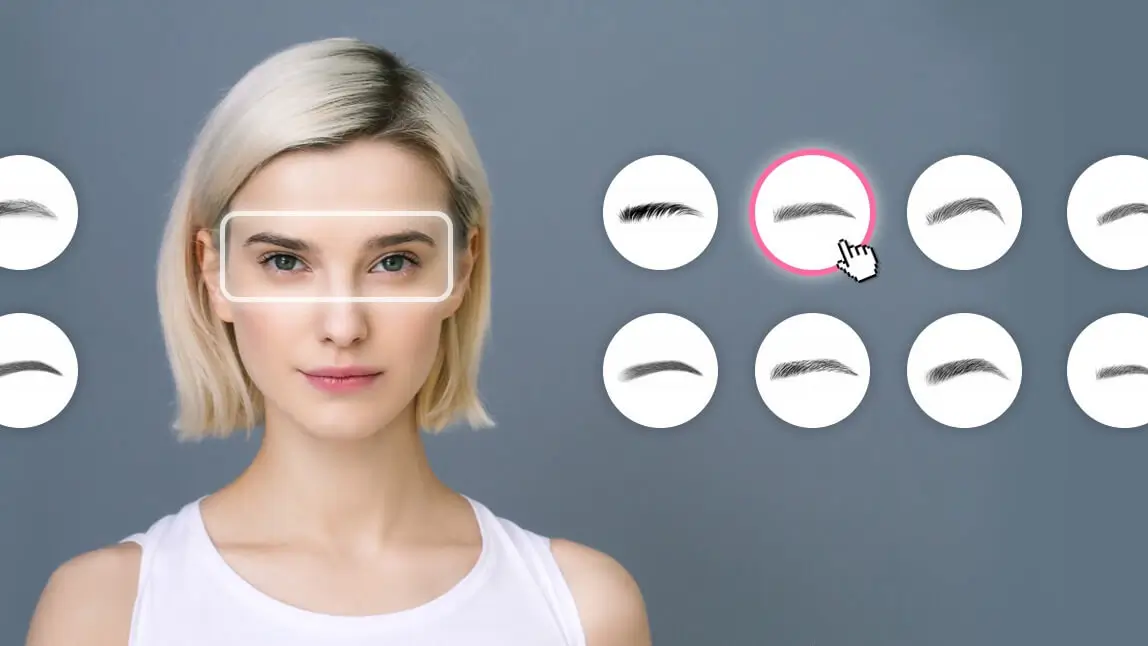
Finding the right brow shape no longer requires guesswork, virtual eyebrow filters make it easy to see your perfect brows in seconds.
With over 115 eyebrow shapes and 70 brow colors, the YouCam Makeup eyebrow filter lets you try bold, natural, arched, or soft brows with instant results. Its AI eyebrow mapping tool automatically analyzes your facial features and helps you refine height, arch, thickness, and spacing for the most flattering look.
This guide walks you through everything: how to try eyebrow filters step-by-step, test them online with YouCam Online Editor, and choose the best brows with a helpful eyebrow shape chart. Whether you want subtle enhancement or a full brow makeover, this virtual try-on experience helps you design your ideal brows with confidence.
Is there a free eyebrow-filter app for virtual eyebrow try-on?
YouCam Makeup is the best eyebrow simulator to instantly test brow shapes, arches, and colors on your face. It offers a seamless virtual eyebrow try-on experience, letting you customize and find your perfect brows with ease.
Try 115+ Eyebrow Shape Filters and 70+ Brow Colors
Using the most advanced AI/AR technology, you can test 115+ eyebrow shapes and 70+ eyebrow colors using live camera or by uploading a photo.

Refine Brow Shape with Eyebrow Mapping Filter
With YouCam Makeup, you're not just trying on eyebrow styles—you’re designing your ideal brows with precision using eyebrow mapping technology. The brow mapping app automatically detects your facial features and helps you to adjust every detail of your brows, including the height, thickness, arch, and distance between brows.
The eyebrow app follows the natural proportions of your face to guide you toward a more symmetrical and flattering brow shape. Whether you want a soft, natural arch or a bold, defined look, the mapping filter makes it easy to visualize and perfect your ideal brows.

Read More: How to Shape Eyebrows With an Eyebrow Filter App
Fix Imperfections with Eyebrow Fill-In
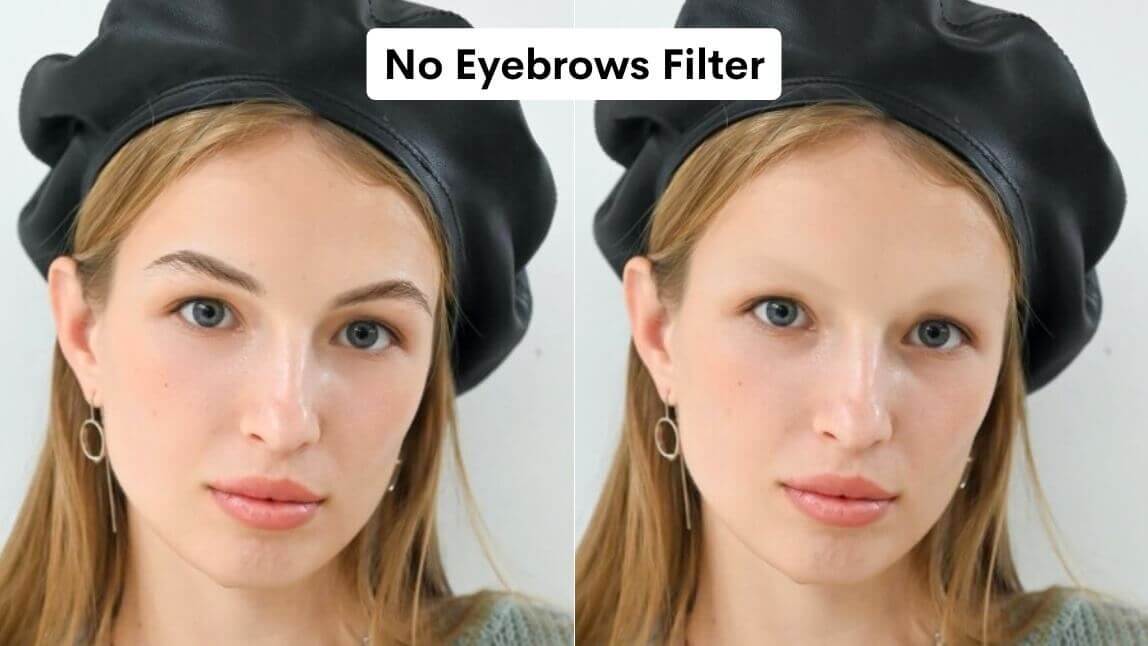
YouCam Makeup's eyebrow filter also allows you to perfect your existing eyebrow shape by removing hairs and filling in sparse areas.
Simply go to the Color tab and select the shade that matches your natural eyebrow color. Then, use the "Color" and "Shape" sliders on the right to adjust the intensity of the virtual grooming and filling.

How to Try On Eyebrow Filters with Eyebrow Filter App?
YouCam Makeup makes it easy for you to give your selfies a brow shape that suits your facial features. Follow the steps below for virtual eyebrow try-on and find your ideal eyebrow shape.
- Step 1: Download the Best Eyebrow Shape Generator
- Step 2: Open Camera or Upload Photo
- Step 3: Try On 115+ Brow Shape Filters
- Step 4: Try 70+ Brow Colors
- Step 5: Save the Photo
Step 1: Download the Best Eyebrow Shape Generator
Start by downloading the YouCam Makeup app, available for both iPhone and Android.

Step 2: Upload a Photo or Use Live Camera
Next, open the app, and tap Camera to try different eyebrow filters in real-time. You can also choose to upload your photo with Photo Edit to try on eyebrow shape filters on your selfie.
Step 3: Try On 115+ Eyebrow Shape Filters
After opening up the camera or uploading your photo, tap Makeup, then Eyebrow. From there, you can start to try on 115+ eyebrow shapes, from high arch brows, low arch brows, to round brows.

Step 4: Try On 70+ Eyebrow Colors
You can also pair the eyebrow shape with different 70+ eyebrow colors to match your hair color and skin tone!
Step 5: Save the Photo
Snap a photo as the reference for your next eyebrow salon appointment, and share your photo with friends and followers on social media!
How to Try Eyebrow Filters Online?

Want to try on different eyebrow shapes instantly? The YouCam Online Editor makes virtual eyebrow try-on easy with no app download needed! Follow these quick steps to get started:
- Go to the YouCam Online Editor
Go to the YouCam Online Editor virtual makeup try-on tool on your desktop or mobile browser. - Upload Your Photo
Choose a selfie to try brows in real time. - Tap on "Eyebrows"
Explore eyebrow filter styles—including patterns, arches, and colors. - Save and Download
Customize the look to match your facial features and save your photo to share!
What Are the Best Eyebrow Shapes for Different Face Types?
Your face shape plays a crucial role in determining which eyebrow shape will suit you best. Whether you have an oval, round, square, heart, diamond, or rectangle face, there's an ideal brow shape for you.
By understanding your face shape, you can use an eyebrow mapping filter or brow virtual try-on to identify and achieve the best brow shape that complements your natural beauty.
Popular Eyebrow Shapes Based on Different Face Types

Oval Face Shape: Softly Angled Brows
An oval face shape suits softly angled brows, adding structure without overpowering its balanced proportions.
Round Face Shape: High-Arched Brows
A round face shape benefits from high-arched brows, which create a vertical lift to elongate and define the face.
Square Face Shape: Thick, Straight Brows
For a square face shape, thick, straight brows soften strong jawlines and balance angular features.
Heart Face Shape: Curved Brows
A heart face shape pairs well with rounded brows, which help soften a wide forehead and create facial harmony.
Read More: How to Find the Best Eyebrow Shape for Your Face
What is an Eyebrow Mapping Filter?
An eyebrow mapping filter is a digital tool, often found in beauty and makeup apps, that helps you find the perfect eyebrow shape based on your facial proportions.
Traditionally, brow mapping requires measuring and drawing guidelines, but a digital filter analyzes your facial structure and overlays precise guidelines to show where your brows should start, arch, and end.

Which App is the Best Eyebrow Filter App?
If you’re looking for the easiest way to find your perfect brow shape, YouCam Makeup is the best eyebrow app to try. It offers 115+ eyebrow shapes, 70+ colors, and an advanced eyebrow-mapping filter that tailors each look to your facial proportions.
Plus, with the YouCam Online Editor, you can try on brows instantly without downloading an app—perfect for quick virtual try-ons on any device. Whether you want a bold arch, soft natural brows, or a complete brow makeover, YouCam Makeup lets you test, customize, and refine your ideal brow style in just a few clicks.

Review Site Summary
The app is widely praised for offering 115+ eyebrow shapes and 70+ brow colors, making it easy to experiment with style variations. Its eyebrow mapping filter intelligently detects facial proportions and helps users adjust height, arch, thickness, and spacing.
Top 3 Latest User Reviews
"Best Brow Shaping App for Quick Edits" - Emily Thompson, Social Media Manager
"As someone who’s always on the go, I love how this app lets me try different eyebrow shapes and colors in seconds. It’s perfect for testing new looks before my photoshoots."
"Fun for Experimenting" - Michael Davis, Graphic Designer
"I enjoy experimenting with various eyebrow styles, and this app offers a wide range of options. However, the frequent ads can be disruptive, and some stickers don't blend well with my skin tone."
"Great for Casual Use" - Jessica Jonas, College Student
"It's a fun app for casual edits, but I wish there were more customization options, like transparent stickers and diverse skin tone choices. It's good for quick edits but not for detailed work."