Author:


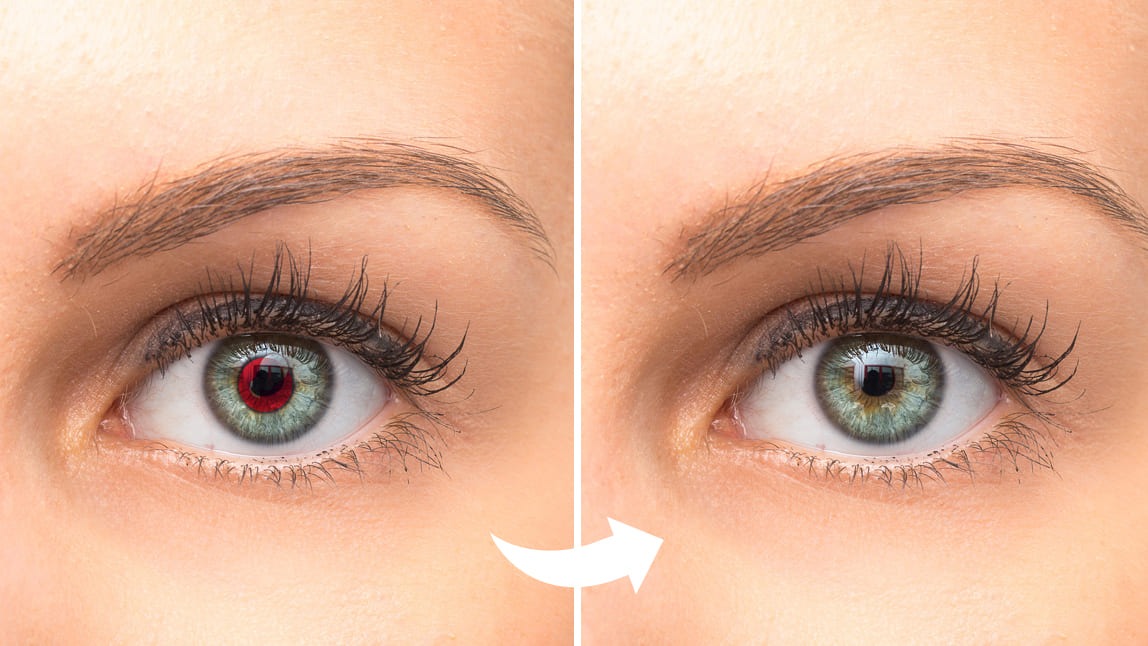
Red eye can ruin even the best photos, but fixing it is quick and easy! Red eye happens when flash reflects off the retina, creating an unnatural red glow. With a red eye remover, you can remove red eye from photos naturally and restore every picture to perfection. Ready to fix red eye and enhance your selfies? Let’s get started!
Best Red Eye Remover to Remove Red Eye on iPhone & Android
YouCam Makeup is a free red eye remover app to help remove red eye from photos instantly. With precise AI face-detecting technology, the photo editor can spot the red eyes automatically and fix them in the most natural way.

Unlike other photo editing apps where you have to manually select areas of the photo to edit or use complicated tools to adjust settings, YouCam Makeup does all the work for you with just a few taps of your finger.
How to Remove Red Eye From Photos with Best Red Eye Remover
To remove red eyes from pictures, use the best red eye remover app, YouCam Makeup. Here's how the app's red eye removal tool works:
- Step 1: Download the Best Free Red Eye Remover
- Step 2: Upload Your Photo
- Step 3: Find the Red Eye Removal Tool
- Step 4: Remove Red Eye From Photo
Step 1: Download the Best Free Red Eye Remover
To remove red eyes on photos, start by downloading the YouCam Makeup app, available for both iPhone and Android.

Step 2: Upload Your Photo
Once you've downloaded the app, open it on your phone, then tap Photo Edit on the launcher.
Step 3: Find the Red Eye Removal Tool
Enter the photo editing feature room, then tap Retouch to find the Red-Eye feature.
Step 4: Fix Red Eye From Photo
With the Red-Eye feature, you can easily remove the red-eye by tapping the apply button of the feature, and the red dots in the eyes will be taken away naturally and automatically for free.

More Than Red Eye Removal
Beyond removing red eye, YouCam Makeup offers a suite of eye editing features to perfect your selfies. From brightening tired eyes to changing eye color or enhancing your lashes, these tools make it easy to create stunning, photo-ready looks in seconds.
1. Change Eye Color in Photos
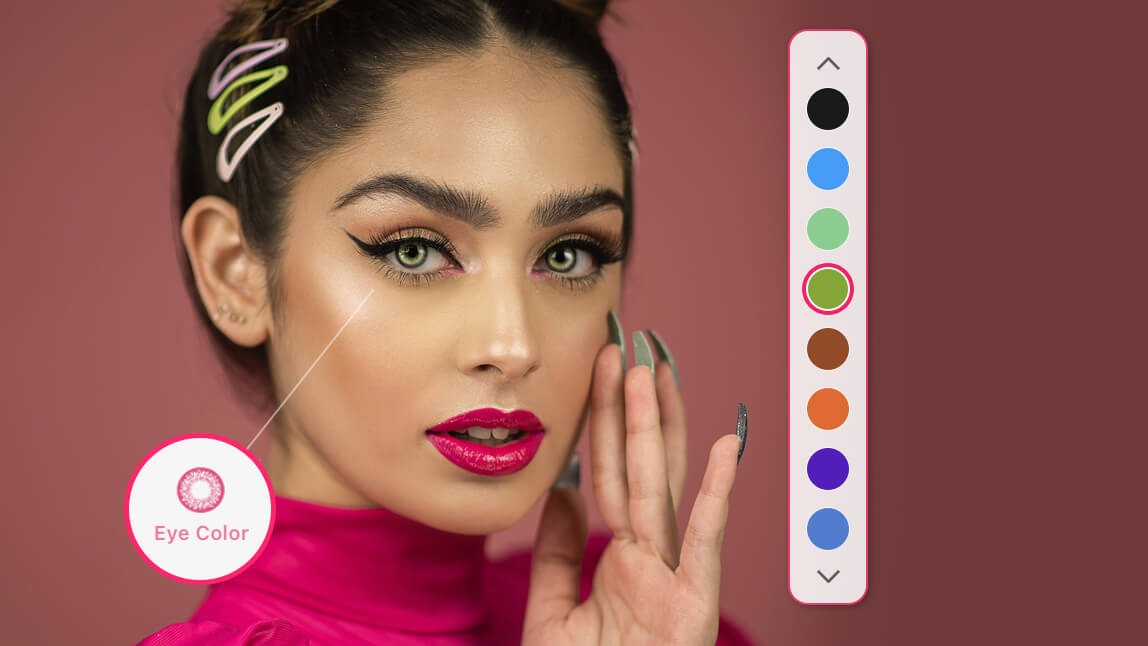
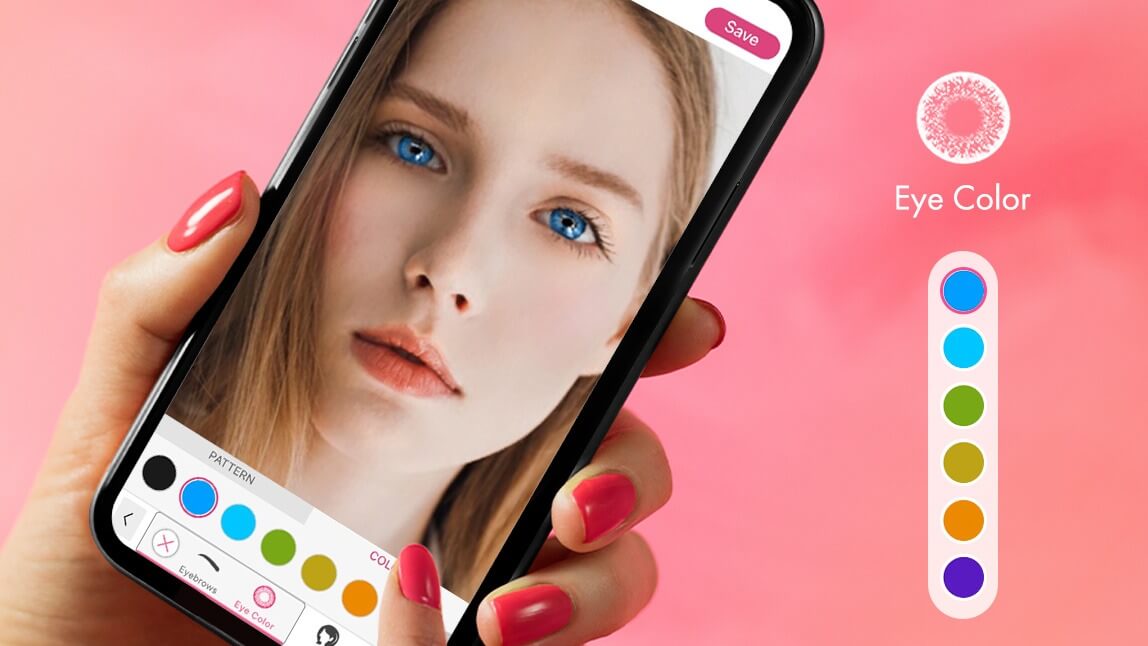
If you want to change the color of your iris, YouCam Makeup happens to be the best eye color-changing app with 22+ eye colors to choose from, paired with 9 different iris patterns.

2. Brighten Dark Eyes in Photos
If you just want to highlight your eye color, rather than change it, the YouCam Makeup app also offers a unique Eye Brighten feature, which can highlight the color of your iris gracefully and naturally.

Download the Best Free Red Eye Remover for iPhone & Android
Say goodbye to red eyes in your photos with the best free red eye remover! Whether it’s a selfie or a group shot, you can easily remove red eye in photos and restore natural, stunning results in seconds. Download the app today and keep every picture picture-perfect!