Author:


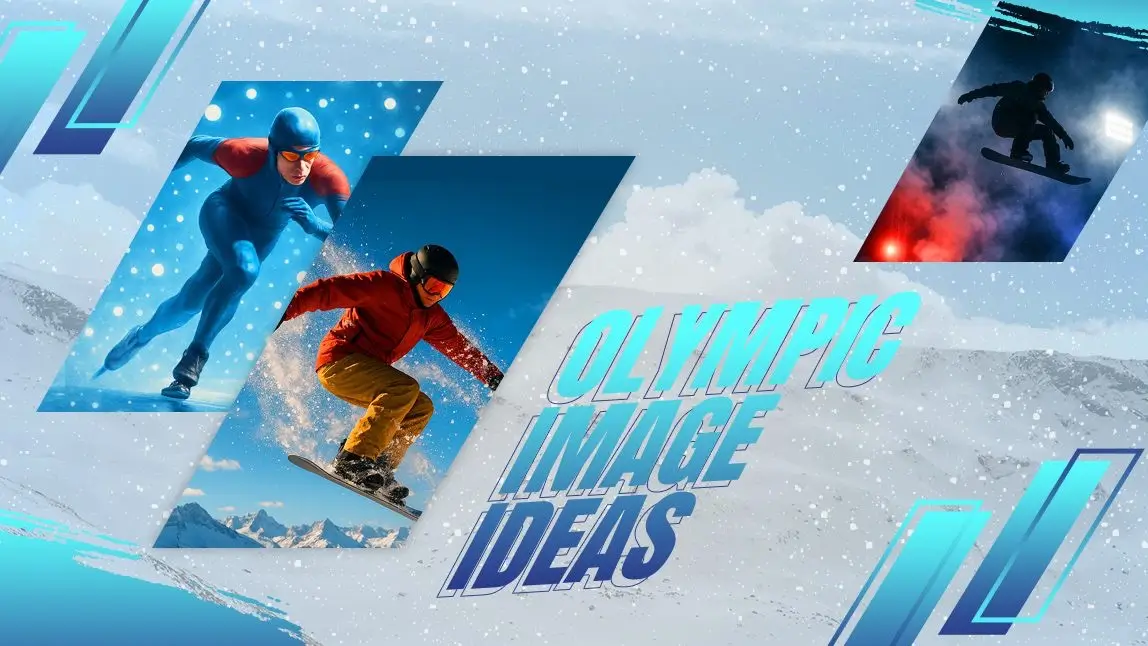
The 2026 Winter Olympics in Italy are officially underway, and visual inspiration is everywhere. From dramatic alpine landscapes to the precision and grace of winter athletes, the Games offer endless creative fuel.
If you love sports, design, or simply experimenting with visuals, this is the perfect moment to create your own Olympic image using AI.
With YouCam Makeup’s Text-to-Image feature, you can transform ideas into striking winter sports visuals in minutes. No design experience needed, just curiosity and a bit of creative play.
How to Create an Olympic Image Using AI
Creating an Olympic image with AI is simple and intuitive. Follow these steps to get started with YouCam Makeup.
Step 1: Download YouCam Makeup
Download YouCam Makeup on iOS or Android from the App Store or Google Play. Open the app once it’s installed.

Best AI Selfie Camera
The #1 AI Editing & Selfie Camera App.
Create 2026 Olympic images with ease.
Step 2: Open the Text-to-Image Tool

Step 3: Type in a Prompt

You may also add a reference image to guide composition or mood. Example prompts:
- A figure skater spinning on an outdoor rink in the Italian Alps
- A downhill skier racing through fresh snow under dramatic lighting
- An artistic winter Olympics poster inspired by Italy 2026
Step 4: Select an AI Model and Visual Style

Step 5: Save Your Image
 Create Image


Once the image is generated, save it to your device or share it directly on social media.
18 Olympic Image Prompt Ideas to Copy
If you’re looking for inspiration, these ready-to-copy prompts give you rich, detailed guidance for generating stunning Olympic images. Each prompt emphasizes setting, mood, and style for more striking results.
1. A cinematic action shot of a snowboarder mid-air, snow spraying behind them, with the Italian Alps and a bright blue sky in the background

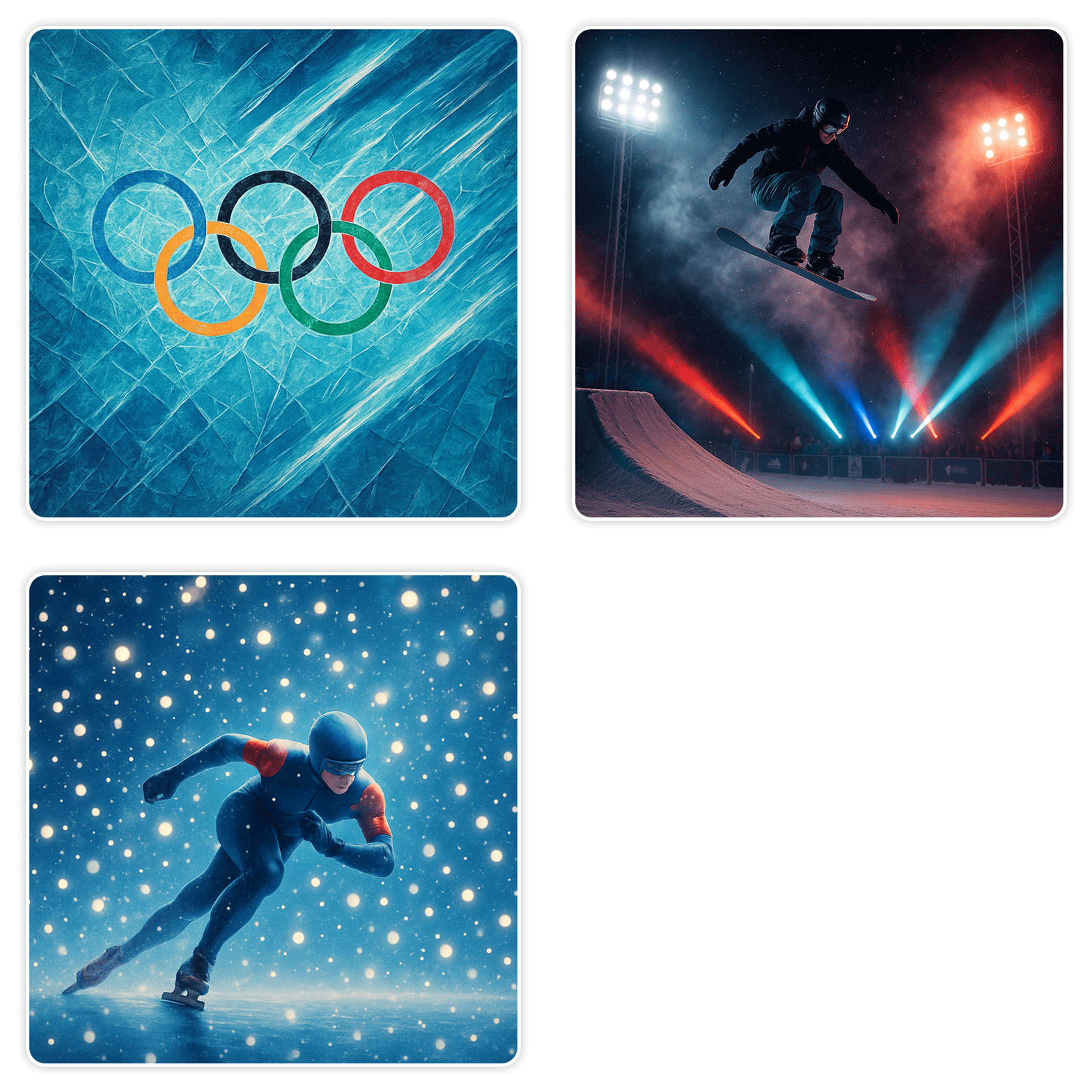
2. A minimalist illustration of Olympic rings carved into glistening ice, with soft morning light reflecting on the surface
3. A cross-country skier gliding through a quiet alpine forest, sunlight streaming through snow-covered branches, capturing motion blur
4. A dramatic close-up of figure skates cutting into a freshly frozen rink, with snowflakes suspended in the air and golden hour lighting

5. A packed winter Olympics stadium at night, glowing lights, snow falling, and cheering crowds captured from a wide-angle perspective
6. An artistic poster blending winter sports athletes with iconic Italian architecture, in a painterly, vintage style
7. A freestyle skier performing tricks against a fiery sunset sky, snow trailing behind, with realistic motion detail
8. A watercolor-style painting of a biathlon athlete aiming with precision, soft snowy hills in the background

9. A hyper-realistic photo of curling stones sliding across ice, droplets of water sparkling under arena lights
10. A vintage-inspired Olympic image, with muted tones and classic typography, showing ski jumpers in mid-flight
11. A surreal winter sports scene where snowflakes float like particles of light, with a speed skater gliding through them
12. An illustrated mascot-style winter athlete in vibrant Olympic gear, striking a dynamic pose on ice
13. A slow-motion style image of a snowboarding competition, snow mist in the air, focus on a single athlete with motion blur in the background
14. A fashion editorial-style portrait of a skier wearing bold, colorful winter gear, posed against snow-covered Italian mountains

15. A wide-angle view of multiple alpine skiing trails in the Italian Alps, snow-capped peaks, and dramatic clouds overhead
16. A night-time snowboard competition under stadium lights, with smoke, snow, and colored spotlights for a cinematic effect
17. A clean editorial shot of ice hockey team on freshly cleared ice, soft winter light reflecting off surfaces

18. An abstract Olympic image using fractured ice textures, cool tones, and streaks of light to convey movement and energy
Tips for Better Olympic Image Results
Be Clear with Your Descriptions
Focus on the main subject, setting, and style. Clear prompts usually produce stronger results than overly complex ones.
Try Multiple Styles
Generate the same prompt in different styles. A realistic image and an illustrated version can feel completely different.
Use Reference Images When Helpful
If you have a specific pose or composition in mind, adding a reference image can guide the AI more effectively.
Think Beyond Action Shots
Not every Olympic image needs high-speed movement. Venues, equipment, crowd moments, and winter landscapes can be just as compelling.
Ways to Use Your Olympic Image Creations
Once you start generating images, you’ll find plenty of ways to use them:
- Social media posts celebrating the Winter Olympics
- Blog headers and editorial visuals
- Digital wallpapers or mood boards
- Creative concepts for sports campaigns
- Personal inspiration or design practice
Final Thoughts
The Winter Olympics are a celebration of sport, culture, and visual storytelling. With YouCam Makeup’s Text-to-Image feature, creating an Olympic image becomes accessible, creative, and genuinely enjoyable.
Whether you’re capturing the energy of competition or the quiet beauty of winter landscapes, AI opens up endless possibilities for winter sports creativity. All it takes is an idea and the willingness to explore.
Best AI Selfie Camera
The #1 AI Editing & Selfie Camera App.
Create 2026 Olympic images with ease.