Author:


Have you ever looked at a photo and wished your eyes looked brighter or wanted to remove the bloodshot look? You're not alone!

In this article, we'll walk you through how to whiten your eyes in photos using AI, along with some handy tips and tricks!
How to Remove Bloodshot Eyes in Photo
#1 Remove Visible Eye Veins in Pictures

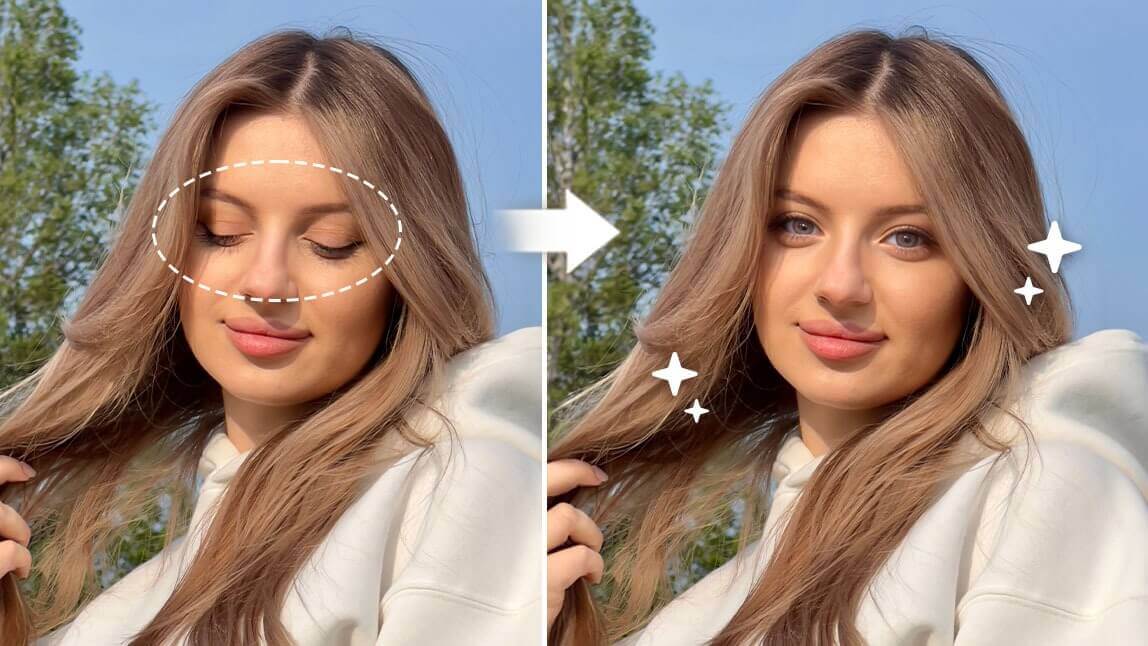
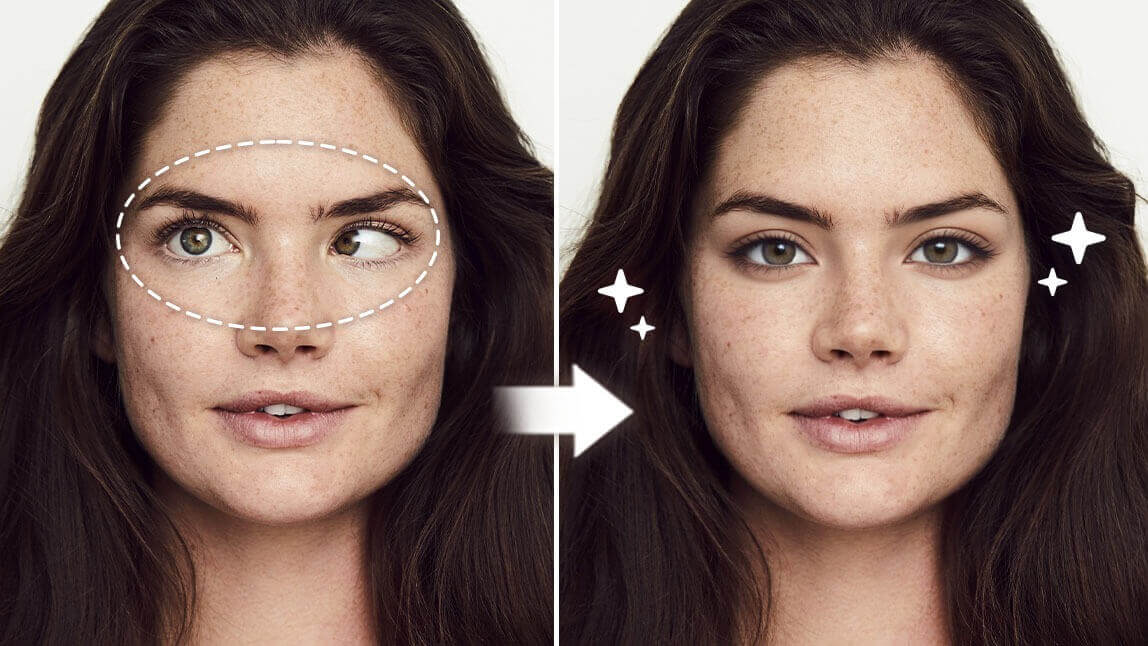
If you wish to make the visible veins in your eyes disappear, the AI Removal tool in YouCam Perfect can easily achieve the effect using iOS or Android devices.
To get a more refreshed look:
- Tap 'Photo Edit' and upload your image
- Locate 'AI Remove' in the menu bar
- Highlight the area in your eyes you wish to whiten
- Press the 'Remove' button and save your result!
#2 Brighten Your Eyes with a Simple Retouch

Aside from removing visible eye veins, we also have other face touchup functions like Dark Circle Removal, Eye Brightener, and more beautifying tools to make your selfies perfect.
#3 Remove Light Glare from Your Eyes

While most social media influencers or YouTubers are fans of ring lights (as these lights help brighten eyes and provide even lighting), some might not like the unique "catchlight" effect that appears in their eyes.
Utilize the AI Removal tool to easily remove light glare in eyes or even glass glare in selfies before sharing them on social media!