Author:


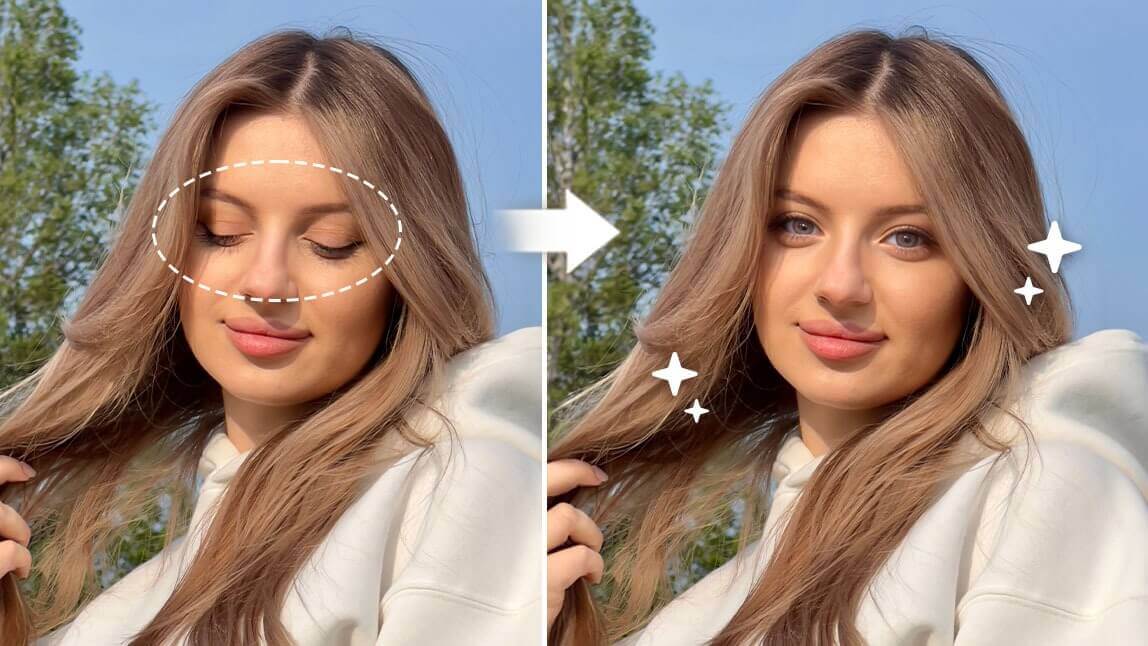
Have you ever looked at a photo and noticed that one eye looks droopy, crossed, or slightly off, even though you didn’t notice it at the time? Maybe you were tired, blinked, or glanced away just as the photo was taken.
This is a common issue—and the good news is, it’s easy to fix. With AI-powered photo editing tools like YouCam Perfect, you can fix a lazy eye, correct eye direction, and make eyes look forward naturally in just seconds.
In this guide, we’ll show you how to fix lazy eyes and change eye direction in photos using AI—no Photoshop or editing skills required.

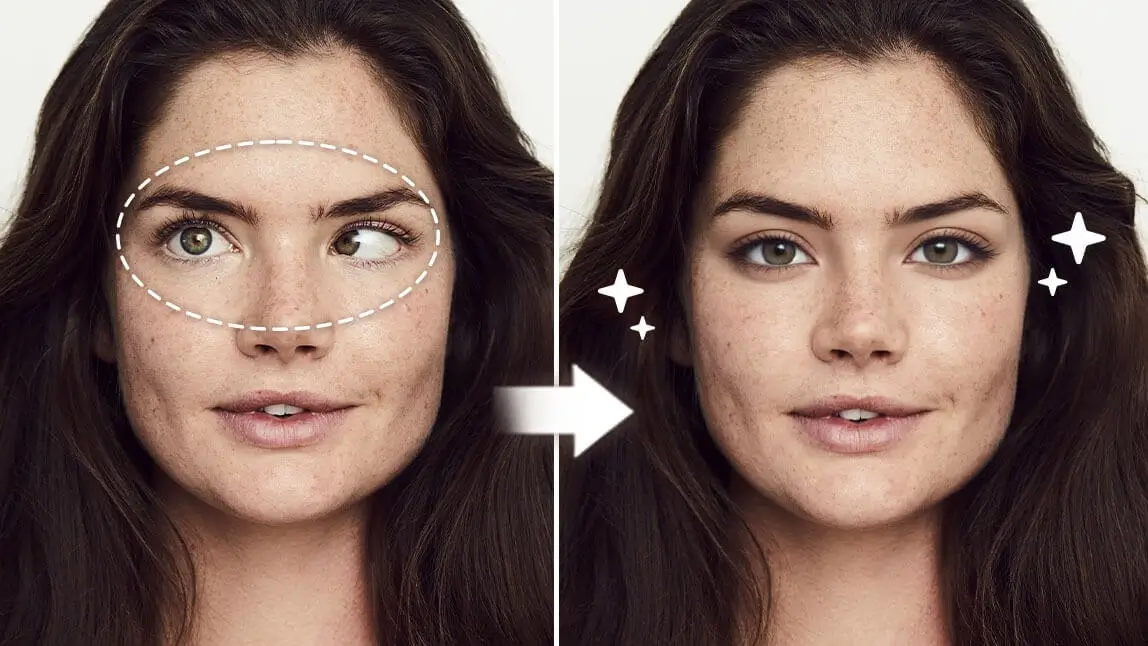
▲ Types of commonly seen lazy eyes in photos
Lazy eye in photos, also known as "amblyopia," can occur due to various reasons. It could be the angle of the photo, the lighting, or just how your eyes naturally are.
In photography, it often refers to visual inconsistencies such as:
- One eye appearing more closed than the other
- Eyes looking in different directions
- Crossed eyes or rolling eyes
- Sleepy or unfocused eyes
These issues can happen due to camera timing, shadows, or facial angles.
Read More: Eye Editor - Edit Eyes in Photos Naturally Using AI
How to Fix a Lazy Eye in Pictures on iPhone
If you want to fix lazy eye in pictures right on iPhone, you certainly need a right tool to help you out.
In this section, we will use a lazy eye photo editor - YouCam Perfect for example, and show you several scenarios of how you can fix lazy eyes, eyes not looking at the camera, or even closed one using this app.
#1: Change Eye Direction in Photos using AI Retake

Sometimes, crossed eyes can happen by accident—maybe you were looking at something else or were caught off-guard. Whether it's for social media or a family photo album, you can get this fixed with the right tool.
With "AI Retake", you can easily fix your lazy eyes by uploading a good selfie of yours. The lazy eye fixer will help you swap the good face onto your original photo, and the result is super natural.
 You can even fix your closed eyes using this AI feature, and no editing skills required.
#2: How to Fix Lazy Eyes in Photo using AI Replace

Or sometimes, if you can't find a good selfie of yourself, you can also turn to "AI Replace" to work the magic! Here's how to do it:
- First off, upload that droopy eyelid photo of yours to the YouCam Perfect app
- Locate 'AI Replace' and use the painting tool to highlight both of your eyelids
- Once you're feeling good about your edits, press 'Apply' to view the effect
- Last but not least, save that photo!
Post You Shouldn’t Miss Out: How to Open Eyes in Photos With AI for Free
#3: How to Fix Eyes Not Looking at Camera
A picture is worth a thousand words, but a snap with unfocused eyes might spill more beans than you'd like. Unfocused eyes in pics can be a bit of a bummer (including rolling eyes and sleepy eyes) and is a situation that often occurs in our daily lives.
Instead of searching for editing tutorials using Photoshops with a more skilled process, you can now easily fix the issue with a photo editing app on your phone!

For people who wish to fix rolling eyes in photos, we suggest using a simple prompt such as "open eyes" to apply the effect within seconds easily in the AI Replace feature.
If you are here to fix your sleepy eyes in your shots, consider using a prompt like "fix sleepy eyes" to experience the magic our AI brings!
Read More: Free AI Replace Tool - Change Faces and Objects in Photos

Other Eye-Fixing Ideas to Try With Your Photos

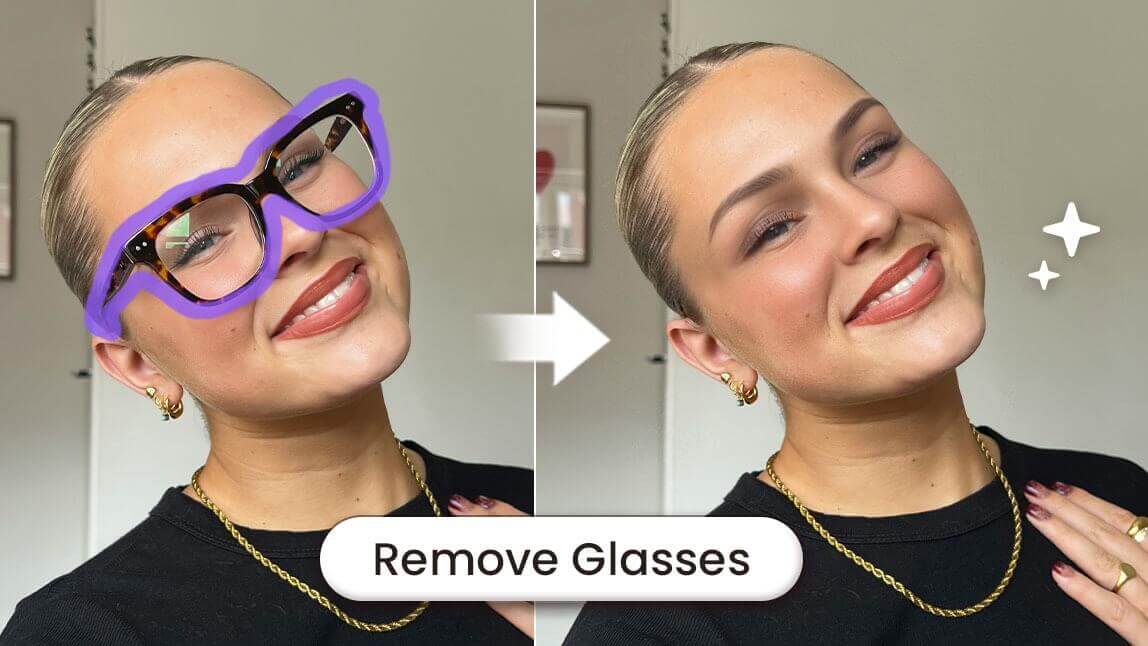
Other than fixing lazy eyes, there are other ways you can edit the eyes in your photos.For instance, you can use YouCam Perfect to brighten the eyes, adjust the color, or even turn closed eyes into opened ones!

You can also get rid of visible eye veins or bloodshot eyes in a photo using a tool called "AI Removal." This will give your eyes a clear look.
Learn More: How to Whiten Your Eyes in Photo
Bonus: Fix Lazy Eye in Photo Online Free
If you are looking for an online tool to fix your eye direction in photo, we have a recommendation for you! YouCam Online Editor. It can help you fix lazy eye in photo using AI generative fill technology.

How it works:
- Go to YouCam Online Editor homepage
- Choose "AI Replace"
- Upload the photo you wish to edit
- Use brush tool to paint over your eyes and enter prompt like "eyes looking forward"
- And then let AI work its magic!

Final Thoughts: Fix Lazy Eye & Eye Direction Instantly
A small eye misalignment can change the entire feel of a photo—but fixing it doesn’t have to be complicated.
With YouCam Perfect, you can fix lazy eye, change eye direction, and correct unfocused eyes quickly and naturally using AI. Whether you’re editing a selfie, group photo, or professional image, these tools help you look your best—without retakes or editing experience.
✨ Try YouCam Perfect today and take control of your photos with effortless AI eye editing.
About the Editors

The PERFECT Corp. Editorial Team
We are a team of experts on photo and video editing apps. Our goal is to deliver engaging content on everything from stunning selfie edits to eye-catching video effects. We cover the latest trends and share niche tips to help you master digital creation.