Author:


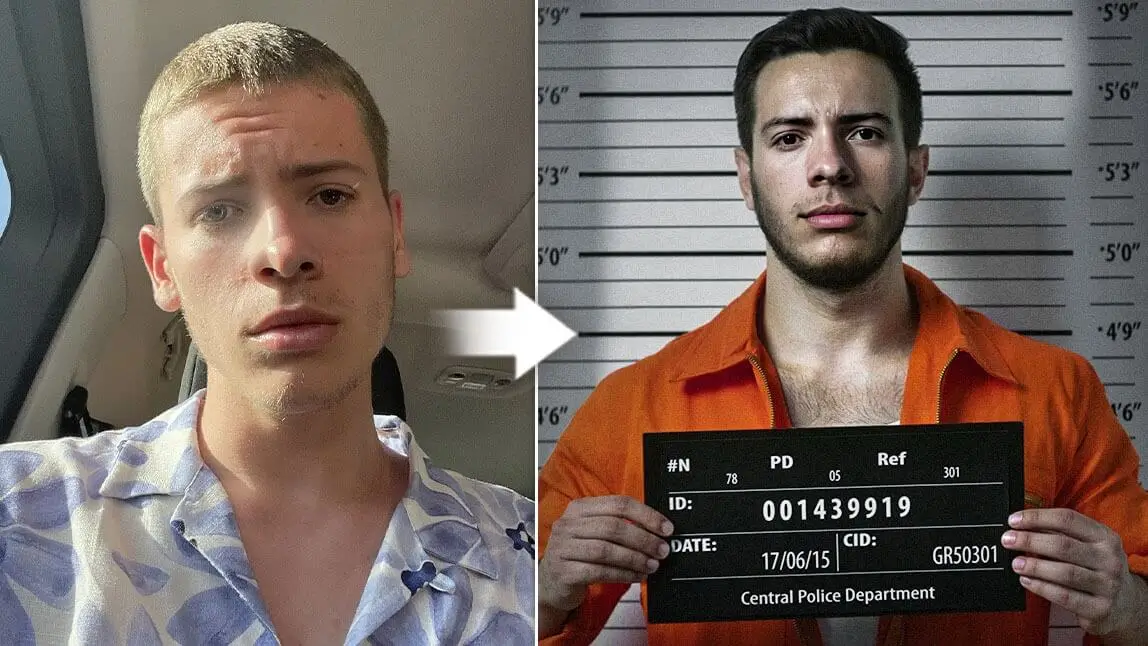
Ever seen those iconic police photos in movies where someone’s holding a board with their name and standing in front of a height chart? Yep, that’s a mugshot.
From funny memes to trending TikTok filters, people are now recreating their own “jailhouse look” for fun — no crimes required.
What Is Mugshot?
A mugshot (short for mug photograph) is basically the official photo police take when someone gets arrested.
You’ve probably seen them in movies or true crime shows — the classic front view + side view with a plain background or a height chart behind. It’s not about looking cute; it’s about documenting someone’s face at the time of arrest. 
Why Do People Do Mugshot?
Originally, mugshots were created to help police keep track of people they arrested.
But now, outside of actual law enforcement, the term “mugshot” has taken on a whole new life. These days, people love to play around with mugshot filters on social media. Instead of being tied to crime, it’s more about:
- Making funny memes with fake arrest posters
- Dressing up in Halloween prisoner vibes 🎃
- Just creating a cool, edgy photo for your feed
Basically, it’s the safe way to live out your “jailhouse aesthetic” without ever stepping foot in a cell.
How to Turn Your Photo into a Mugshot?

Best AI Photo Editor
The Best AI Photo Editor & Selfie Camera.
Remove objects, apply filters & more.
To make your own mugshot is easier than you might think. Follow these simple steps to turn any photo into a mugshot using a mugshot maker. In this section, we will show you several ways how to create your mugshot pictures by applying the jail filter:
#1 Get Mugshot by Entering Prompts

Open YouCam Perfect and choose the AI Agent feature.
Step 2: Upload Your Portrait
Add a clear portrait photo. For best results, use a front-facing image with good lighting and minimal shadows.
Step 3: Enter a Mugshot Prompt
Paste the following prompt into the text box to guide the AI: "Transform this image into a realistic police mugshot.
Add a gray background with height markings, harsh frontal lighting, and a nameplate with the person's name and a case number.
The photo should look like an official FBI or police booking photo, vertical format (4:5), with a neutral expression and no accessories."
Step 4: Generate and Save
Tap Generate and review the results.
#2 Add Mugshot Background to Your Photo
 Download
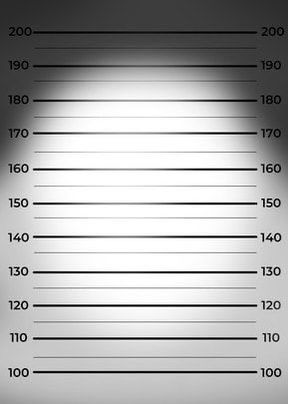

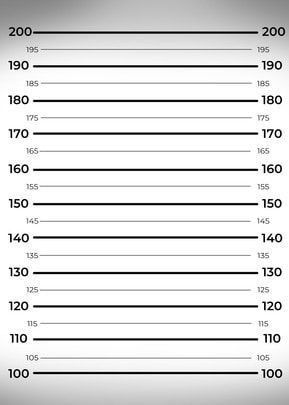
In the YouCam Perfect app, you can easily upload your pre-saved mugshot background, or simply utilize the app's "Stock" feature (currently available for iOS only). Then, type the keyword 'Mugshot' and press on the style you prefer.

Once you pick your mugshot background, locate the 'Add Photo' tool on the menu bar and choose a high-quality photo of yourself (or whoever you want to "mugshot-ify").

Lastly, select 'Cutout' to easily get rid of the image background. So you will have a clean photo of yourself on a mugshot background.
#3 Get into Prisoner Costumes using AI Fashion
Aside from adding a height chart background, you can also turn your photo into a mugshot of you wearing prisoner costumes with the 'AI Replace' feature (iOS only).

All you need to do is paint the clothes area in the input image, type a prompt like "Orange prisoner costume" in the text field, and hit the 'Replace' button. Voilà! You're one step closer to creating your unique mugshot with our filters!

#4 Face Swap into an Existing Mugshot Picture
Alternatively, you can customize your look into someone wearing prisoner clothing with a mugshot board using the 'Face Swap' feature in the mugshot maker.

Simply search for keywords like "Breaking Bad" or "Mugshot" to find inspired looks, and within seconds, you can replace your face with the original photo subject's face!
Read More: How to Replace a Face in a Photo in a Photo App
#5 Apply a Wanted Poster Template

Aside from turning yourself into a mugshot, you can also turn your photo into a wanted poster! Here's a quick how-to guide to achieve the look:
- Tap 'Photo Edit' and upload your image
- Locate 'Template' on the menu bar
- Press the 'Store' button and find the wanted poster template under the "Meme" template
More Mugshot Filter Creators Available
Mushot Creator #1 - Snapchat
For those looking to create a live cam mugshot, Snapchat is the best app to use. Simply open Snapchat and search for the keyword "mugshot" to find the filter.

To see more similar filters, just click on "Explore Lenses" and you will see a wide collection of filters available to you.

✨Best for live cam mugshot filters
Mushot Creator #2 - Mugshot Meme Generator

Mugshot Meme Generator is an online tool that lets you upload some meme pictures and add texts to create a meme mugshot.
However, it doesn’t have a background removal feature if you want to add your pictures to the template, so keep that in mind.
Mushot Creator #3 - YouCam Online Mugshot Maker
YouCam's Free Mugshot Generator lets you transform any photo into a realistic—or wildly funny—mugshot in just a few clicks.
Whether you're aiming for a playful social media post, a personalized gift, or just some light-hearted fun, this tool has you covered.
No downloads required—just upload your photo and let the creativity flow.