Author:


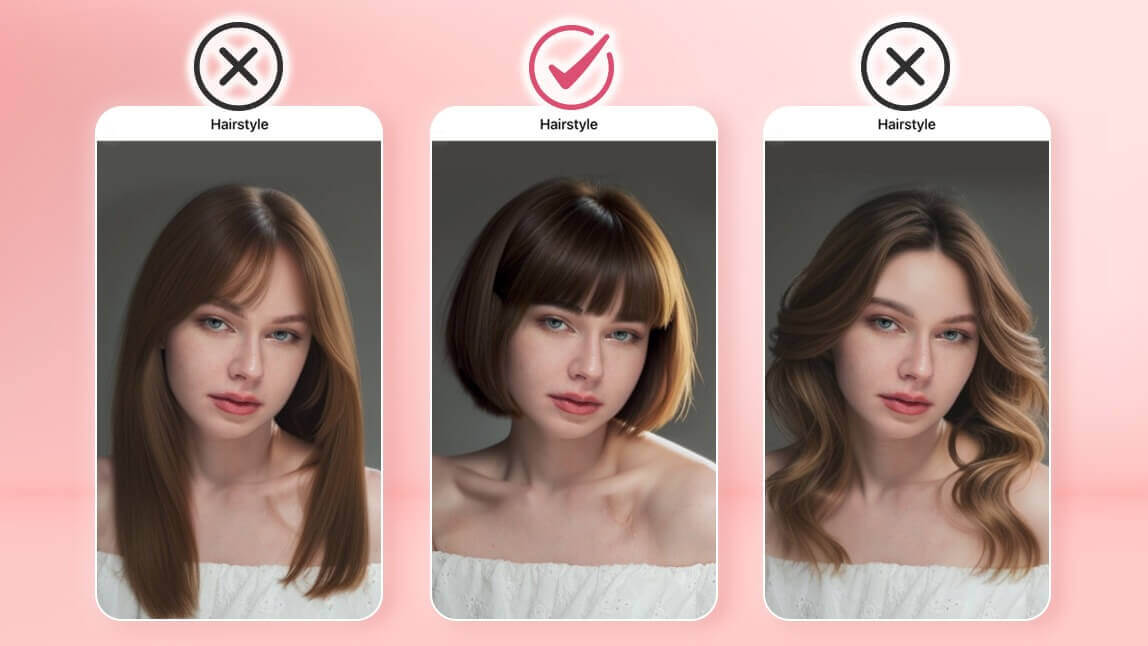
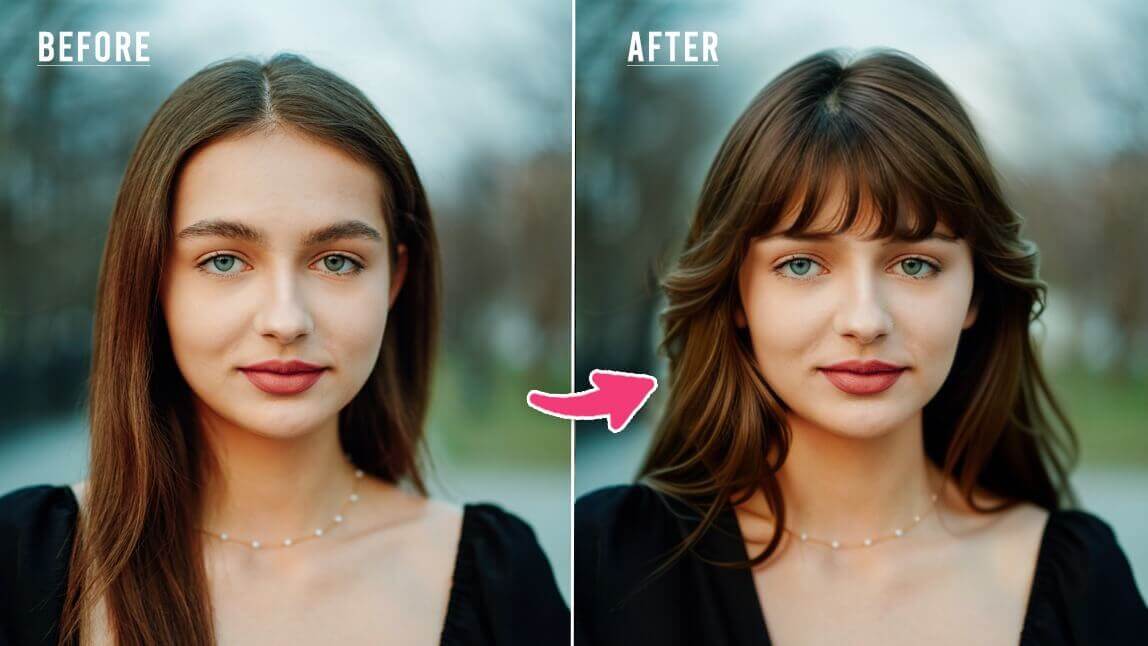
Wondering what you would look like with wispy bangs? Now you can find out instantly with a wispy bangs filter. With YouCam Makeup’s bangs filter, you can try on wispy bangs virtually without making a permanent change.
The app offers over 60 virtual hairstyles including straight, wavy, curly, and short styles, along with 10 different bangs filters to explore. Whether you are considering blunt bangs or a full fringe, YouCam Makeup lets you preview the perfect look on your face for free.
Wispy Bangs Filter: Add Bangs to Your Photo

Wispy bangs are a popular choice for their soft, airy look that can effortlessly frame your face and add a touch of elegance to your hairstyle.
Whether you're considering a subtle change or a bold new look, YouCam Makeup's wispy bangs filter allows you to visualize the transformation instantly.
The app's AI technology ensures a realistic preview, helping you make an informed decision before heading to the salon.
How to Try Wispy Bangs Filter with Bangs Simulator
Ready to see how you would look with wispy bangs? Follow the steps below to try the wispy bangs filter with YouCam Makeup's bangs simulator:
- Step 1: Downlod the YouCam Makeup app.
- Step 2: Open the app and tap the AI Hairstyle feature.
- Step 3: Upload your photo.
- Step 4: Tap the "Bangs" tab.
- Step 5: Try the filter options "Wispy Bangs", "Wispy Bangs 2" and "Thin Bangs" to find your perfect bangs style!

Tip: To explore more bangs styles, you can also go to back the main hairstyle tab and explore more hairstyles with bangs, including blunt bangs, Birkin bangs and more.

Beyond wispy bangs, YouCam Makeup offers an extensive range of hairstyle options. Whether you're looking for a new color, length, or texture, the app has you covered.
Experiment with vibrant shades, trendy cuts, and unique styles to find the perfect look that matches your personality and style.

Wispy Bangs vs. Curtain Bangs: What's the Difference?
Wondering what type of bangs would suit you best? Wispy bangs and curtain bangs are two popular styles, each offering a unique look. Here's a quick guide to help you decide!
Wispy Bangs
 Source: Pinterest
Appearance: Light, airy, and feathered for a soft, delicate look.
Best for: Adding subtle framing to the face; ideal for round and square face shapes.
Maintenance: Requires regular trims to keep the wispy texture.
Curtain Bangs

Source: Pinterest
Appearance: Long, parted bangs that frame the sides of the face, blending with the rest of your hair.
Best for: A versatile, trendy style; great for oval, square, and heart-shaped faces.
Maintenance: Low-maintenance; easier to grow out and style.
Want to know which one looks good on you? Use YouCam Makeup to try both styles virtually and see which one suits you best!

Add Wispy Bangs Filter to Your Photo Online
If you prefer to skip the app download, you can also try the wispy bangs filter online with YouCam Online Editor. Just upload your photo and add bangs to your photo in seconds. Whether you are browsing on your phone or desktop, it is a quick and easy way to explore new looks from anywhere.
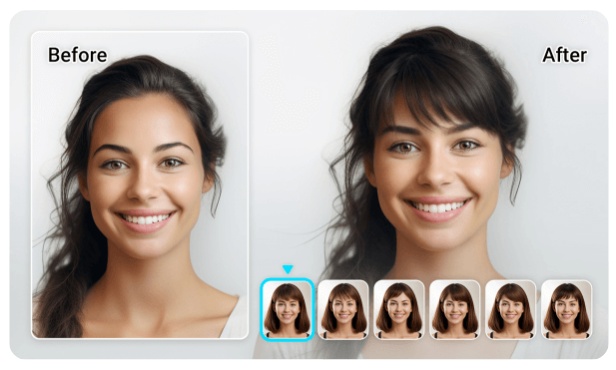
Step 1: Go to YouCam Online Editor's Bangs Try-On on your desktop or mobile browser.
Step 2: Upload a clear front-facing photo of yourself.
Step 3: Click on the Bangs category to explore different virtual fringe styles.
Step 4: Choose the wispy bangs filter to see how you look with soft, airy bangs.
More Hair Filters
- Bob Filter
- Long Hair Filter
- Perm Filter
- Bald Filter
- Buzz Cut Filter
- Short Hair Filter
- AI Hair Color Filters
- Virtual Wig Try-On