Author:


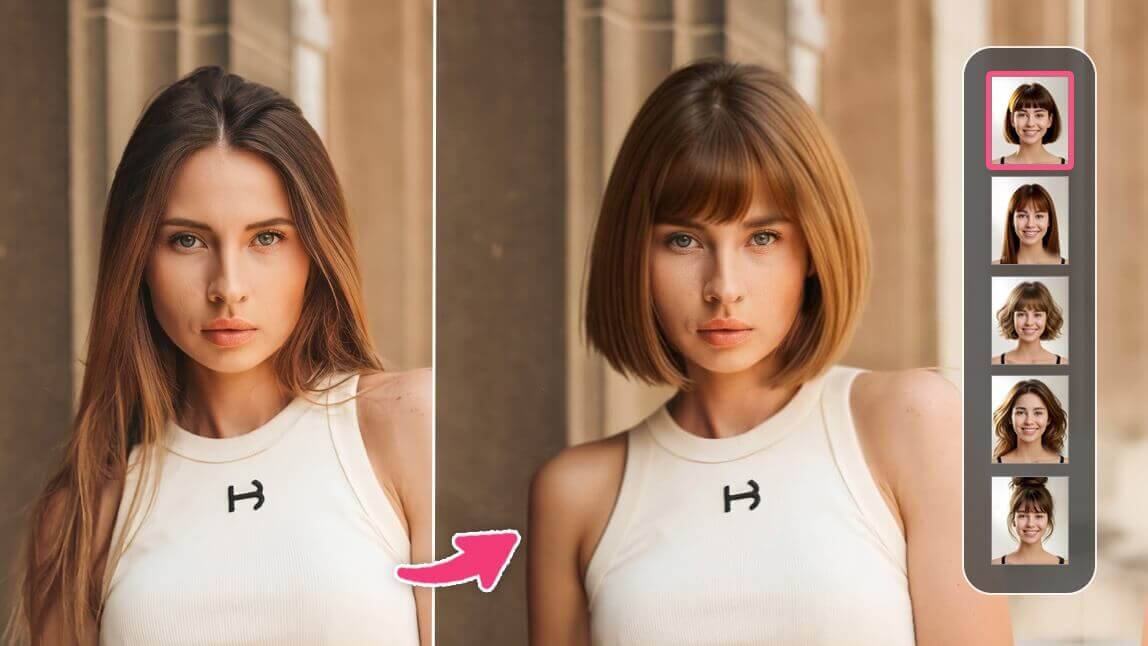
I’ll admit it—I’ve always been curious about how I’d look with a bold bob or pastel pink hair. But booking a salon appointment just to "try" a new style? No thanks! That’s when I discovered the YouCam Makeup hairstyle simulator, and let me tell you—it’s a total game-changer.
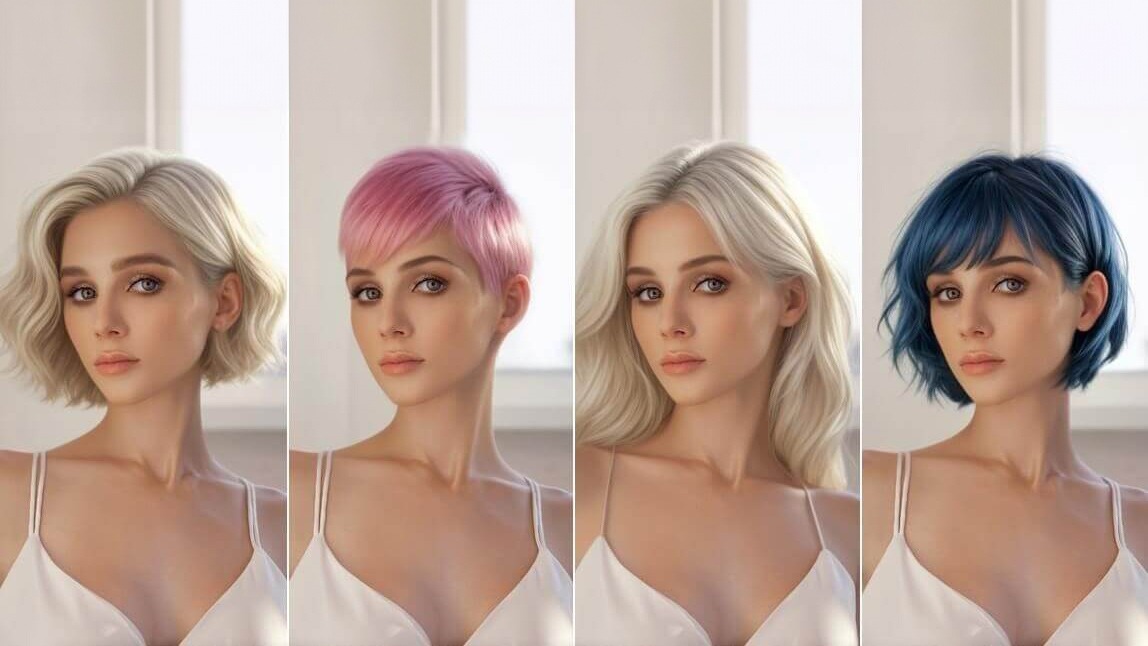
I spent an afternoon playing with their virtual hair try-on feature, swapping between chic balayage, bouncy curls, and even edgy blue highlights. It was like having my own personal hair stylist at my fingertips, minus the commitment or awkward growing-out phase. Trust me, you’re going to want to try this out!

Try On Hairstyles With AI Hairstyle Simulator
It's fairly simple. To try AI hairstyles with your photo you need to download an app that offers an AI hairstyle feature (e.g. FaceApp, YouCam Makeup, BeautyPlus). I used the app YouCam Makeup. Then, tap the AI Hairstyle feature, upload your photo, and try the hairstyles available.

AI Hairstyle Simulator: Which Hairstyle Suits Me Best?
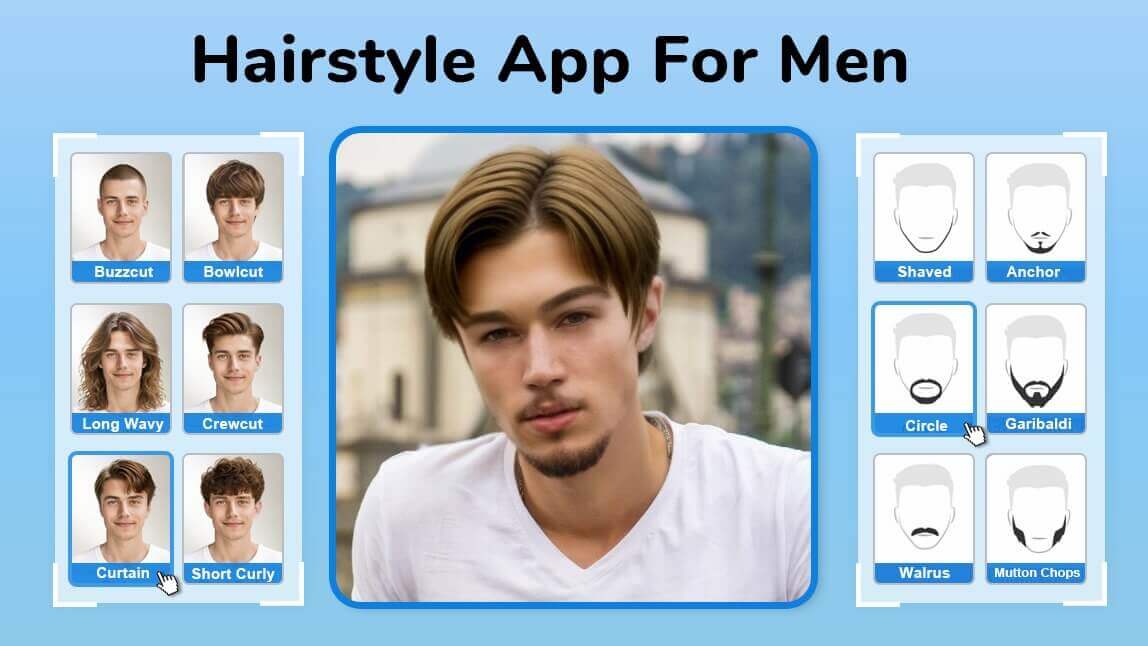
Now let's dive in! The app's hairstyle simulator offers 40+ hairstyles for women and men, I won't go through all of the hairstyles, but some of my most and least favorite ones.

Long Wavy: 7/10
The first hairstyle I tried is this Long Wavy hairstyle. It's quite similar to my current hair, just with more volume and really nice layers. It's a classic hairstyle, but let's see if there are some more interesting ones.

Long Straight: 9/10
This hairstyle I absolutely love. I think it suits me pretty well, but considering my hair is naturally wavy, I'd have to straighten my hair and the trouble is just not worth it, or is it? If I naturally had straight hair, I'd totally go for this look. And by the way, the hair color is amazing too.

Pixie: 4/10
The app also offers the classic pixie cut. I'm a bit torn about this one, but I think a pixie cut is not for me.

Bobcut Wavy: 9/10
This wavy bobcut style is so cute! I really love this style, it's easily one of my favorite AI hairstyles.

Buzzcut: 4/10
I personally would not consider a buzzcut, no matter how good this picture was, but it's fun to see nevertheless.

Mid-Length Curls: 8/10
This curly hairstyle looks amazing, I'm not sure if it's the most suitable hairstyle for my face shape, but I love these voluminous curls anyway. Realistically speaking, I just don't have the hair structure for this style, I wish I did though after seeing my photo with this hairstyle!
3 Tips for Virtual Hair Try-On
That was fun! AI can really do an amazing job at simulating hairstyles, but let me share some tips and tricks to get the best results.
Hairstyle Simulator Tip 1. Choose a photo with your eyebrows clearly visible
If your eyebrows are fully or partly hidden, the AI will generate new eyebrows for you, that might not look like your real eyebrows and therefore alter your overall look too much.

Hairstyle Simulator Tip 2: Make sure that your face is close enough to the camera
when taking a picture. I've noticed that especially with the long, wavy hairstyles in this app it's important that your face is big enough. Otherwise, the hairstyle will look disproportionately big on your head.

Hairstyle Simulator Tip 3: Give it a few tries
The generated hairstyles will not always be perfect, sometimes the AI gives you a funny head shape or the overall look is just not that great. Simply re-tap the style and let the AI generate the hairstyle again!
Final Thoughts: Should I Get a Bob Cut?
I hope you've enjoyed this little excursion into virtual hairstyle try-on, and maybe you want to try it yourself now. Can AI give you a 100% accurate preview of what a hairstyle will look like on you? Probably not. But it's super fun and you can get a pretty good understanding of how a new hairstyle would affect your overall look.
As for me, as much as I love my long hair, it might be time for a bobcut!
If you want to try AI hairstyles on your photo, you can use the YouCam Makeup app or choose one of the 8 best AI hairstyle apps in 2024.
More AI Hairstyle Try-On Ideas
- Bangs Filter: Try On Bangs Virtually With AI
- Short Hair Filter: Best Short Hair Simulator
- Long Hair Filter: Look Like Rapunzel
- Virtual Wig-Try On
- Best AI Hairstyle App