Author:


The holiday season is the perfect time to share laughs and make memories, and what could be better for sharing that than with personalized Christmas videos? Every year, these fun, customized creations become a hit, bringing friends and families closer through laughter and creativity.
We'll show you how to create a free Christmas eCard to send to your loved ones with JibJab and how to take them to the next level using YouCam Video. Keep reading!
What is JibJab?
JibJab is a popular online platform and app known for creating funny, personalized eCards and videos, especially during holidays like Christmas.
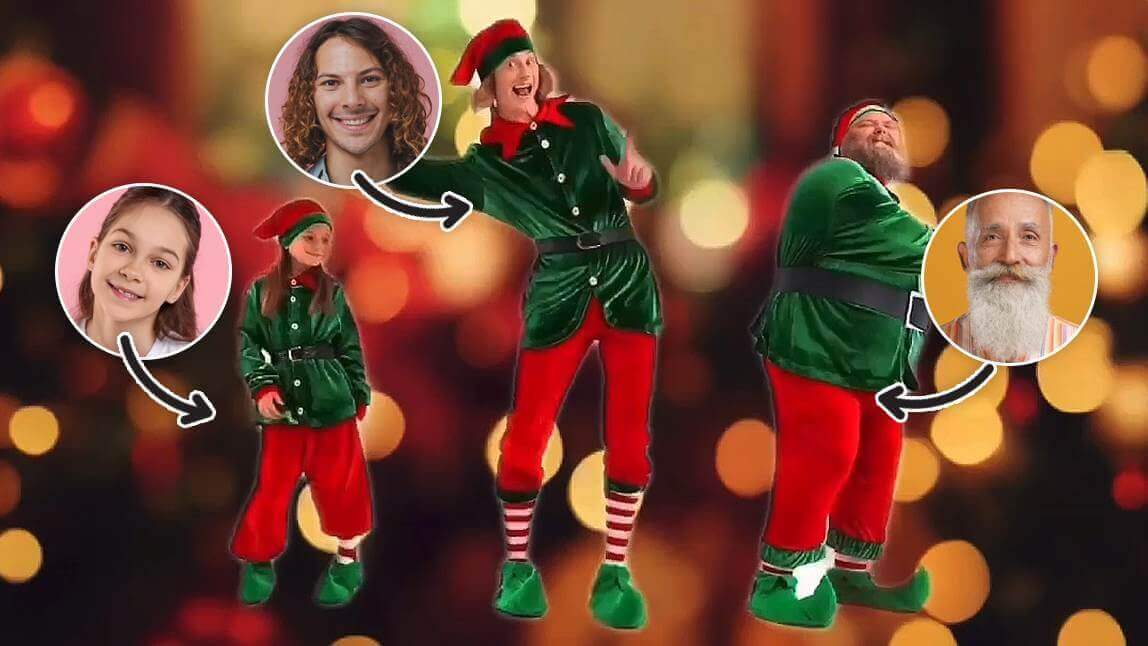
It became famous for its “Elf Yourself”–style dancing videos, where you can upload your face (or your friends’) onto animated characters — like dancing elves, Santas, or other festive figures — to make hilarious short clips.
How to Make a Free JibJab Christmas Card
This holiday season, try JibJab to create a hilarious holiday video. It’s quick and simple. Follow the steps below to get started:
1. Go to JibJab

First, open JibJab's website.
2. Select a Video

Browse their library of quirky Christmas templates, from dancing elves to Santa’s workshop.
JibJab offers some free templates, but many of its funniest and most popular Christmas videos require a subscription.
3. Upload Your Photo

Add your face (or your friends’ and family’s!) to the template and let the magic happen. Within minutes, you’ll have a funny Christmas video that’s sure to bring laughter to everyone who watches it.
Best Jibjab eCard Alternative: YouCam Video
If you haven't found a template on JibJab that you like, you need the YouCam Video app!
1. Try a Christmas Face Swap
The video editing app's Face Swap feature (iOS only) offers several Christmas video templates, as well as the option to upload any video you like. Use the Face Swap feature to easily and instantly add your face to any video!

Read More: Elf Yourself: How to Turn Yourself into a Christmas Elf
2. Create Fun Christmas Videos with Image-To-Video
Explore YouCam Video's Image-to-Video feature to turn your photos into video creations! (iOS only)
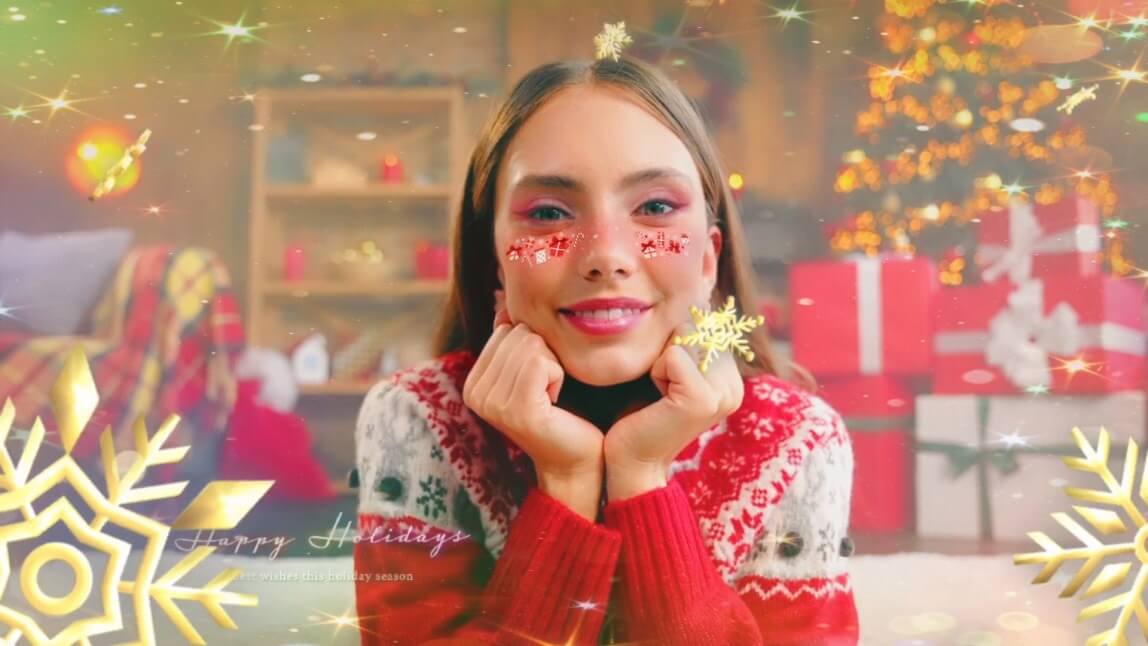
This feature allows you to upload an image and turn it into a fun video. This way, you can create your own Christmas video from any image you like and make the people in it dance, hug, kiss, sing, and more!

First, I generated the image on the left using YouCam Makeup's AI Studio feature to add an AI Christmas filter to my photo. Then, I used YouCam Video's Image-to-Video feature to make it move.
I think the result looks pretty amazing!
Level Up Your Christmas Videos with YouCam Video
But the fun doesn't stop there. YouCam Video offers many other features to make your Christmas eCards more unique.
#1: Apply AI Style Transfer
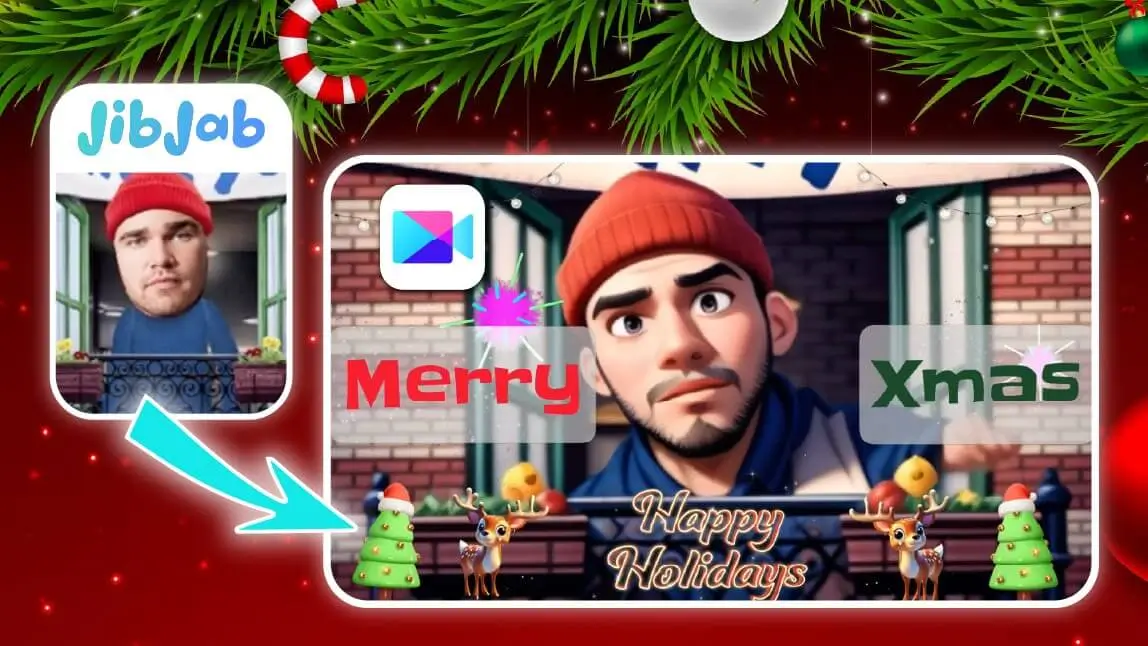
Feel like the quality of your JibJab videos is a bit low or want a new style? Try YouCam Video's AI Style Transfer feature for a fresh look!
#2: Add Filters, Text and Stickers

Enhance your funny Christmas video with festive filters, custom text, and cheerful stickers like Santa hats or Christmas bell.
It’s a quick way to add personality and holiday cheer!
#3: Add Christmas Music

Enhance the holiday spirit of your video by adding Christmas music! Whether it’s a classic carol or a cheerful festive tune, the right soundtrack brings warmth and seasonal charm to your creation.
Share Your Funny Christmas Video Card
Once your masterpiece is ready, it’s time to share! YouCam Video makes it easy to post directly to Instagram, TikTok, Facebook, and other platforms.
Your upgraded funny Christmas video will stand out from the crowd, earning likes, shares, and festive reactions from friends and family.
Enhance Your JibJab Christmas Card with YouCam Video
This holiday season, combine the best of both worlds. Start with JibJab to create a funny Christmas video that spreads joy and laughter, then take it to the next level with YouCam Video’s advanced features to make it uniquely yours.
Download YouCam Video today and let the festive fun begin!