Author:


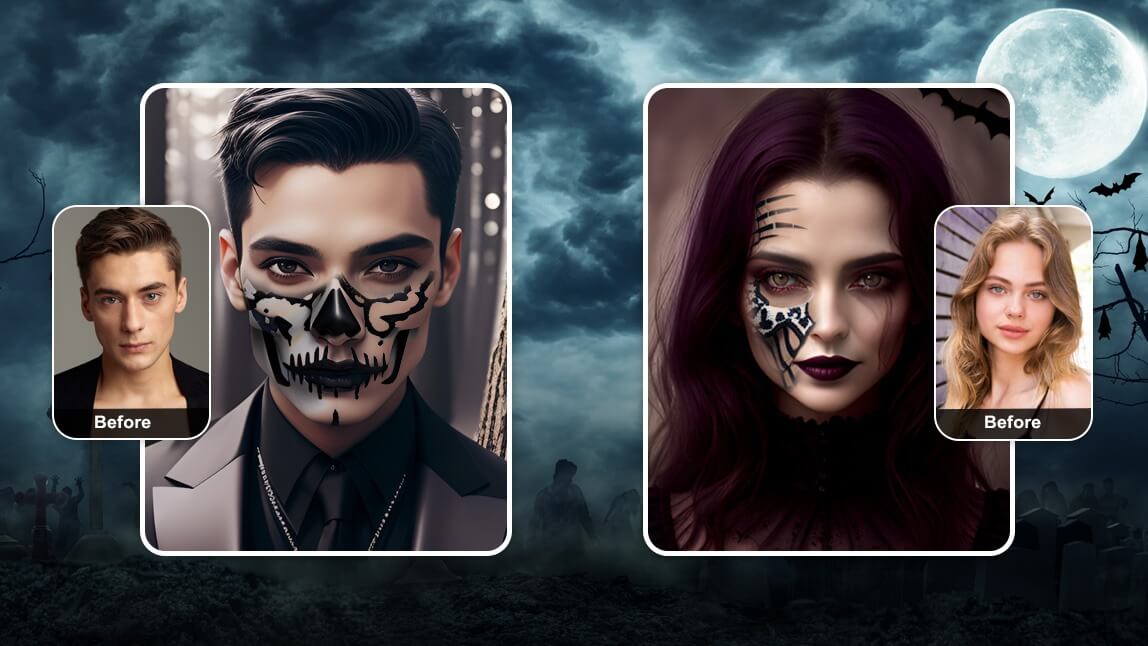
It's time to get into the Halloween spirit with Halloween filters and effects to transform your photos into a ghostly ghoul, a wicked witch, or a creepy creature of the night.
Check out the 15 most popular Halloween filters and photo effects from popular social media apps, such as YouCam Makeup, Snapchat, Instagram, and TikTok, that you should try this Halloween!
15 Best Halloween Filters and Effects for TikTok, Snapchat & Instagram
Here are our top picks for the best halloween filters and effects you can add to your selfies this year. Easily turn your photo into a scary (or cute!) work of art with these Halloween photo effects.
- Silver Star Face Filter
- Grim Giggles Face Filter
- Batty Glam (Cyberpunk) Filter
- Sugary Spook Filter
- Develish Face Filter
- Pumpkin Face Filter
- Cute Ghosts Face Filter
- Batgirl Face Filter
- Skull Face Filter
- Kitty Style Face Filter
- Vampire Beauty Face Filter
- Beetlejuice Filter 1 Filter
- Beetlejuice Filter 2 Filter
- Halloween Skull Face Filter
- Cute Pumpkins Face Filter

▲ Filter 1: Silver Star| Filter 2: Grim Giggles▲

The Silver Star filter transports you to a sci-fi Y3K look, turning you into a stylish futuristic queen. With metallic silver details, you'll embody the ultimate futuristic allure for Halloween
And with the popular Joker movie franchise, let's preemptively step into the Joker's psychopath world with our Grim Giggles filter. Featuring vibrant green hair, exaggerated face paint, and a sinister grin, you'll embody a dark, wild villain.

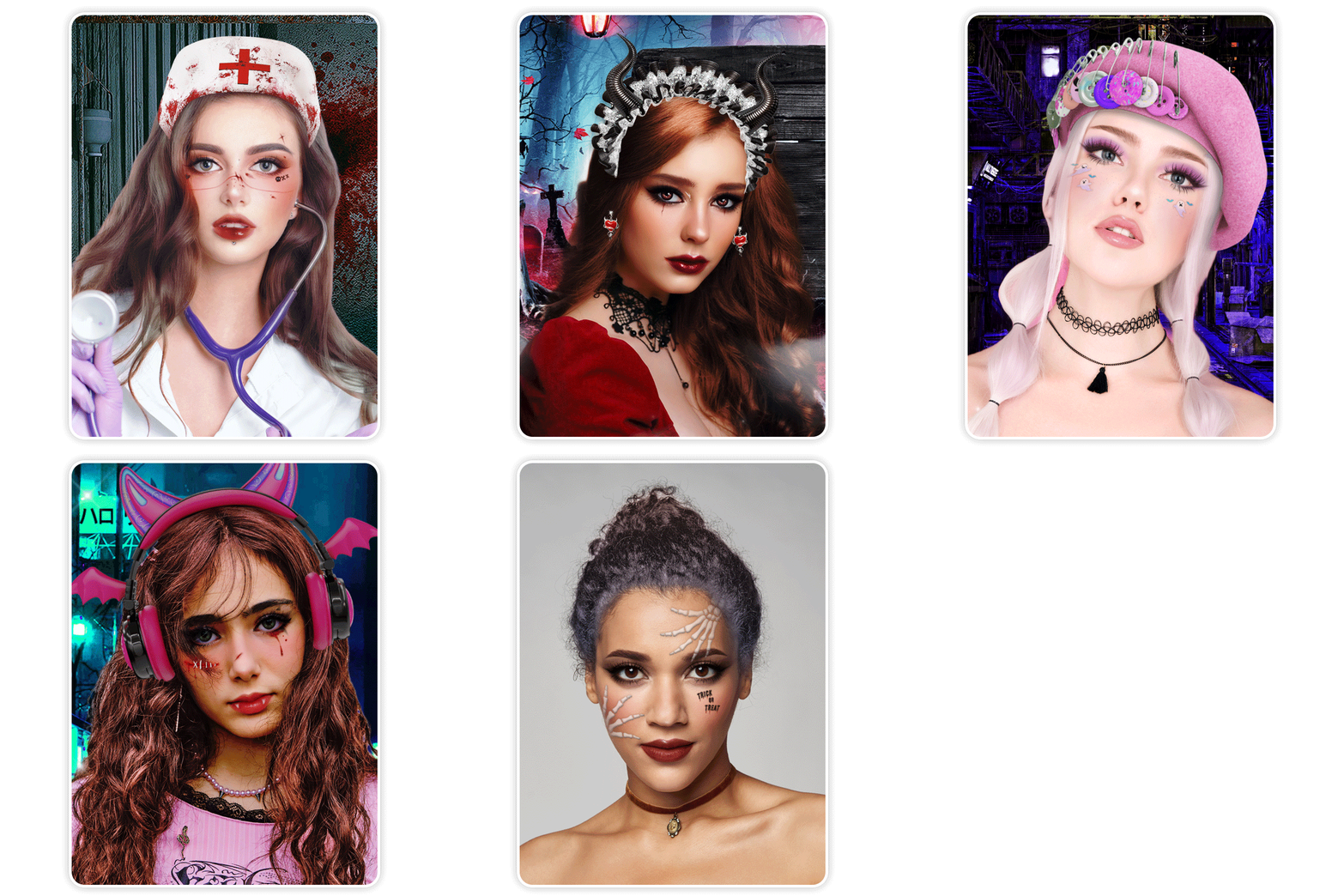
▲ Filter 3: Batty Glam (Cyberpunk) | Filter 4: Sugary Spook ▲
The Batty Glam filter lets you effortlessly embrace a spooky, vampire-inspired style, complete with eerie bloody makeup, charming bat wing headphones, and a dark neon tech backdrop.
For a sweet and adorable spooky look, try Sugary Spook with pink hair, a cute hat, and ghostly makeup that's sure to turn heads and spread smiles.

▲ Filter 5: Devilish | Filter 6: Pumpkin Pop ▲
This Devilish filter lets you sprout cute horns and adorable wings. What's more, when you open your mouth, it shouts "trick or treat" at the top of the screen, making your Halloween fun even more interactive.
With a cute pumpkin headband, the Pumpkin Pop filter is a funny pumpkin face filter that lets you add a touch of festive hilarity to your selfies that will have everyone giggling.
▲ Filter 7: Boo-tiful Ghosts | Filter 8: Batgirl ▲
Boo-tiful Ghosts adds cute ghost face paint and stunning eye makeup to your face, transforming you into a whimsical apparition.
The Batgirl filter gives you split hair, a cute bandage on your nose, and mesmerizing bat eyeliner to complete the look.

▲ Filter 9: Morbid Charm (Skull) ▲
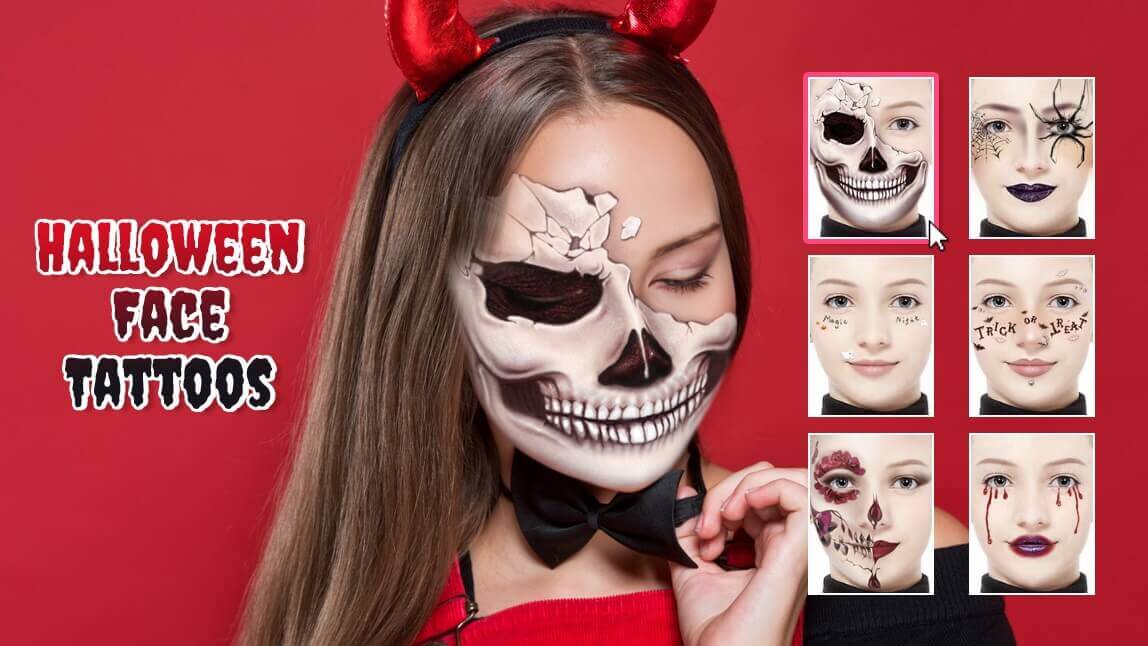
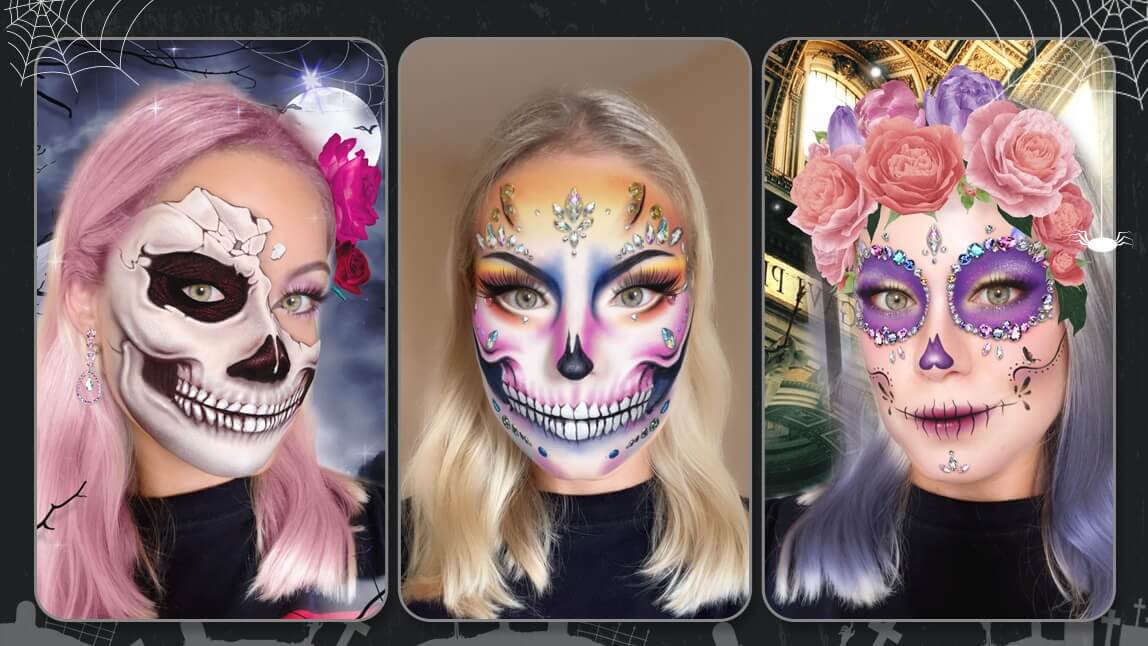
Transform your selfie into a spooky masterpiece with YouCam Makeup’s Skull Face Filter. This Halloween-ready look adds realistic skull makeup effects, dark contour lines, and haunting details that instantly give you a glam-meets-ghoul vibe.
Snapchat Halloween Filters: Spooktacular Lenses

▲ Filter 10: Kitty Style | Filter 11: Vampire Beauty ▲
Snapchat has long been known for its innovative lenses, and Halloween is no exception.
The platform rolls out a variety of spooky lenses that can turn you into a vampire, a pumpkin-headed scarecrow, or a mystical sorcerer with the wave of a finger.
TikTok Halloween Photo Filters: Hauntingly Fun Effects

▲ Filter 12: Beetlejuice Filter 1 | Filter 13:Beetlejuice Filter 2 ▲
TikTok users can indulge in the Halloween spirit with an array of haunting effects. Whether it's spooky beetlejuice filters, eerie background music, or creepy costume transformations, TikTok offers a wide range of features to make your Halloween videos unforgettable.
Instagram Halloween Filters: Boo-tiful Stories and Reels
| Platform | Best For |
|---|---|
| Snapchat | Quick, playful lenses for casual Snaps |
| TikTok | Video-first effects that react to movement |
| Polished Stories/Reels with more editing control | |
| YouCam Makeup | 100+ filters in one app, no platform-switching needed |
Our take: if you're already committed to a specific platform's aesthetic, use its native filters — but if you want the widest selection in one place before you decide, start with YouCam Makeup.

▲ Filter 14: Halloween Skull | Filter 15: Cute Pumpkins ▲
Instagram users can embrace Halloween with the platform's diverse collection of filters and stickers for Stories and Reels.
From bewitching boomerangs to frightful face filters, Instagram lets you share your spooky side with your followers.
How to Add Halloween Filters to Photo With YouCam Makeup
"YouCam actually edits the PHOTO — I can erase wrinkles or lines, remove puffy eyes, make them bigger/smaller, smooth out my face and remove acne." — Islandgirl75, in a positive App Store review of a YouCam app
Want to try out these hauntingly stunning yet realistic Halloween filters? Follow the steps below to transform your photos with these popular effects:
Step 1: Download the Halloween Filter App
You can download YouCam Makeup for free on the App Store or Google Play Store.

Step 2: Upload Your Photo or Try Live Effects
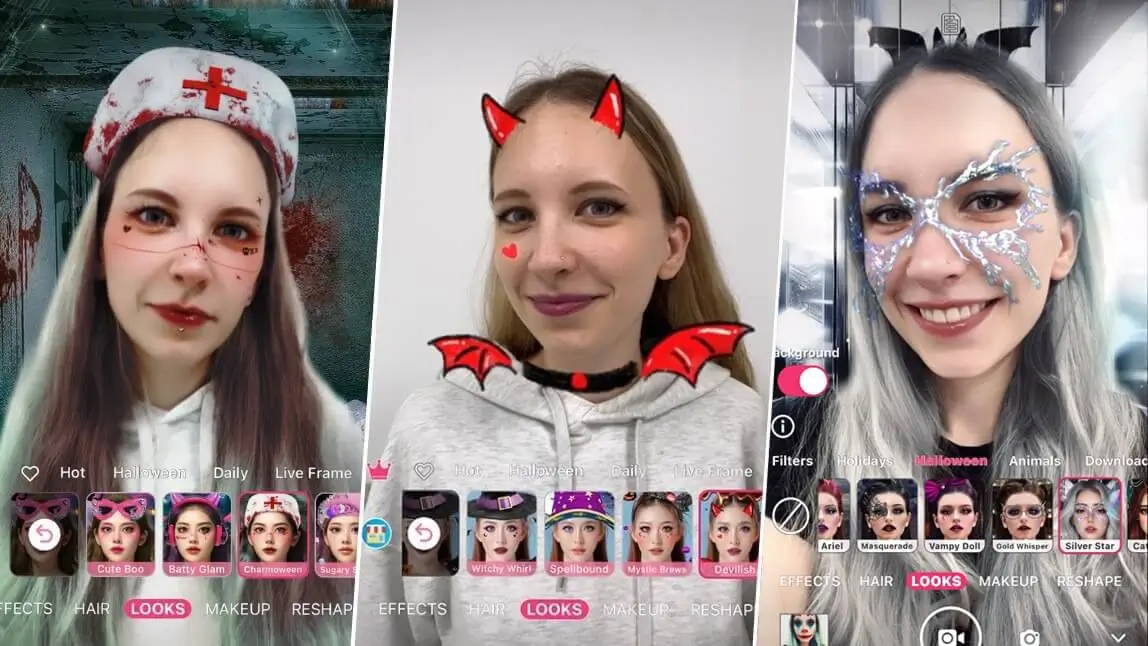
Navigate to Photo Edit to apply filters to a photo from your gallery or open the app's Camera to apply Halloween filters in real-time.
Step 3. Explore 100+ Halloween Filters & Effects
Tap Looks, and choose the Halloween collection. Scroll through the Halloween filter options and apply your favorite.
Step 4. Save Your Spook-tacular Halloween Photos
Tap the pink Save button and share your Halloween filter looks!
Best Photo Editor App for Halloween Filters & Effects
This Halloween, get creative and have a blast using these popular social media Halloween filters and effects.
Whether you choose YouCam Makeup, Snapchat, TikTok, Instagram, or a combination of these platforms, you'll have plenty of options to make your Halloween content truly spooktacular!

This Halloween filter app is not just about Halloween face filters. Transform your look virtually and try on any costume you'd like with YouCam Makeup's virtual clothes try-on feature. Change into a stylish vampire, sexy cheerleader, and even Wednesday Addams!

So, grab your smartphones, don your virtual costumes, and let the Halloween fun begin. Happy Haunting!

What's New: Original AI Halloween Characters
Beyond template filters, one trend gaining ground in 2026 is brands generating entirely original AI Halloween characters instead of using existing templates — Fanta's "Haunted Universe" AI campaign is a recent example (PYMNTS, September 5, 2026). If you want your look to stand out from everyone using the same filter, try combining two filters or pairing a filter with a unique prop or background.
Pro Tips for the Best Halloween Filter Photos
- Good lighting matters more for filters than regular selfies. Face-tracking filters read your features more accurately in even, front-facing light.
- Test filters against your actual background, not just your face — some effects look great in a preview but clash with a busy background.
- Save a few takes. Face-tracking filters can glitch on a single frame; a quick burst gives you options to pick from.