Author:


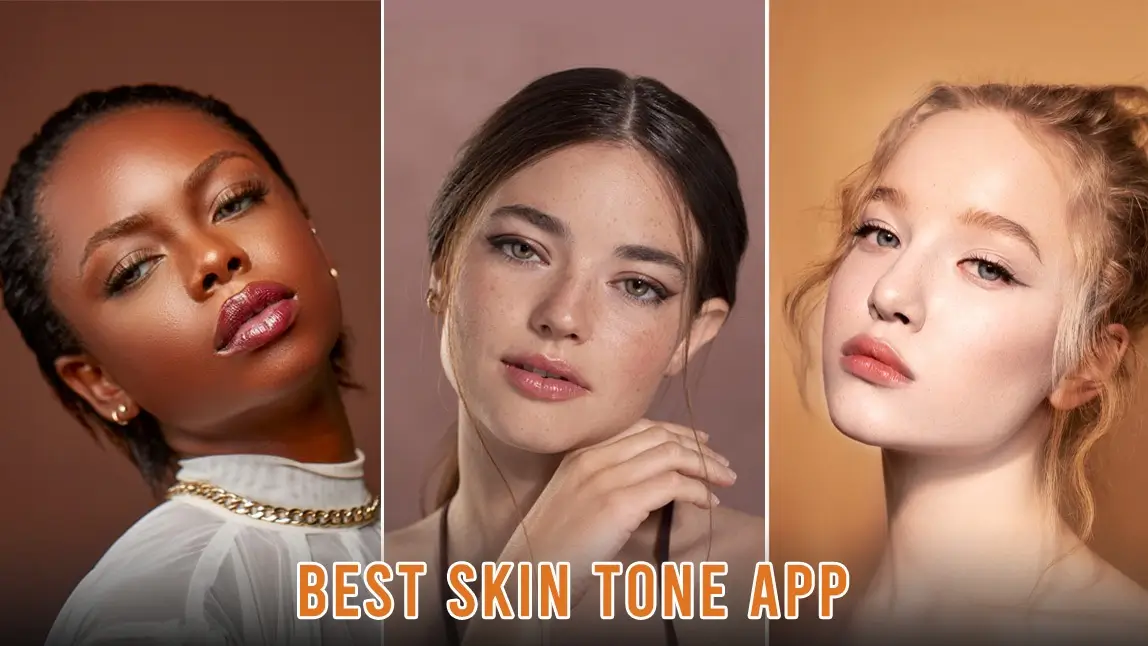
Understanding your skin tone is one of the most underrated beauty upgrades you can give yourself. It influences what colors flatter you most, how makeup appears on your skin, which fashion shades make you glow, and even how certain photo filters look on you.
Yet so many people are still guessing.
| Table of Contents: Best Skin Tone App |
|---|
Why Knowing Your Skin Tone Actually Matters
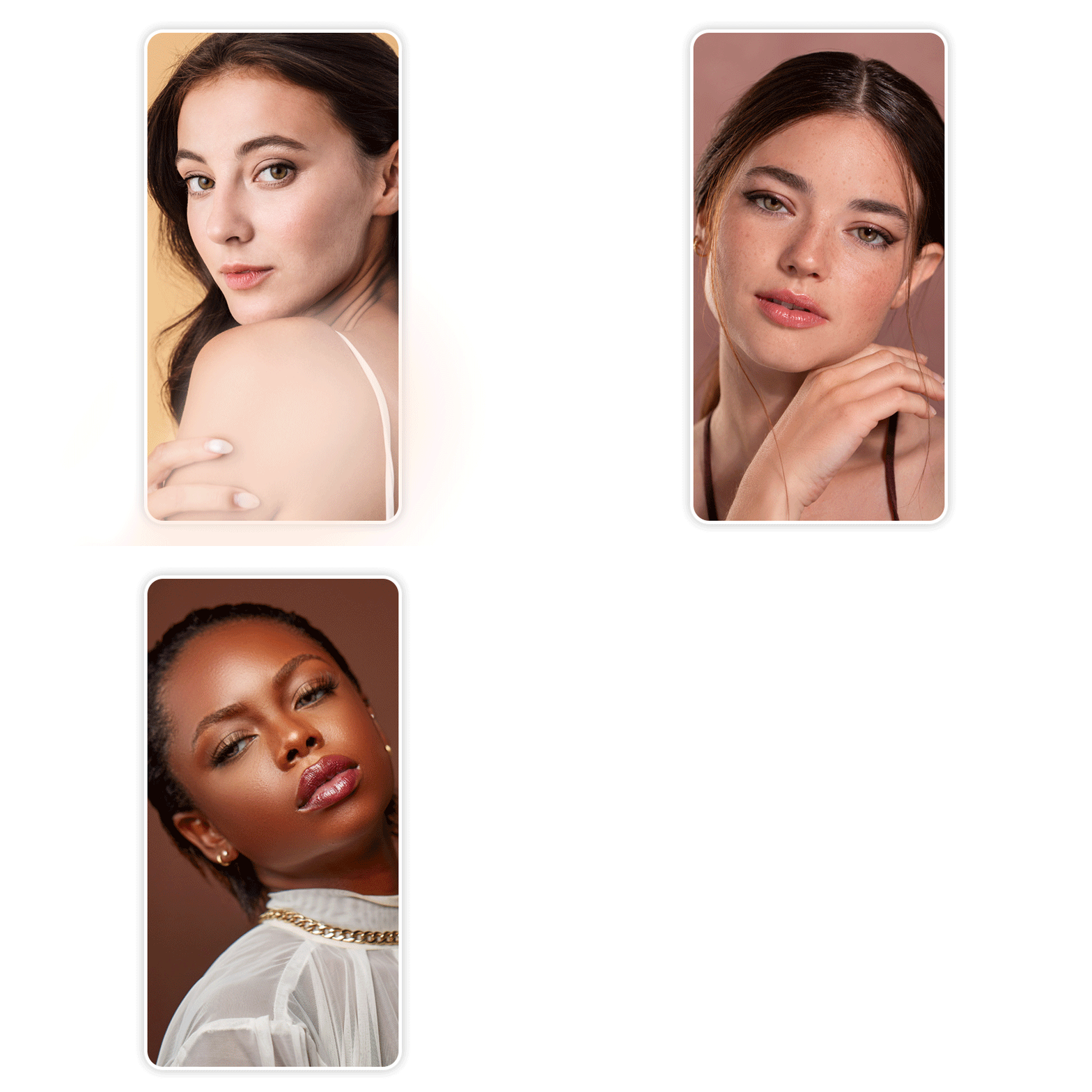 Skin tone is not just about “light” or “deep.” It includes undertones, depth, warmth, and the subtle color shifts that change how everything looks on you.
When you know your skin tone, you can:
- Choose makeup colors that enhance rather than overpower
- Avoid shades that make you look tired or washed out
- Pick clothing colors that instantly brighten your complexion
- Understand why some trends work for you and others decidedly do not
- Edit photos in ways that still look natural
In short, knowing your skin tone saves you time, money, and disappointing mirror moments.
5 Best Apps to Detect Your Skin Tone (So You Can Stop Guessing)
If you’ve ever stood in store lighting debating between two foundation shades or wondered why a lipstick looks amazing on your friend but strange on you, a skin-tone detection app can change everything.
These tools analyze your face digitally to give you a clearer (and often faster) answer than your bathroom mirror ever could.
Here are the five best apps to help you detect your skin tone, starting with the most advanced option.
1. YouCam Makeup
 YouCam Makeup goes far beyond basic shade-matching. With its Beauty Agent, it helps you understand not only your skin tone but also your undertone and overall complexion personality through real conversation.
Instead of simply telling you a category, Beauty Agent explains why certain shades work on you, offers visual try-ons, and adjusts recommendations based on the photo you upload and the questions you ask.
It’s less “scan and forget” and more like having a personal beauty consultant in your phone.
Best for: People who want deeper insight into their skin tone, real makeup recommendations, and interactive guidance.
Why it stands out: It doesn’t just analyze your face. It talks you through it.
2. Facetune

Best for: Users who want to experiment visually: retouch selfies, try different lighting or makeup looks, and get a rough sense of how various tones and shades sit on their skin.
Good to know: It’s not a dedicated “skin-tone detector,” but a flexible retouching tool. Results can be exaggerated if overused, so it’s best for rough tone-testing or creative edits rather than precise color analysis.
3. Neutone

Best for: Users who want a clean and straightforward undertone check without too many extra bells and whistles.
Good to know: It’s more utilitarian and focused, which is perfect if you want a quick, data-driven answer rather than a full beauty-suite experience.
4. BeautyPlus

Best for: Casual users who want quick results with a visual focus.
Good to know: It leans more toward editing than deep skin analytics.
5. BloomSkin

It also offers a full face-analysis: checking symmetry, skin concerns like spots or redness, and overall complexion condition, which is useful if you’re on a glow-up journey.
Best for: People curious about their skin tone and overall skin health, especially skincare beginners or those interested in seasonal color theory.
Good to know: It’s more than makeup; it’s a holistic skin-tone and skin-care analysis tool. If you're ready to go beyond guessing, these apps are your shortcut to clarity.
And if you want an experience that actually explains your skin tone instead of just labeling it, YouCam Makeup’s AI Agent is in a league of its own.
Meet Beauty Agent: Beauty Guidance That Actually Listens
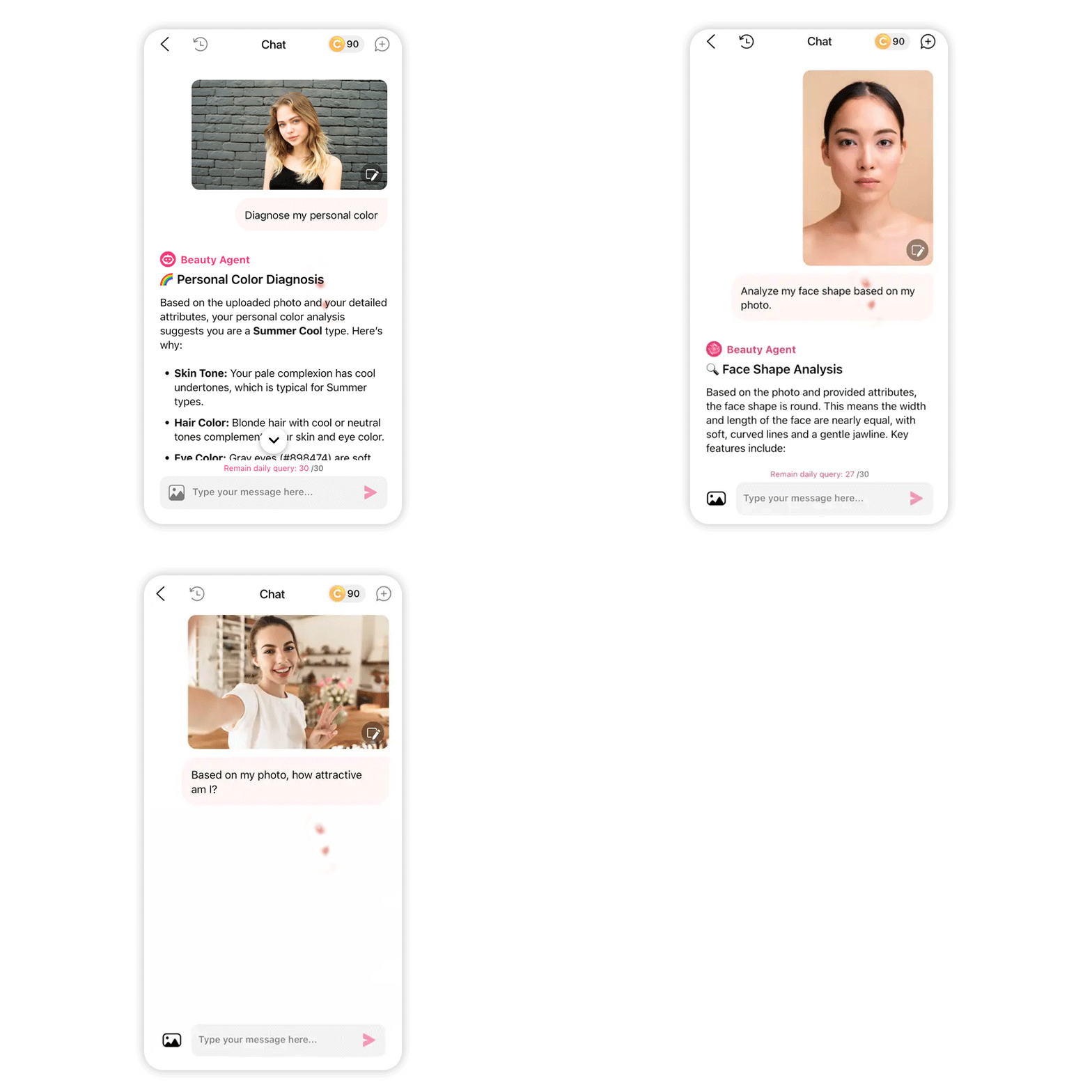 AI Agent is YouCam Makeup’s interactive feature that lets you ask real beauty questions and get real guidance back. You talk. It answers. You refine. It adapts.
Whether you want to understand your skin tone, figure out which colors love you back, or explore beauty ideas in a smarter way, Beauty Agent is there for the conversation.
It’s less “please select from these boxes” and more “tell me what you’re trying to figure out.” And that alone makes it stand out as the best skin tone app for the modern beauty lover.
How To Use Beauty Agent to Learn Your Skin Tone
Ready to stop guessing and start understanding? Let’s make it easy.
Step 1: Download YouCam Makeup
Get YouCam Makeup from the App Store or Google Play.
Step 2: Open Beauty Agent
Head into the app and start your conversation with the Beauty Agent.
Step 3: Ask a Question and Upload a Photo

Not sure where to begin? Try prompts like:
- “What is my skin tone?”
- “Can you help me understand my undertone?”
- “Which colors suit my skin tone best?”
- “What makeup shades flatter my complexion?”
- “Why do some colors make me look dull?”
Step 4: Keep the Conversation Going
 Beauty is not a one-and-done topic. Ask follow-up questions. Try new photos. Explore new looks. AI Agent does not get bored, so use that to your advantage.
Ready to Meet Your True Shade?
If you’ve been guessing your way through makeup, fashion, and photo edits, it’s time for clarity.
Download the YouCam Makeup app, open AI Agent, and finally get to know your skin tone in a way that makes sense. From color choices to beauty guidance, your glow-up starts with understanding. Your true shade is waiting.