Author:


In a world where first impressions often begin with a smile, the desire for straight, radiant teeth is more common than ever. But what if you could see how your smile would look before committing to braces or other dental treatments?
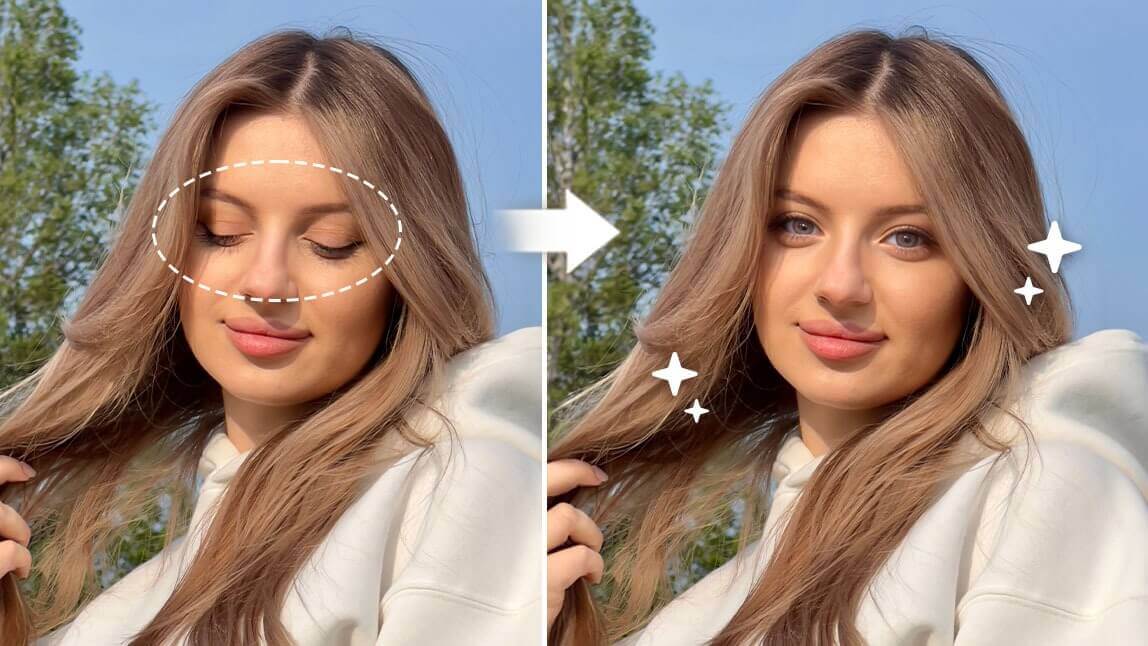
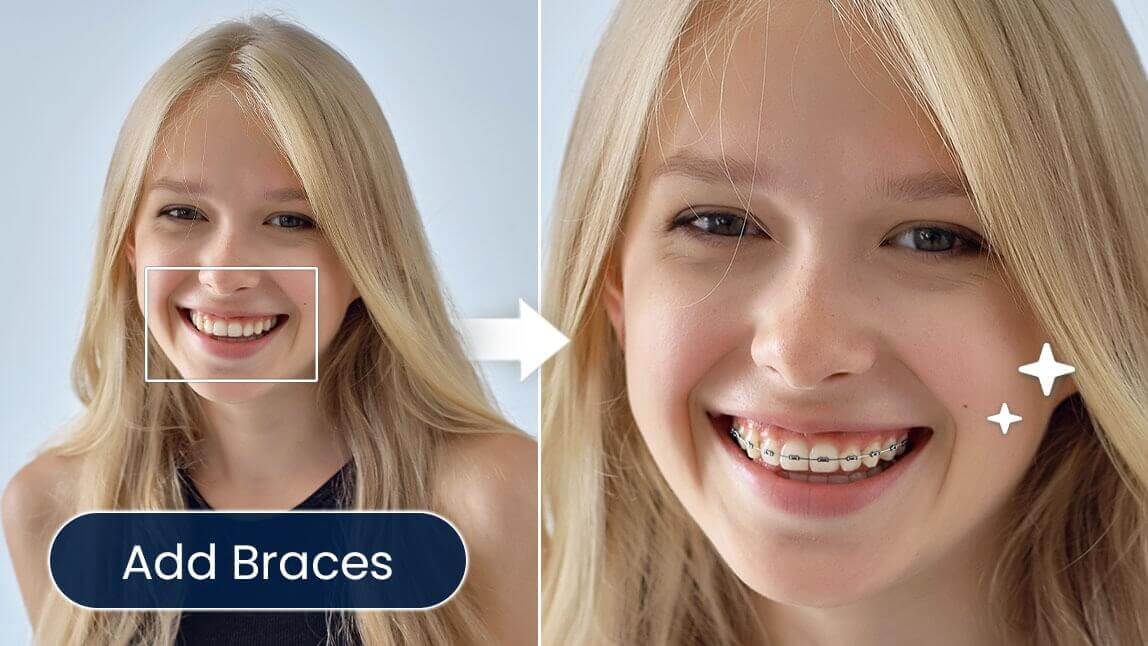
With the YouCam Perfect app and its innovative AI Replace tool, you can instantly see the difference a straight smile can make in your photos. Whether you’re considering orthodontic treatment or simply want to experiment with your look, this feature allows you to envision straight teeth effortlessly.

In this blog post, we’ll explore how the straight teeth filter works, so let’s dive in!
Why Try the Straight Teeth Filter?
For many people, the desire for straight teeth goes beyond aesthetics—it can significantly impact confidence and self-esteem.

While traditional orthodontic treatments, like braces, can take months or even years to achieve results, AI smile simulator tools can quickly provide visual representations of potential outcomes. This allows individuals to make informed decisions about their dental health and cosmetic options.
YouCam Perfect: The Best Straight Teeth Filter App
Among the various smile simulators available, YouCam Perfect's AI Replace tool stands out as the most user-friendly and accessible option. This tool harnesses advanced artificial intelligence to transform your images, enabling you to see what your teeth would look like if they were perfectly aligned.
 Using the YouCam Perfect’s straight teeth filter to see what your teeth would look like straight is incredibly straightforward. Here’s what you need to do:
Step 1: Get the App
Start by downloading the YouCam Perfect app from the App Store or Google Play. Once the app is installed, open it and upload a photo where you’d like to enhance your smile.
Step 2: Navigate to AI Replace
You'll be prompted to enter a word or phrase that describes the change you want to see—such as “straight teeth.” The app will then process your request, utilizing its advanced AI algorithms to replace your teeth in the photo and create a realistic transformation.

You can preview the changes in real-time, adjusting the prompt if necessary to achieve your desired look.
Step 3: Save Your Photo with the Straight Teeth Filter
Once satisfied with the result, save the edited image to your device or share it directly on social media. This step-by-step process makes it super easy to visualize a perfect smile!
Straight Teeth Filter Dos and Don'ts
When using YouCam Perfect's AI Replace tool to envision straight teeth in your photos, there are some key dos and don'ts to keep in mind for the best results.
Do use a clear, well-lit photo of your smile, as good lighting helps the AI detect and replace teeth more effectively. Use a prompt that describes the specific smile you want, such as “perfectly straight white teeth” or “bright, confident smile,” to guide the AI in making the most accurate adjustments.
 Don't use photos with heavy shadows or obstructions (like lips or hair covering your teeth) that could confuse the AI. Additionally, avoid overly complex requests, as simpler prompts tend to yield better outcomes. Make sure to check the results after the replacement; sometimes, slight adjustments may be needed for the smile to look natural.
See What Would Your Teeth Look Like Straight with a Straight Teeth Simulator
YouCam Perfect's AI Replace tool offers users a fantastic way to visualize their dream smile effortlessly. By simply entering a prompt, the AI can seamlessly replace teeth in photos, giving users an instant glimpse of what straight teeth could look like.

The straight teeth filter not only enhances self-confidence but also serves as a fun way to experiment with different smiles, making it easier than ever to envision potential dental transformations.
Whether for personal reflection or sharing with friends, YouCam Perfect empowers users to take a step towards their ideal smile with just a few clicks.