Author:


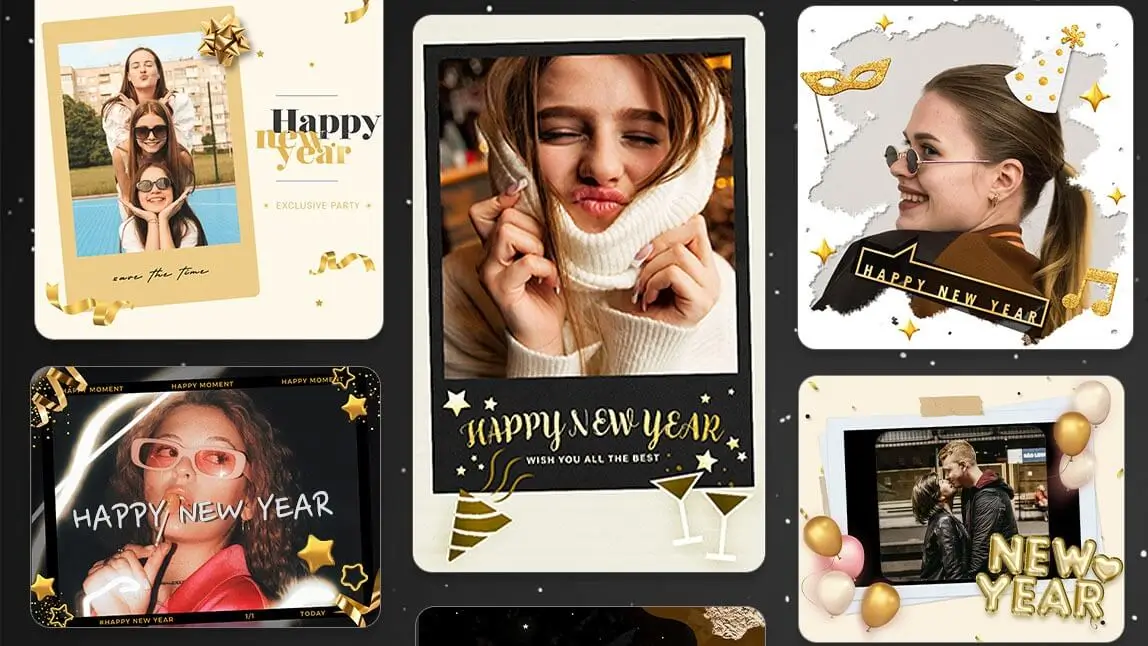
What a year! The New Year brings the excitement of fresh starts, and there’s no better way to share this joy than through personalized photo cards.
| Table of Contents |
|---|
YouCam Perfect: Best New Year Photo Editor to Make New Year Images

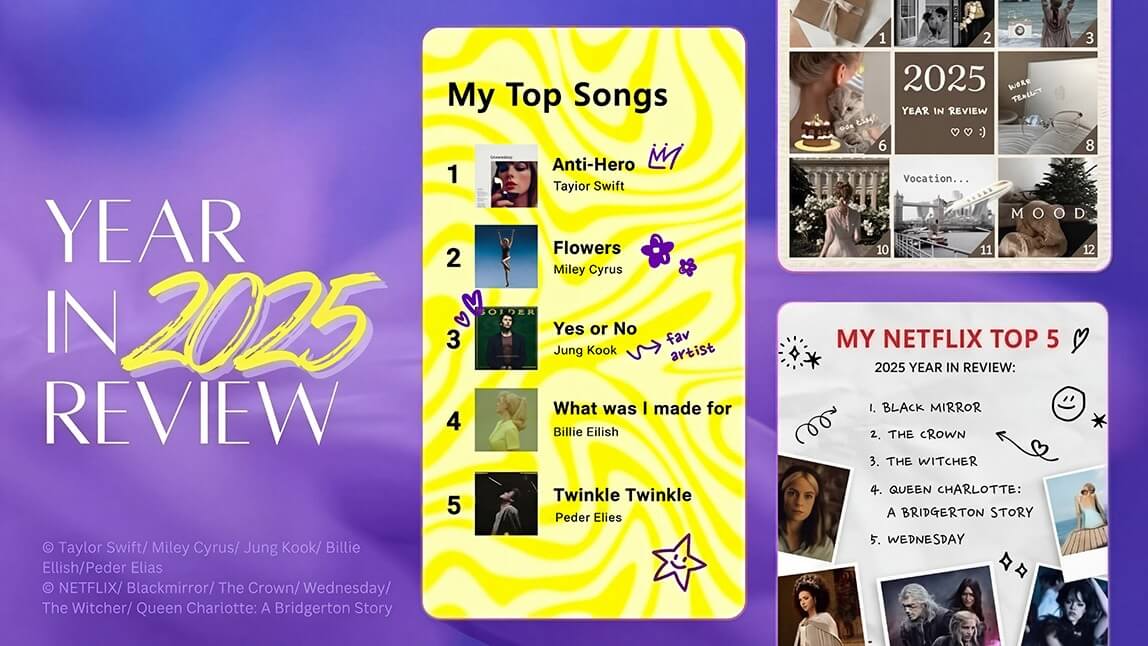
YouCam Perfect stands out as the best New Year photo editor in 2026 as you can easily create personalized year-in-review or vision boards using photo templates.
The app currently has 25+ New Year photo templates, 25+ Happy New Year photo frames, and various animated stickers and effects with “Happy New Year” text or fireworks to create your custom photo card and celebrate the new year with a glamorous glow!
YouCam Perfect is the ideal New Year photo editing app if you want to:
- send Happy New Year Wishes with name and photo
- edit Happy New Year GIFs
- create Happy New Year photo cards
- add Happy New Year frames & templates
- create unique Happy New Year 2026 images
- add 'Happy New Year' text to photos
- add fireworks, balloons, stars and sparkles to your photos
New Year Photo Card Ideas and Styles
1. Happy New Year Frames 2026

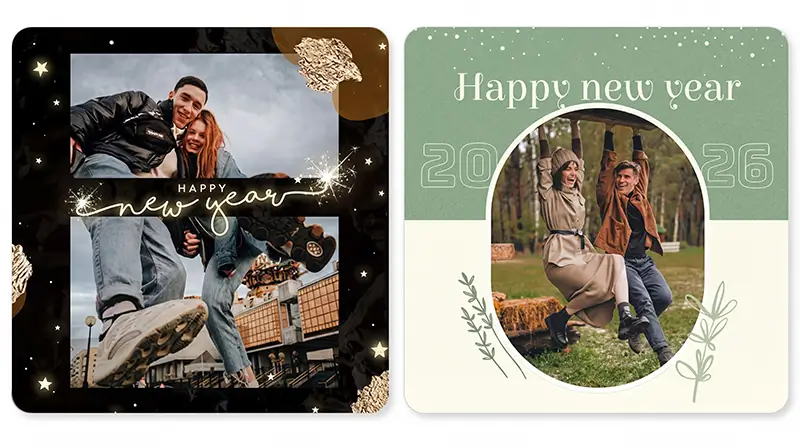
2. Couple’s New Year Photo Cards
3. New Year Picture Cards for Family Members

Wish your family members brighter days ahead and show your appreciation by creating a special New Year picture card. Remember to include photos of your family members, add warm wishes, and create a design that reflects the bond and joy of being together!
4. Happy New Year Photo Cards for Friends

Extend your New Year wishes to your friends with a fun and vibrant photo card. Use playful designs, inside jokes, and group photos to capture the spirit of friendship and create a card with a sparkling cheer that brings smiles to your friend's faces.
How to Create New Year Wishes With a Photo
- Step 1: Get the Best New Year Card Maker
- Step 2: Add 'Happy New Year' to Your Photo
- Step 3: Save and Share Your New Year Photo Card
Step 1: Get the Best New Year Card Maker

First things first, you need to get the best New Year card maker. It’s free to download and available for both iOS and Android devices.
Step 2: Add "Happy New Year" to Your Photos

YouCam Perfect offers different ways for you to edit your photos for New Year's Eve.
#1 Add Happy New Year Frames & Templates
First, you should definitely check out the amazing New Year frames and templates in the app.
Here's how you do it: Once you install the app, tap the Store icon on the app’s home page. Find the Template feature and locate the Holiday category.
You will find several amazing designs featuring 'Happy New Year 2026' messages, balloons, fireworks, sparkles, and more!
Read More: Welcome 2026 with Animated New Year GIFs, Effects & Backgrounds
#2 Add Happy New Year Text on Photo
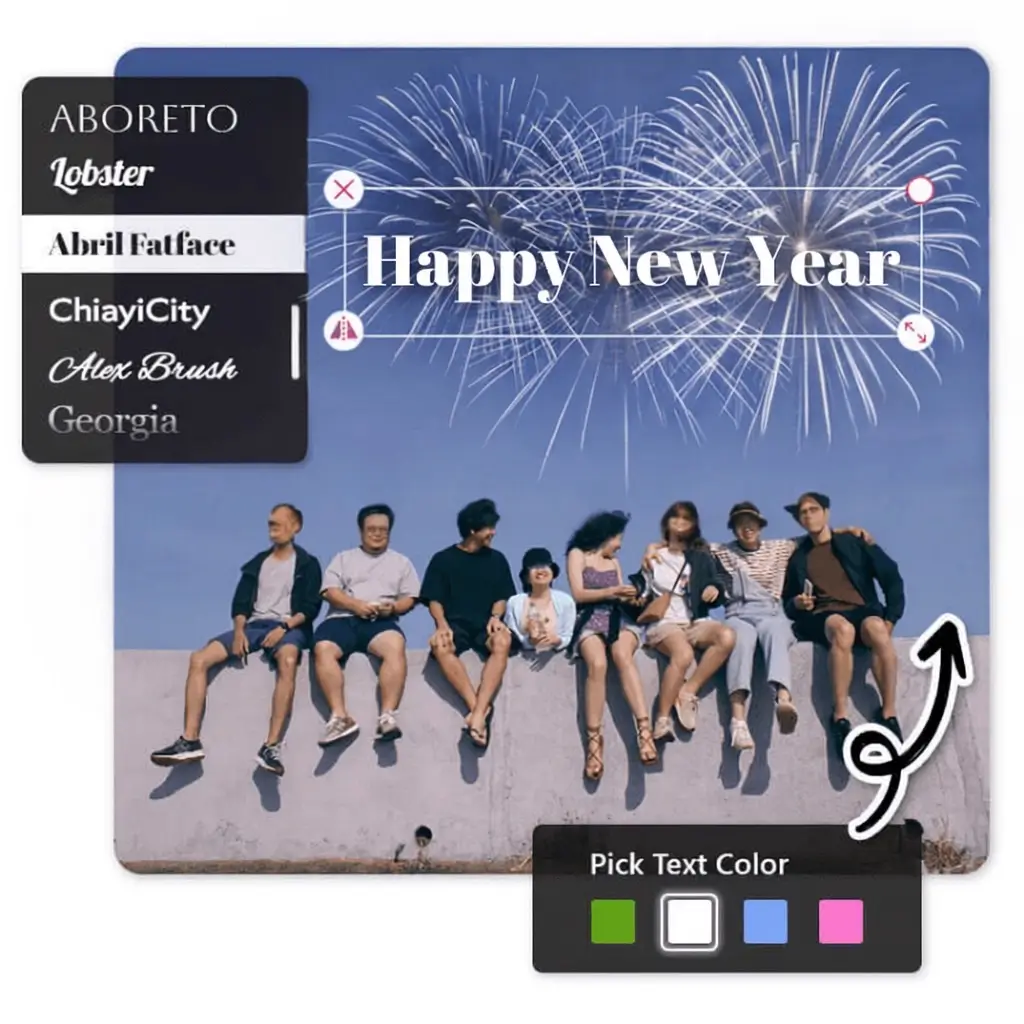
Alternatively, you can use the app's Text feature to simply add 'Happy New Year' text to your photos.
I personally think that YouCam Perfect offers many amazing New Year frames and templates that will give your photos an easier and quicker New Year makeover. Be sure to check them out before heading to the Text feature!
Step 3: Save and Share Your New Year Photo Card
As your holiday photo card is finished, save and share it on your socials.
Start Your Happy New Year 2026 Photo Editing Now
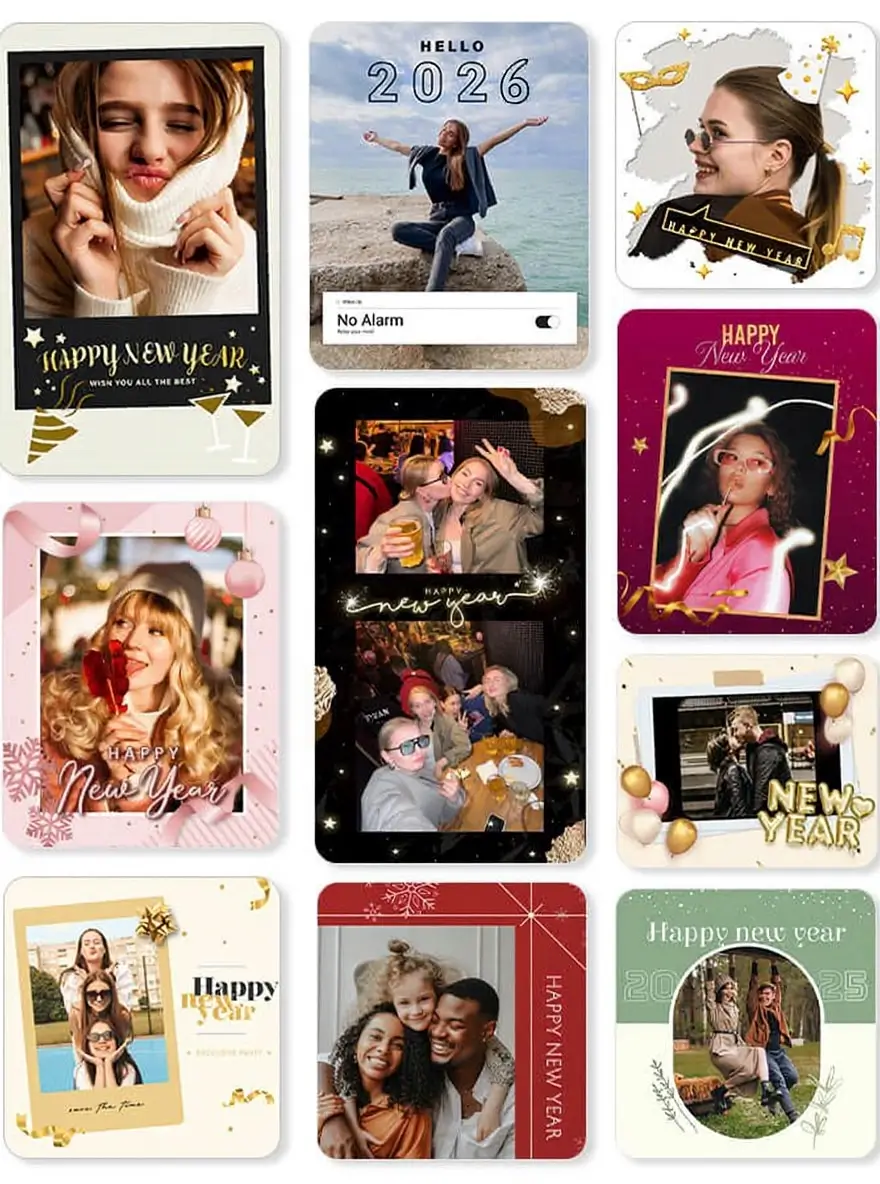
YouCam Perfect is the ultimate photo editing app for all your New Year's Eve photo needs!
With its stunning New Year effects, stickers, filters, and frames, it’s perfect for editing your photos. Whether you're capturing the excitement of the countdown or creating a heartfelt New Year greeting card for loved ones, YouCam Perfect has everything you need to make your memories shine.
Wishing you a Happy New Year filled with joy, creativity, and beautiful moments to share!

![[Free Download] 100+ Holiday Templates for iOS & Android](https://plugins-media.makeupar.com/smb/blog/post/2025-12-19/webp_561d6e6f-104d-4436-80d6-fdc69bd1b589.jpg)