Author:


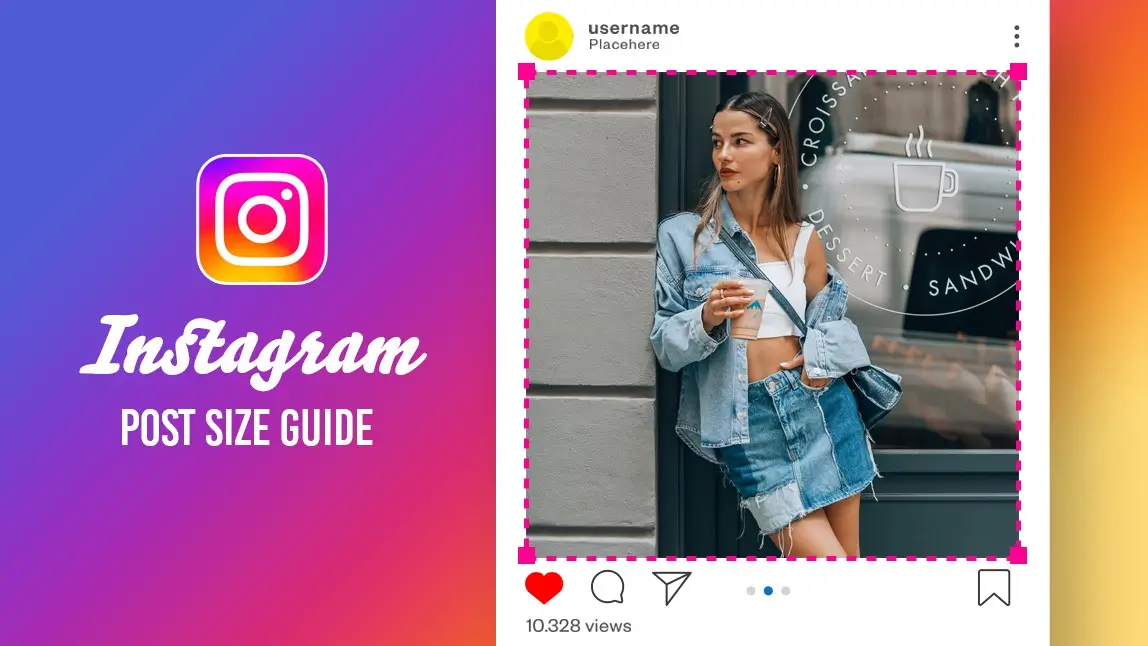
Short answer: upload feed posts at 1080 × 1350 px (4:5) and Stories or Reels at 1080 × 1920 px. The picker and table below cover every other size. Let’s be real—nothing’s more frustrating than spending ages on a photo, only to see Instagram chop it up in the preview. If you’ve ever felt that pain, you’re not alone. Instagram’s layout keeps changing, and it’s easy to get lost in the numbers. But don’t worry: this guide breaks down every size you need for 2026, so you can post with confidence and style. We’ll show you how to make your content look amazing—no design degree required. And if you want to resize like a pro in seconds, YouCam Perfect is your new best friend.
Instagram Post Size 2026: Pick Your Format
Tap a post type to see the exact pixel size, ratio, how the profile grid crops it, and a one-tap way to resize it.
What are you posting?
Feed 4:5 (recommended): 1080 × 1350 px
Ratio: 4:5
Shows in full in the feed. In the profile grid it is cropped to a roughly 3:4 window (about 1013 × 1350 px), so keep faces and text away from the left and right edges.
Diagram only: the shaded edge is trimmed or covered. Light area = what stays visible.
Crop & Rotate to 4:5 in YouCam PerfectFeed 3:4: 1080 × 1440 px
Ratio: 3:4
Matches the profile grid preview, so nothing is cropped there.
Diagram only: the shaded edge is trimmed or covered. Light area = what stays visible.
Crop & Rotate to 3:4 in YouCam PerfectSquare: 1080 × 1080 px
Ratio: 1:1
Still uploads fine, but the profile grid crops it to the 3:4 window, so the left and right edges get trimmed there.
Diagram only: the shaded edge is trimmed or covered. Light area = what stays visible.
Crop & Rotate to 1:1 in YouCam PerfectLandscape: 1080 × 566 px
Ratio: 1.91:1
The smallest footprint in the feed and the harshest grid crop. Use it only when the scene really is wide.
Diagram only: the shaded edge is trimmed or covered. Light area = what stays visible.
Crop & Rotate to 1.91:1 in YouCam PerfectStory: 1080 × 1920 px
Ratio: 9:16
Keep text out of roughly the top 250 px and bottom 340 px, where Instagram overlays its own buttons (approximate, from current guides).
Diagram only: the shaded edge is trimmed or covered. Light area = what stays visible.
Expand to 9:16 with AI Expansion in YouCam PerfectReel and Reel cover: 1080 × 1920 px
Ratio: 9:16
The cover is shown in the grid as a 3:4 window, so keep titles and faces inside the centre 1080 × 1440 px.
Diagram only: the shaded edge is trimmed or covered. Light area = what stays visible.
Expand to 9:16 with AI Expansion in YouCam PerfectCarousel: Same as slide 1
Ratio: 4:5 or 3:4
The first slide sets the ratio for the whole carousel, so export every slide at the same size.
Diagram only: the shaded edge is trimmed or covered. Light area = what stays visible.
Crop & Rotate every slide to one ratio in YouCam PerfectInstagram Size Cheat Sheet
| Type | Pixels | Ratio | Grid crop |
|---|---|---|---|
| Feed portrait (recommended) | 1080 × 1350 px | 4:5 | Cropped to about 3:4 (1013 × 1350 px) in the grid |
| Feed square | 1080 × 1080 px | 1:1 | Sides trimmed in the grid |
| Feed landscape | 1080 × 566 px | 1.91:1 | Heavy side crop in the grid |
| Story | 1080 × 1920 px | 9:16 | Not shown in the grid |
| Reel | 1080 × 1920 px | 9:16 | Cover shown as a centre 3:4 window (1080 × 1440 px) |
| Profile photo | 320 × 320 px minimum | 1:1 | Shown as a circle |
Last checked: October 13, 2026, against current Instagram size guides.
Instagram Content Sizes You Should Know

If you want your posts to look great on Instagram, knowing the right sizes is half the battle. Here’s a quick rundown of what works best in 2026.
Square Posts & Old Grid Content
Remember the classic Instagram grid? That clean, square look is still around, and some users still see it that way. If you want that timeless vibe, stick with 1080 × 1080 px. It’s simple, safe, and works for anyone who loves the original Instagram feel.
Current Feed Post Size (Recommended)
If you want your posts to look their best on most feeds in 2026, go for 1080 × 1350 px. This taller format gives you more room to show off your photos and keeps everything looking sharp. Just a heads-up: you might see a slightly different ratio (1013 × 1350 px) in your profile grid preview, but that’s just for display—Instagram won’t let you upload in that size. Stick with 1080 × 1350 for the best results.
Stories, Reels, and Instagram Lives
Want your Stories and Reels to fill the screen? Use 1080 × 1920 px. This vertical format is perfect for grabbing attention and making your content pop. Whether you’re sharing a quick update or a full Reel, this size keeps your visuals front and center.
All About Instagram Reels Sizes

Reels are taking over Instagram, and getting the size right is key to making your videos stand out. Here’s what you need to know for 2026.
Standard Reels Dimensions
Reels are all about movement and impact, so getting the size right matters. For most Reels, 1080 × 1920 px is the gold standard. It’s crisp, clear, and looks great on any device. If you want your Reel to fit the feed preview, 1013 × 1350 px is the way to go. But remember, this is just for how it looks in your grid—upload in 1080 × 1920 for the best quality.
Bonus: The New “Skinny” Cinematic Reels Format
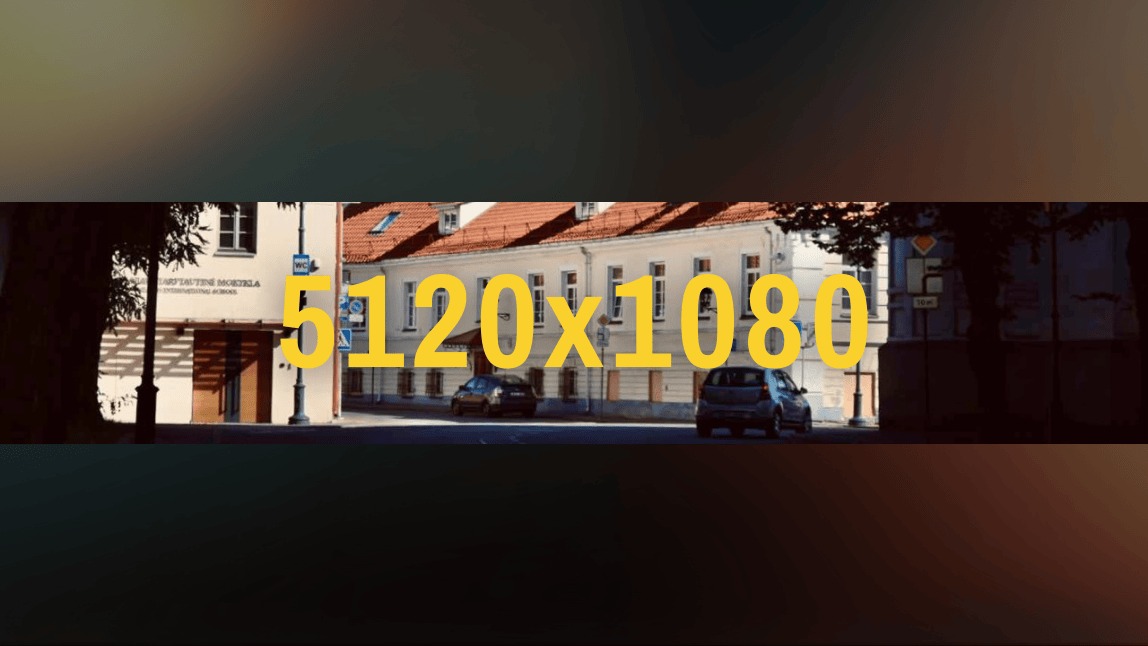
Want to try something fresh and cinematic? The new 5120 × 1080 px format is making waves in 2026. It’s perfect for AI-generated videos, panoramic shots, and creative storytelling that stands out from the crowd.
Discover everything about the 5120 X 1080 Reels>>>
Resizing Tool for Instagram Posts in 2026: YouCam Perfect
Juggling different sizes can be a headache, but it doesn’t have to be. YouCam Perfect is built for creators who want to resize fast and look great. With smart tools like Crop & Rotate and AI Expansion, you can adapt any photo to fit Instagram’s latest formats in seconds. No more guessing, no more cropping disasters—just smooth, professional results every time.
How to Adjust Your Instagram Post Size with YouCam Perfect
Tired of wrestling with Instagram’s ever-changing formats? What if you could resize any photo or video in seconds—without losing quality or wasting time? With YouCam Perfect, it’s not just possible, it’s effortless. Whether you’re switching from square to portrait, expanding your background, or prepping for a cinematic Reel, this app does the heavy lifting for you. Let’s walk through how to get your content perfectly sized in just a few taps.
Crop & Rotate Feature
Step 1. Download YouCam Perfect
Shared Materials by Strapi
*Adjust the size of images ONLY. Please go to Strapi to edit the materials info.
Download YouCam Perfect (iOS and Android)
Step 2. Tap Photo Edit & Upload photo

Tap Photo Edit and upload your image.
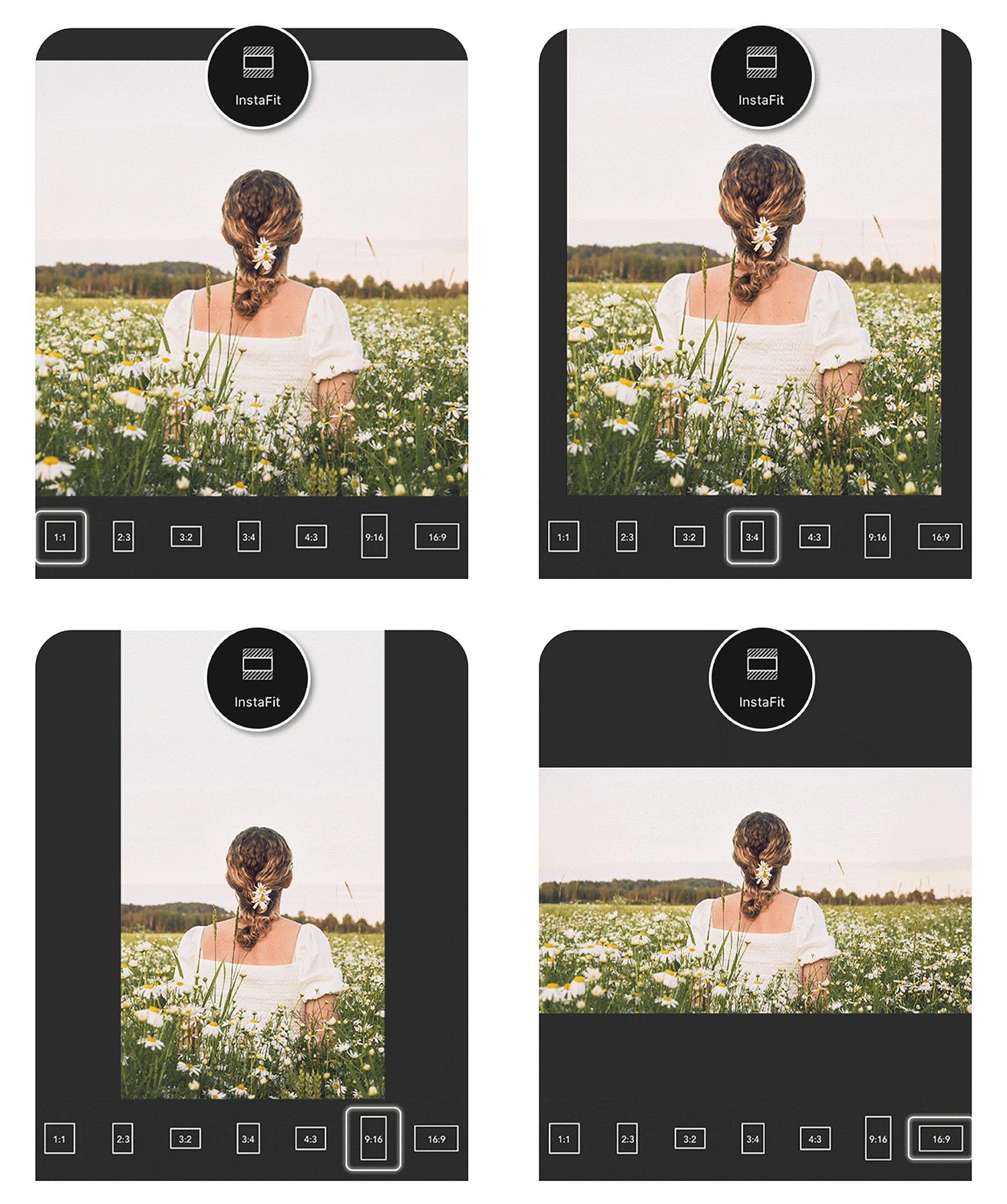
Step 3. Select Crop & Rotate

Select Crop & Rotate and pick your preferred ratio.
Step 4. Save & Download

Save and download your perfectly sized post.
It’s that easy. No design skills needed—just tap and go.
AI Expansion Feature
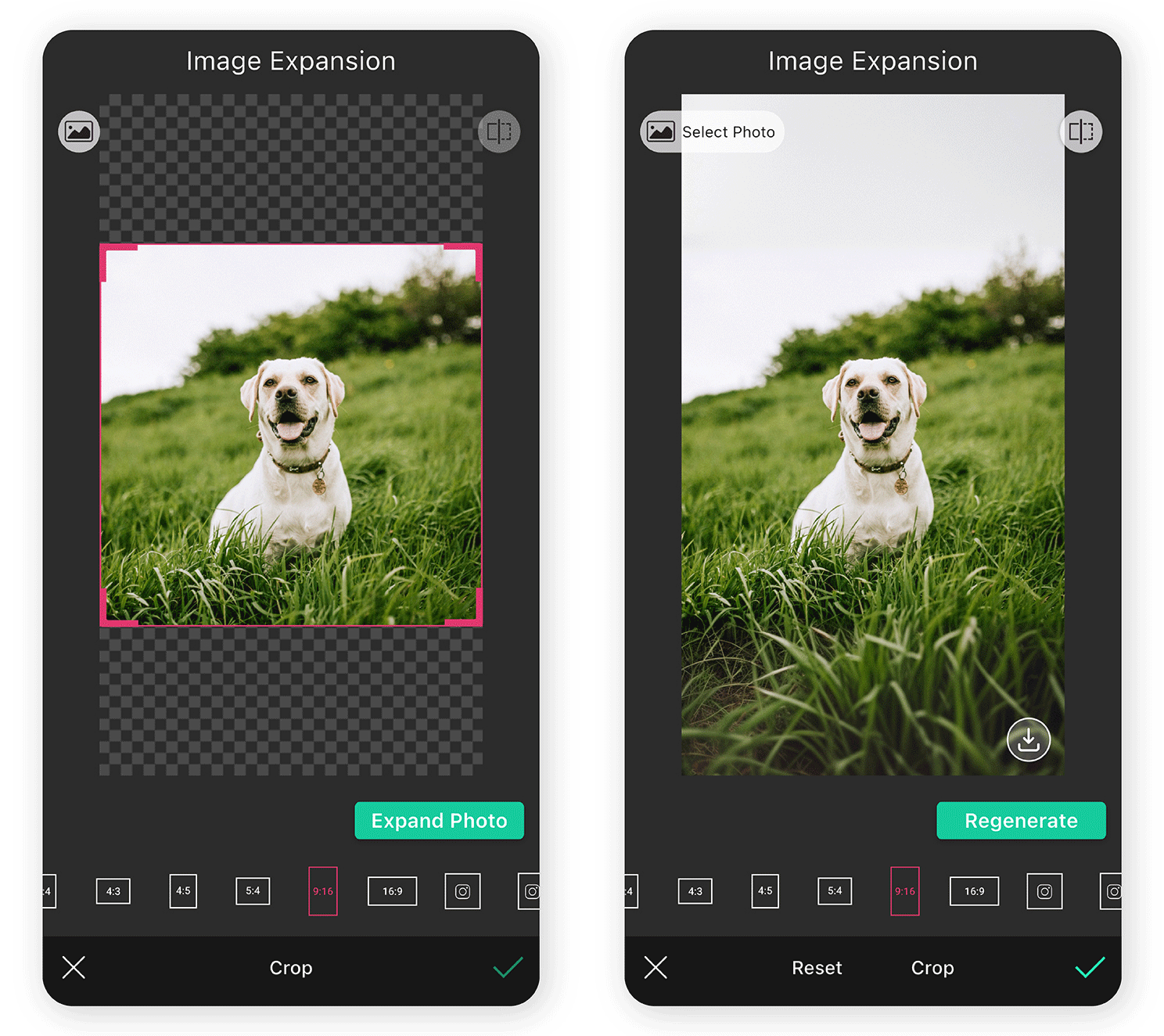
Step 1. Go to Expansion Feature

Go to Expansion in the editing menu.
Step 2. Select Photo Ratio

Choose your target ratio (4:5, 9:16, etc.) and let the AI fill in the background seamlessly.
Step 3. Save & Download
Save and post with confidence
Now your content fits any format, and it still looks natural and polished.
Learn more about Instagram editing>>>
Edit Your Instagram Post Size with YouCam Perfect
Shared Materials by Strapi
*Adjust the size of images ONLY. Please go to Strapi to edit the materials info.
Now you know the official new Instagram post sizes for 2026. Whether it’s a portrait feed post, a cinematic Reel, or a full-screen Story, the right dimensions make your content look instantly professional.
Your creative ideas deserve to shine—so don’t let resizing stress slow you down. Download YouCam Perfect today and start creating picture-perfect uploads that truly stand out on Instagram.
About the Editors

The PERFECT Corp. Editorial Team
We are a team of experts on photo and video editing apps. Our goal is to deliver engaging content on everything from stunning selfie edits to eye-catching video effects. We cover the latest trends and share niche tips to help you master digital creation.