


 Author:


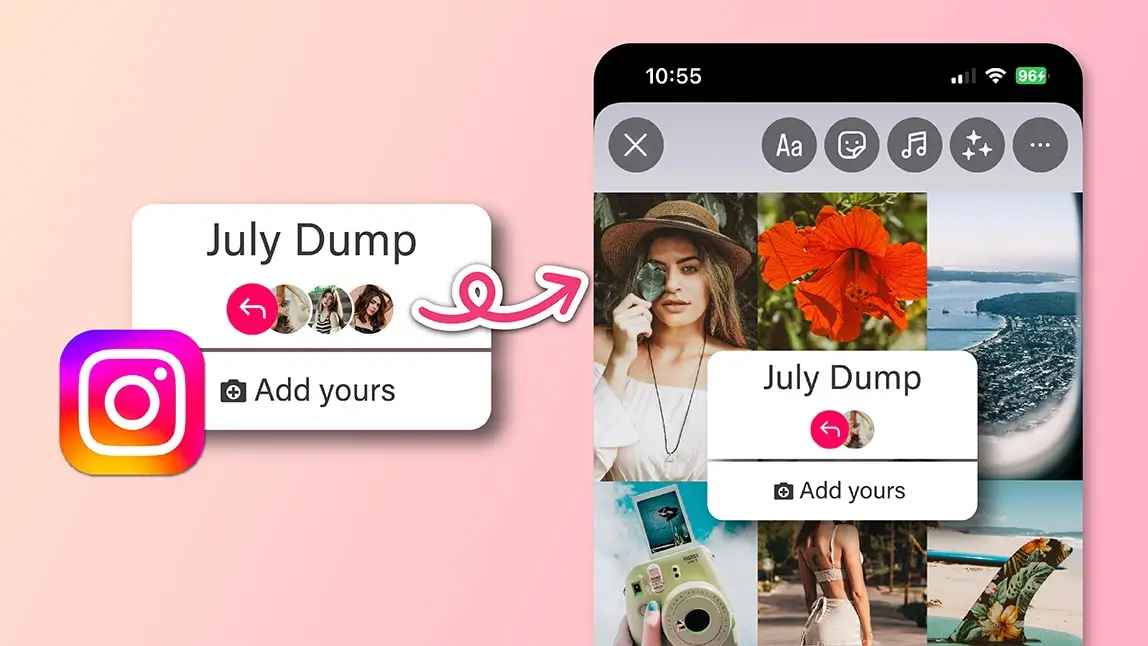
July is all about sunshine, spontaneous adventures, and snapshots that tell your summer story, and what better way to wrap it all up than with a fun, aesthetic photo dump on Instagram Stories?
Whether you’re showing off beach days, rooftop nights, or iced coffee moments, the YouCam Perfect app makes it easy to turn your July memories into a scroll-stopping visual diary.
In this guide, we’ll show you how to create a dreamy, cohesive photo dump that feels effortless but looks totally curated.
Why People Love Photo Dumps?
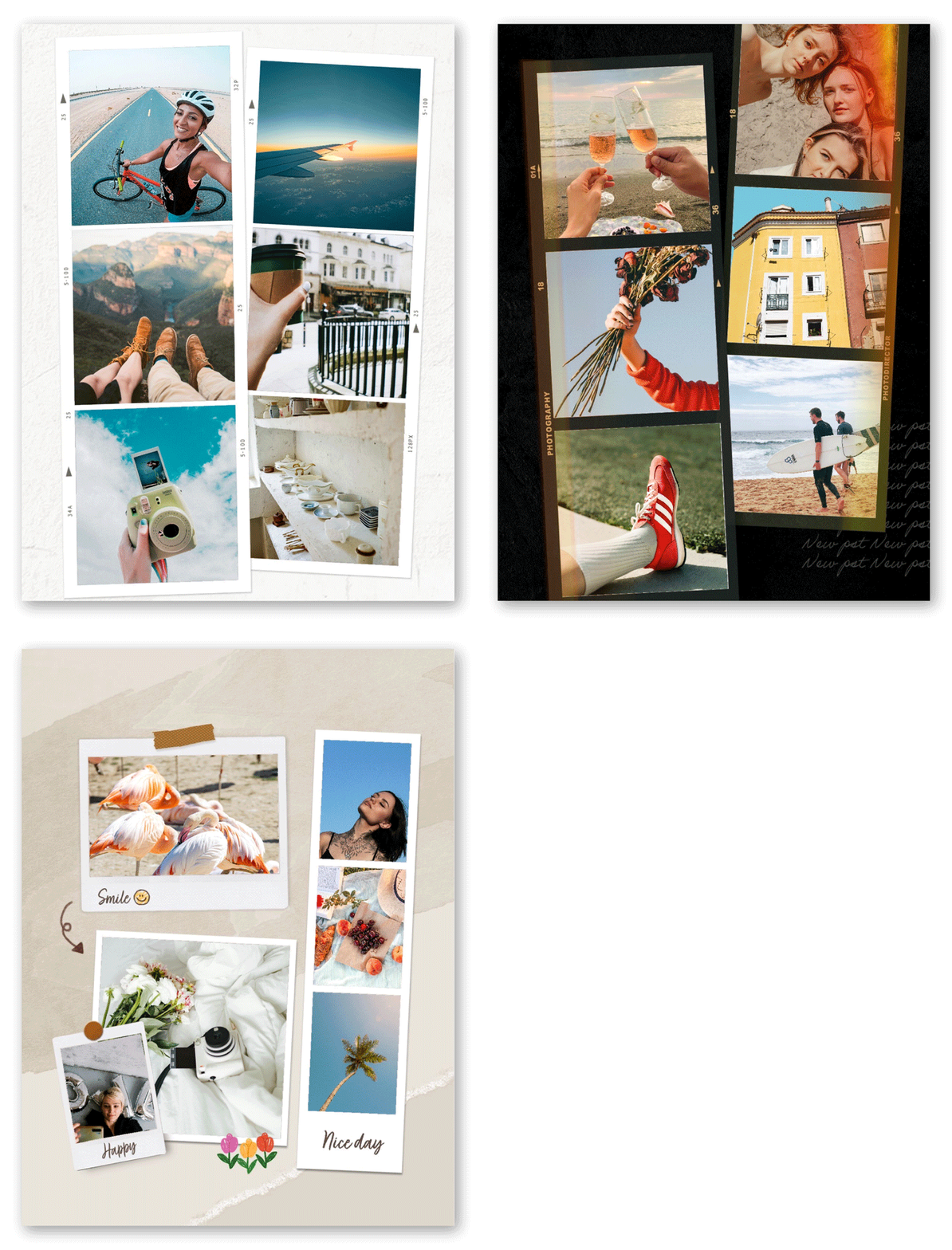 People are drawn to photo dumps because they’re raw, relaxed, and tell a story without the need for heavy editing or overthinking. They're a scroll-friendly, story-driven way to show your life without oversharing every day.
Monthly dumps have taken Instagram by storm. They offer a way to recap moments in a digestible, aesthetic format that followers love. July dumps, especially, are vibrant thanks to all the summer energy packed into one month.
How to Create an Aesthetic July Photo Dump with YouCam Perfect
July gives us the kind of memories that demand to be dumped - beautifully.
And if you're looking to turn your camera roll chaos into an aesthetic photo dump masterpiece, YouCam Perfect is about to be your new best friend.
Here’s how to create a scroll-stopping July photo dump with zero design skills needed:
1. Download YouCam Perfect
Whether you're team iPhone or Android, you can grab YouCam Perfect for free from the App Store or Google Play. It only takes a minute to download and trust us, it's about to change the way you post.
2. Tap “Collage” on the Home Screen

Once you open the app, head straight to Collage - it’s right there on the main page.
Now, choose up to 9 of your favorite July pics. Think: beach days, BBQs, road trip moments, rooftop sunsets, or just cute outfits and cold drinks.
3. Pick Your Layout: Themed Collage or Clean Grid

YouCam Perfect has summer-ready collage templates that bring all the seasonal vibes, which is perfect for a themed July photo dump.
Want something simpler? Go for a clean Grid layout that gives your photos room to shine on their own. Either way, it’s giving ✨effortless aesthetic✨.
4. Add Text and Stickers to Tell the Story

Drop in a cheeky “July dump 💦” title or date stamp the memories. YouCam Perfect has tons of fun stickers and fonts, so you can match the mood: sunny, nostalgic, chaotic, or chill.
5. Save and Share the Summer Magic
Once your collage looks just right, hit Save, and boom - you’re ready to post. Drop it on Instagram, send it to your group chat, or add it to your stories. Watch the “omg I love this” comments roll in. That’s it! Your July photo dump just went from basic to brilliant.
Tips for Capturing Aesthetic July Photos
Lighting and Golden Hour Magic
Golden hour (right after sunrise or before sunset) is your best friend. It adds warmth and glow, especially for outdoor shots.

Summer Themes to Keep in Mind
Water, sunsets, popsicles, sunglasses, flowers, fireworks - anything that screams summer. Think color: blue skies, sandy neutrals, and sunny yellows.
Uploading to Instagram Stories
Best Time to Post
Evening hours between 7–9 PM tend to get higher engagement. But if your followers are mostly morning scrollers, try a 9 AM drop.
Adding Captions, Tags, and Music
Pair your visuals with trending summer sounds. Add a light caption like “July, you were cute 🐚✨” or “Hot days, cool nights.”
Ready, Set, July Dump!
Photo dumps are the modern memory album, and July is packed with moments worth sharing. With YouCam Perfect, creating an eye-catching, fun, and stylish Instagram Story photo dump is easier than ever.
From edits to templates to posting tips, you’ve got all the tools you need to slay the social game this summer. So open that camera roll, get creative, and let your July story shine.


