Author:


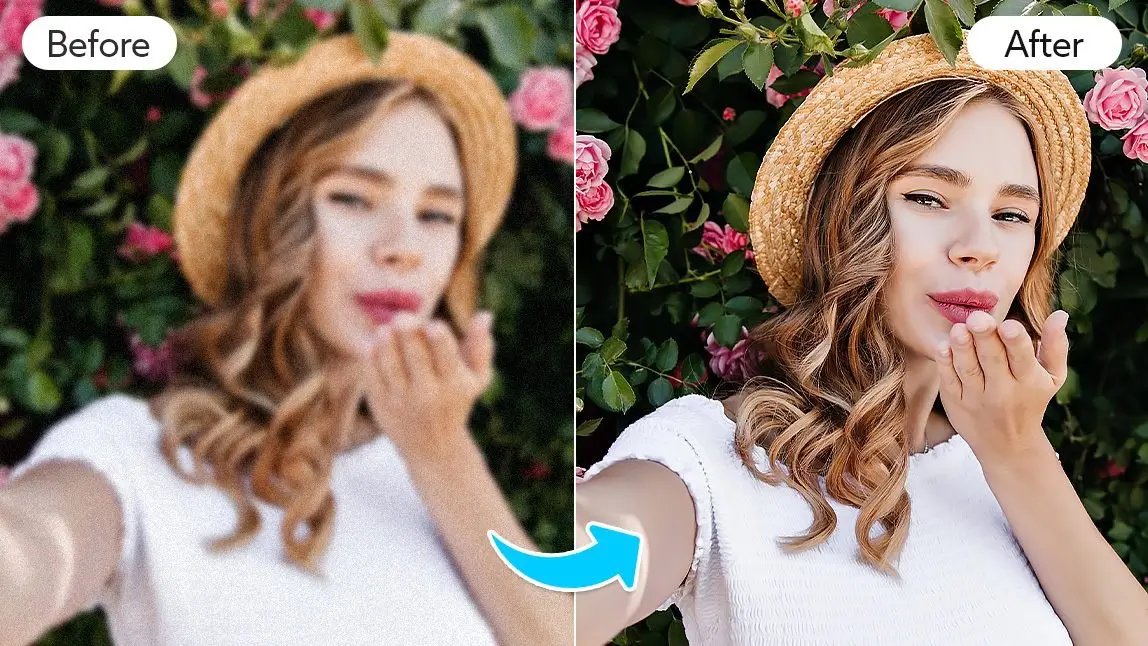
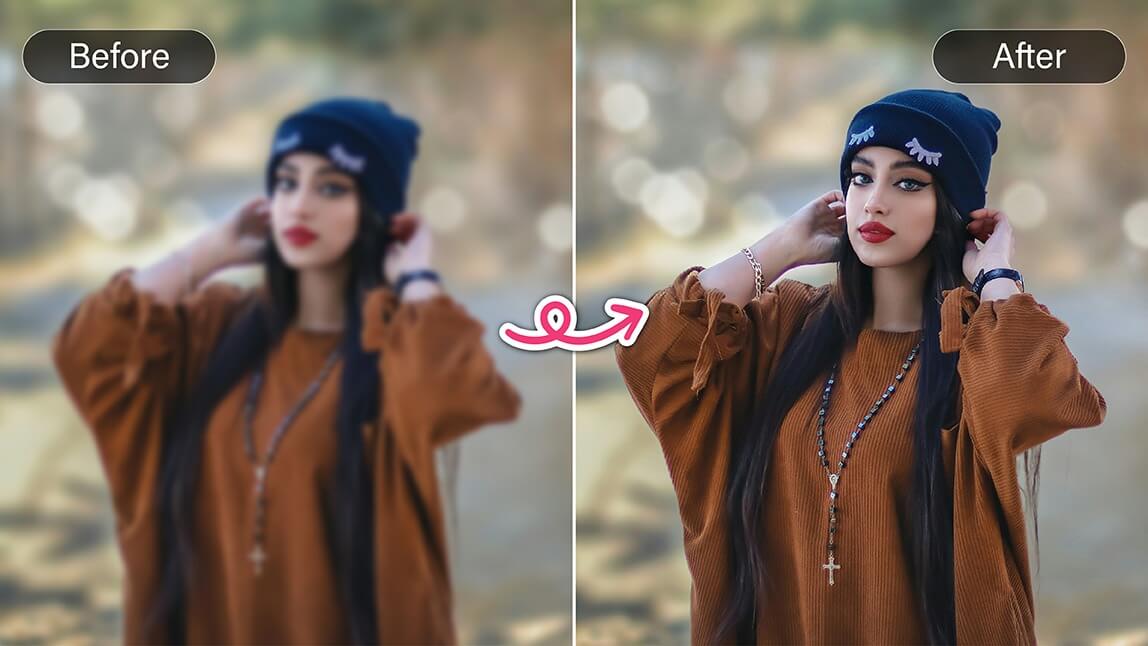
We all have that one photo that could have been perfect if only it weren’t blurry. Maybe it’s your dog mid-jump, a candid laugh with friends, or a sunset that looked incredible in real life. Instead of deleting it in frustration, imagine giving that photo a second chance.
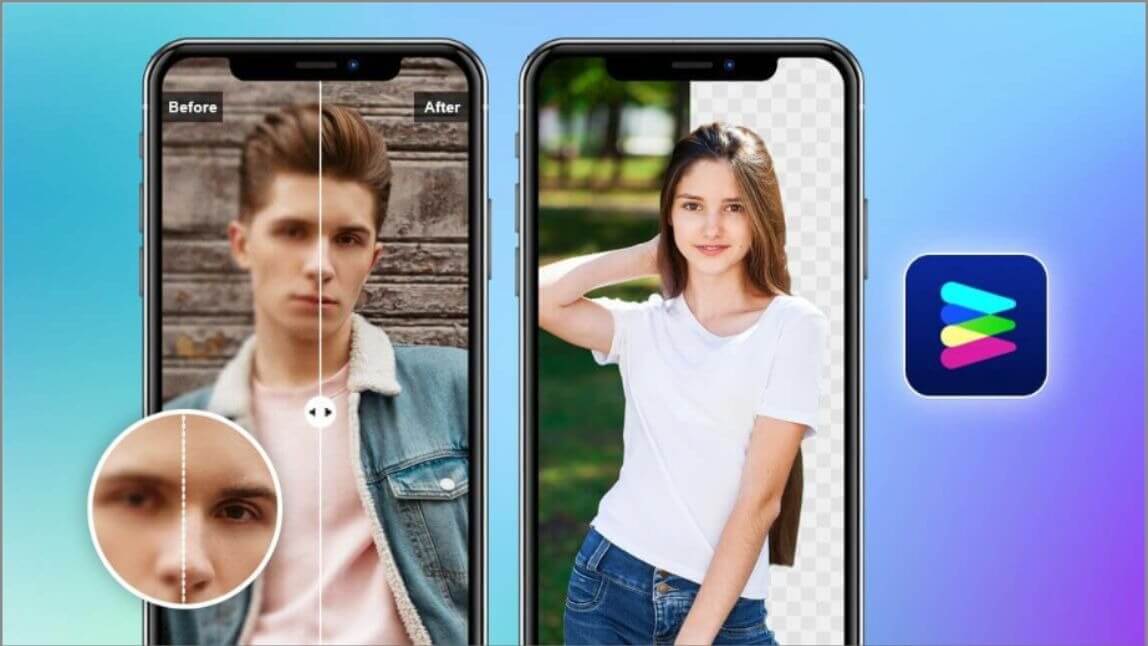
With AI tools like YouCam Enhance, you can instantly sharpen details, restore colors, and turn almost-missed moments into clear, shareable memories in just seconds.
Key Takeaways
✅Instant Fix: AI Enhance can sharpen blurry images automatically.
✅User-Friendly: No complicated editing skills required.
✅Versatile Tools: Adjust lighting, color, and clarity alongside AI Enhance.
✅Save and Share: Improved photos are ready for social media or prints in moments.
Why Do Photos Lose Quality in the First Place?
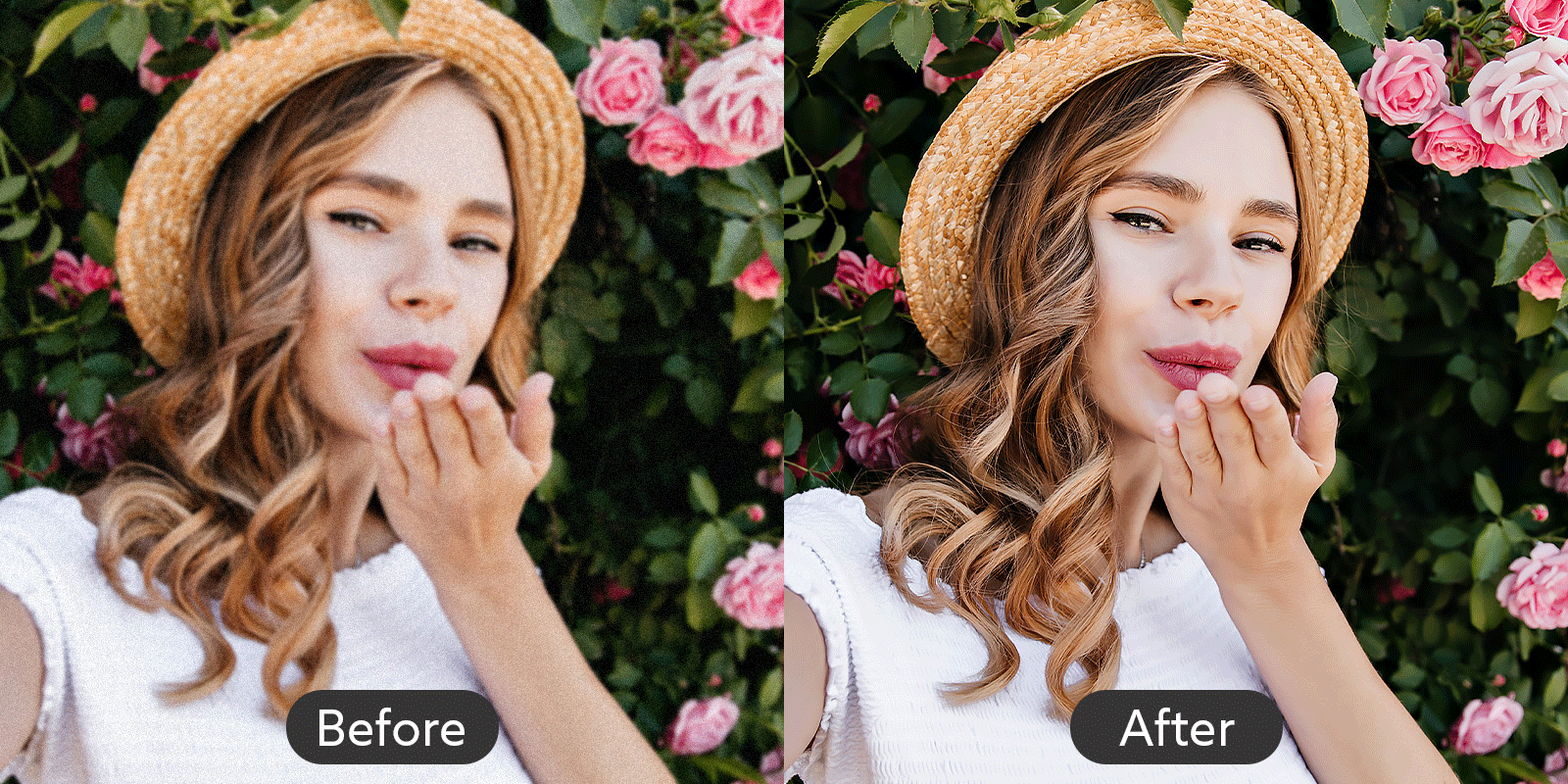 Ever wonder why some photos turn out blurry even when your phone camera is excellent?
A few common reasons:
- Low light conditions: Cameras struggle to capture details in dim environments.
- Movement: Either you or your subject moved while snapping the photo.
- Digital zoom: Zooming in can reduce resolution and clarity.
- Compression: Sending images through messaging apps can lower quality.
The good news? Even if a photo didn’t come out perfect, YouCam Enhance’s AI tools can often rescue it in seconds.
How to Improve Quality of Photo Quickly
You don’t need a computer full of editing software to make your photos look professional. Here’s a simple workflow:
Step 1: Download the App
Get YouCam Enhance from your app store. The interface is friendly and intuitive, perfect for quick edits.
Step 2: Upload Your Photo
Select the photo that needs a little magic. The app supports multiple file types, so you’re covered.
Step 3: Use AI Enhance

Tap on AI Enhance and watch your photo transform. The tool automatically sharpens edges, restores detail, and balances colors for a clear, crisp result.
Step 4: Explore Other Tools if Needed

Want to tweak brightness, adjust shadows, or add a subtle filter? You can fine-tune your photo with additional editing features.
Step 5: Save and Share
Once you’re happy with the result, save your improved photo to your device. Boom - your blurry photo is now frame-worthy!
How to Improve Quality of Photo Online

Want to make your photos look sharper and more polished without downloading any apps? YouCam Online Editor lets you enhance your images quickly and easily, all from your browser.
Here’s how to do it in a few simple steps:
1. Visit the YouCam AI Photo Enhancer page. Start by opening the tool in your browser.
2. Upload your photo. Just drag and drop your image onto the page, and you’re ready to go.
3. Enhance your image. Click the "Enhance" option and let the editor automatically sharpen and improve your photo.
4. Save the result. Once the process is complete, download your upgraded image and enjoy the improved quality.
With YouCam Online Editor, touching up your photos is fast, convenient, and perfect for anytime editing, whether you’re at home or on the go.
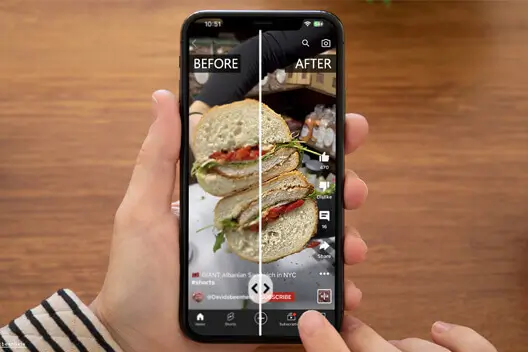
Tips for Better Results
💡Start with the best original: The clearer your starting photo, the better the final result.
💡Avoid over-editing: Minor tweaks usually look more natural than heavy-handed adjustments.
💡Experiment: Play with color balance, contrast, and brightness alongside AI Enhance for a polished result.
Ready to Upgrade Your Photos?
Stop letting blurry photos hide your best moments. Download YouCam Enhance now, try AI Enhance, and see how easy it is to turn ordinary shots into stunning images. Your camera roll will thank you.

![Free Screenshot Quality Enhancer: Turn Blurry Images to 4K [2026]](https://plugins-media.makeupar.com/smb/blog/post/2026-01-09/webp_c18de538-96bc-42da-aca9-da55f1fc9486.jpg)