Author:


According to NASA, the sun is currently at the maximum phase of its 11-year-cycle, which means there will be more solar flares and northern lights visible in many locations, even further south than usual.

The current peak of solar activity is expected to last until mid-2025, so be sure to keep an eye out for more beautiful scenes like this.
If you missed capturing the northern lights with your phone, tha'ts ok! We'll guide you through how to add northern lights to your pictures with just a few simple taps. Keep reading!

How to Add Northern Lights on Any Photo
Step 1: Get a northern lights filter app

To add aurora light to your picture, the first step is to get a northern lights filter app. In this example, we're using YouCam Perfect, which includes a sky-editing feature.
Step 2: Import your picture
Tap on 'Photo Editing' from the app's homepage and select the image you wish to edit. I personally prefer pictures showing more sky so the AI northern light effects will stand out more.
Step 3: Add northern lights to the picture

In YouCam Perfect, there are currently 5 AI northern lights filters you can choose. Here's how to apply them:
- Swipe right on the toolbar until you find 'Sky'
- Tap 'Aurora' and choose the aurora light you prefer
- Make any adjustments necessary to achieve the desired look

👉 Read more: Relace Sky in Your Photos With AI for Free
Step 4: Save and share!

That's a wrap! You can now save the picture with northern lights and share on the social media to join this trend.
✨[Bonus Tip] Make A Silhouette
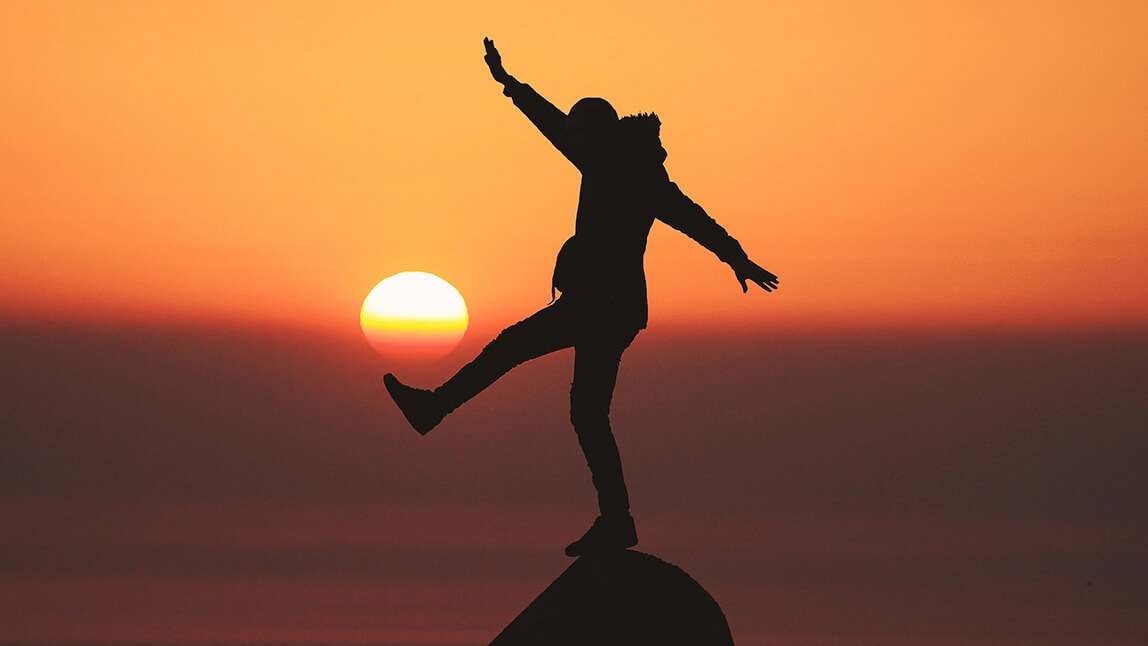
To make your Aurora Light picture stand out even more, you can personalize it by adding your silhouette using the 'Cutout' tool in YouCam Perfect.

👉 Check out the Tutorial: How To Turn Photos Into Silhouette
Final Thoughts
I know these AI-generated Northern Lights can't really compare to the real thing. But for someone who missed out on the fun (like me), I think this kind of sky replacement feature can still give me a taste of the action.
So if you've also missed out on the fun, I would recommend trying out these aurora light effects on some of your pictures.