Author:


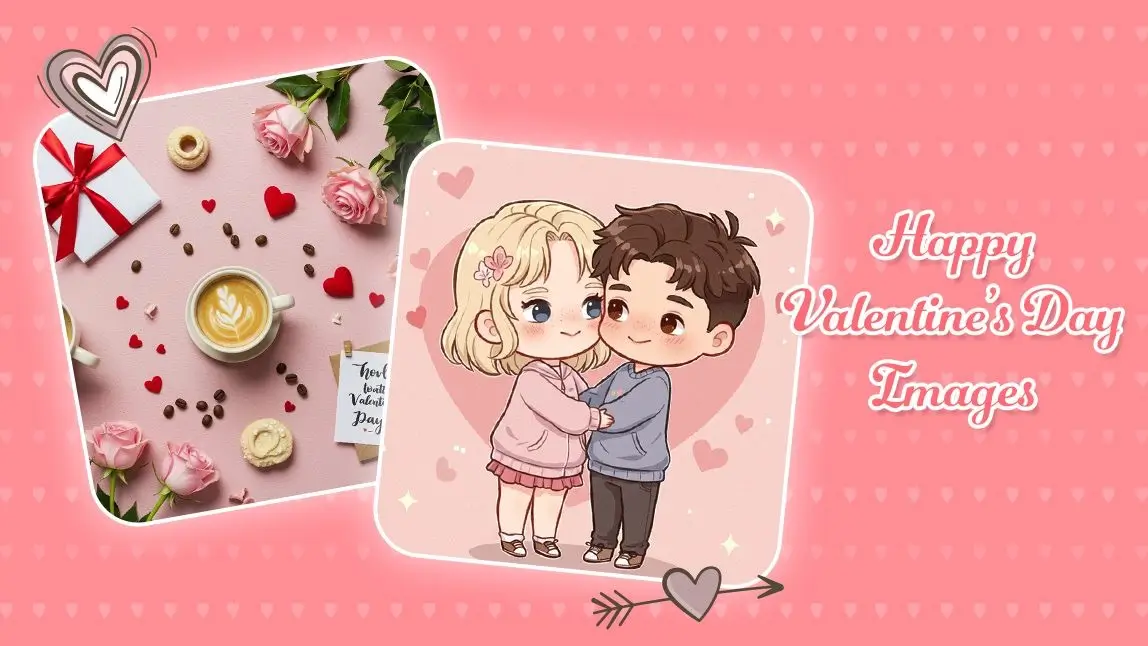
Valentine’s Day has a funny way of sneaking up on us. One minute it’s January, the next you are panic-scrolling for something sweet, creative, and not painfully generic.
Flowers wilt. Chocolates disappear. But happy Valentine’s Day images you create yourself? Those stick around.
Thanks to AI image generation, you no longer need design skills, fancy software, or hours of effort to create something personal and heartfelt.
With YouCam AI Pro’s text-to-image feature, a few well-chosen words can turn into romantic illustrations, cozy postcards, playful memes, or dreamy love scenes in seconds.
Why Create Your Own Valentine’s Day Images?
 Sure, you could grab a stock image and call it a day. But Valentine’s Day is personal by nature, and custom images feel more meaningful than anything mass-produced.
Creating your own happy Valentine’s Day images with AI lets you:
- Design unique cards for your partner, friends, or family
- Create digital postcards for long-distance loved ones
- Add a personal touch to social posts or stories
- Make something funny, romantic, nostalgic, or totally unexpected
- Skip the awkward “seen this before” vibe of stock visuals
AI image generation gives you creative freedom without pressure. You describe the vibe. The AI handles the visuals.
How to Create Happy Valentine’s Day Images With AI
YouCam AI Pro makes the process refreshingly simple, even if you have never used AI tools before. Here’s how to get started.
Step 1: Download YouCam AI Pro
Start by downloading YouCam AI Pro on your device. The app is available on both iOS and Android, so you can create Valentine’s visuals anytime, anywhere, ideally while sipping something warm.

AI Image Generator
Turn text into AI art instantly.
Supports Text-to-Image & AI Avatars.
Step 2: Open the Text-to-Image Tool

- Generate from scratch by typing a detailed text prompt
- Upload an image to use as a base and transform it into a Valentine’s-themed creation
Then comes the fun part. Type in your prompt.

- “Soft watercolor illustration of a couple holding hands under pink cherry blossoms”
- “Cute Valentine’s Day card with hearts, pastel colors, and handwritten typography”
- “Romantic candlelit dinner illustration with warm lighting and cozy mood”
The more specific you are, the more personalized your result will feel.
Step 3: Choose an AI Model

You can explore options including:
- Seedream for dreamy, artistic visuals
- Nano Banana Pro for bold, stylized designs
- GPT-Image-1.5 for balanced, realistic compositions
- Imagen 4 Gen for polished, high-detail images
Feel free to experiment. The same prompt can look completely different depending on the model you choose.
Step 4: Save and Share Your Image

Valentine’s Day AI Prompt Ideas to Inspire You
Need inspiration? Below are prompt ideas covering different moods, relationships, and styles. Some are perfect for generating images from scratch, while others work beautifully when transforming an uploaded photo.
Happy Valentines Day Images: Romantic and Classic
1. “Elegant Valentine’s Day illustration of red roses and handwritten love notes, soft lighting, romantic mood”

2. “Dreamy oil painting of a couple walking at sunset, warm colors, timeless romance”
3. “Minimalist Valentine’s postcard with heart motifs, cream background, subtle gold accents”
Happy Valentines Day Images: Cute and Playful
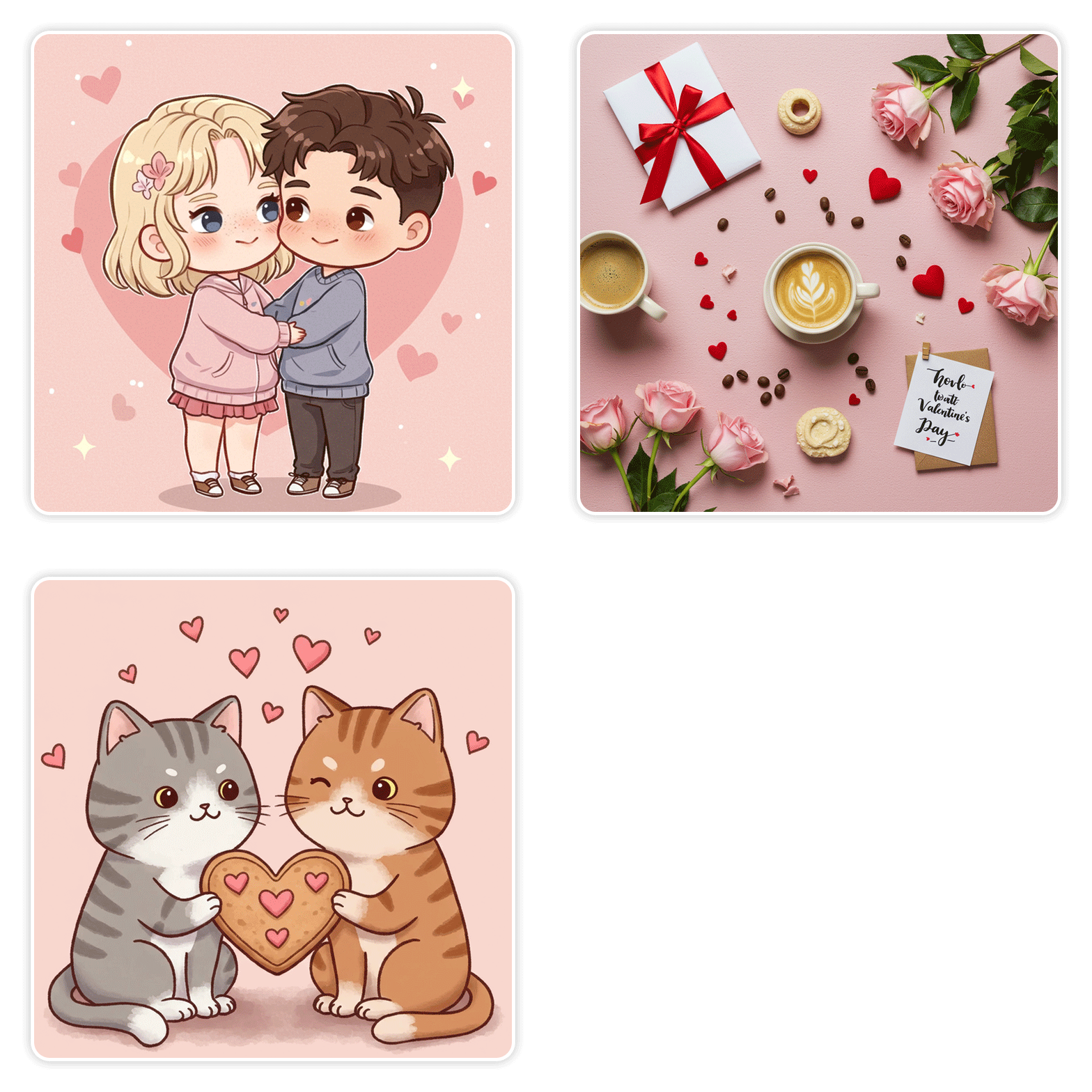
1. “Adorable cartoon illustration of two cats sharing a heart-shaped cookie”
2. “Chibi-style couple hugging, pastel colors, Valentine’s Day theme”

3. “Cute teddy bears holding balloons shaped like hearts, bright and cheerful style”
Happy Valentines Day Images: Modern and Aesthetic
1. “Valentine’s Day flat lay illustration with coffee, flowers, love notes, modern aesthetic”
2. “Soft pink and beige aesthetic Valentine’s background with abstract hearts”

3. “Editorial-style Valentine’s Day image with candles, linen textures, and natural light”
Happy Valentines Day Images: Funny and Lighthearted
1. “Humorous Valentine’s Day illustration of a pizza slice and heart emojis”
2. “Playful anti-Valentine’s card with sarcastic tone, bold typography, bright colors”

3. “Cute illustration of best friends celebrating Valentine’s Day with snacks and laughter”
Happy Valentines Day Images: Family and Friendship
1. “Warm illustration of a family sharing dessert on Valentine’s Day, cozy atmosphere”
2. “Sweet Valentine’s Day card for mom with floral illustration and soft colors”

3. “Friendship-themed Valentine’s image with handwritten notes and cheerful vibes”
Happy Valentines Day Images: Based on Uploaded Images
1. “Transform this photo into a romantic watercolor Valentine’s illustration with soft pastel tones”
2. “Turn this couple photo into a dreamy Valentine’s Day portrait with warm lighting and subtle hearts”
These prompts are designed to help you create happy Valentine’s Day images that feel intentional, personal, and emotionally on point.
Final Thoughts: Create Something That Feels Like Love
Valentine’s Day does not have to be about perfection. It’s about connection, creativity, and small gestures that say “I thought of you.”
With YouCam AI Pro, creating happy Valentine’s Day images becomes less about technical skill and more about imagination. Whether you want something romantic, funny, modern, or sentimental, the right prompt and AI model can bring your vision to life in seconds.
Ready to create your own Valentine’s visuals? Download YouCam AI Pro, open the text-to-image tool, and start turning your ideas into images worth sharing. Love, but make it creative.
AI Image Generator
Turn text into AI art instantly.
Supports Text-to-Image & AI Avatars.