


 Author:


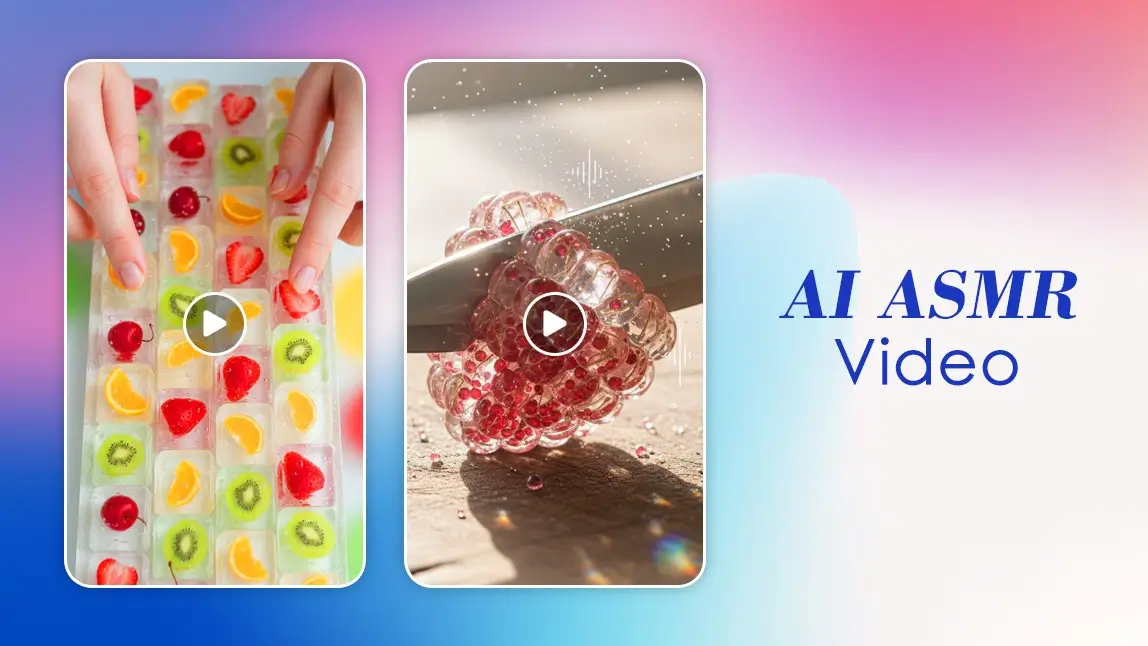
In a world that never stops buzzing, the allure of a gentle whisper, soft tapping, or the soothing rustle of leaves can feel like a tiny oasis for your mind. That’s the magic of ASMR - Autonomous Sensory Meridian Response - which has taken the internet by storm. But what if you could create your own AI ASMR video without setting up a camera, microphone, or a studio?
Meet YouCam AI Pro and its amazing Text-2-Video feature. Whether you’re curious about AI, love relaxing content, or just want to impress your friends with some digital wizardry, this guide is for you.
What is an AI ASMR Video?
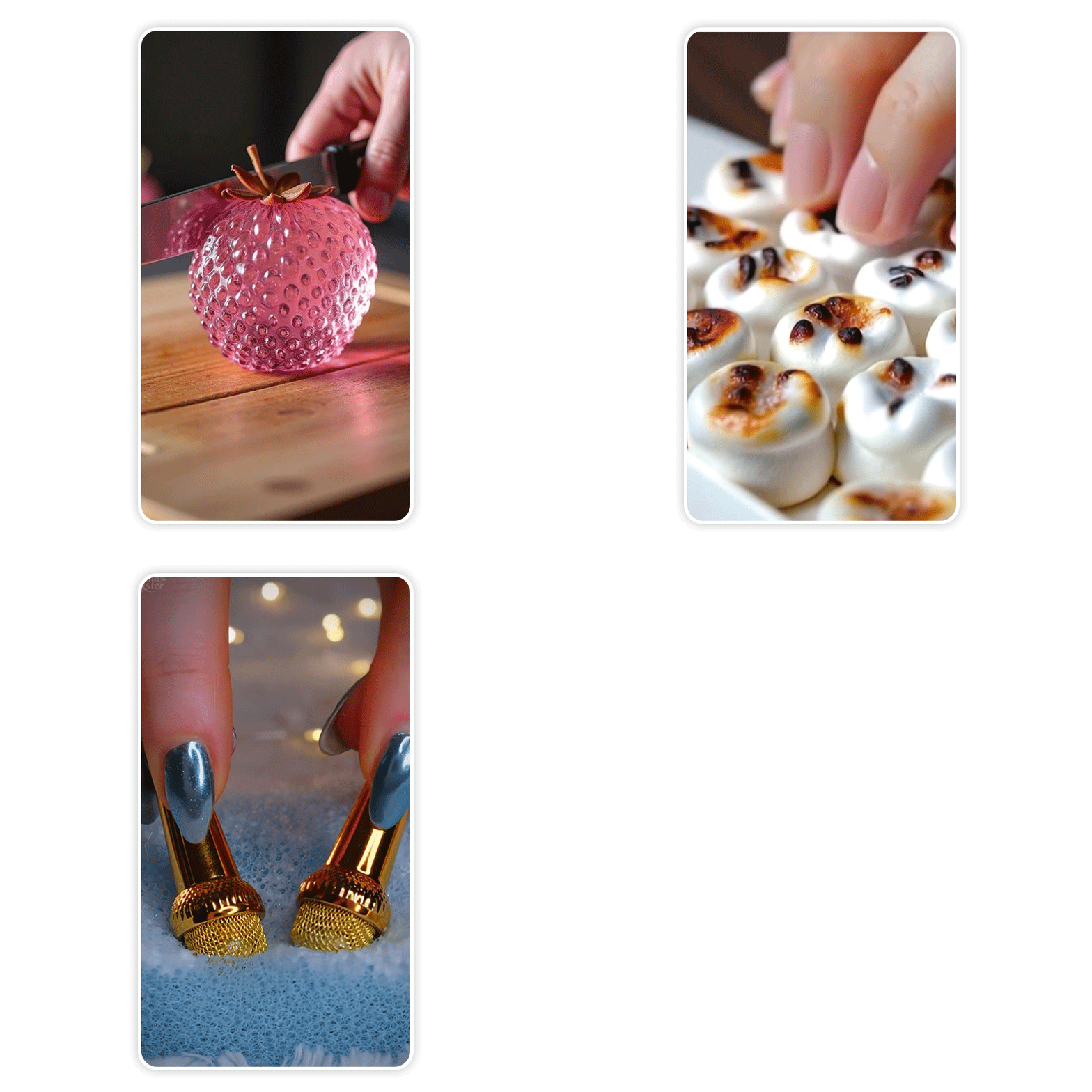 If you’ve ever scrolled through YouTube, you’ve probably stumbled upon ASMR videos - clips designed to relax, tingle, or simply make you feel cozy. Now, imagine generating these videos entirely from text prompts, without touching a microphone. That’s exactly what an AI ASMR video does.
Using AI-powered tools like YouCam AI Pro, you can type a description, choose a visual style, and voilà - the app transforms your words into a short, mesmerizing video.
No hours of recording, no editing nightmares, and no chance of accidentally knocking over a cup of tea while filming your soft-spoken narration.
Why AI ASMR Videos Are Trending
ASMR has been around for over a decade, but AI ASMR videos are the new frontier.
Here’s why they’re taking off:
- Accessibility: Anyone can create relaxing content, even without equipment or experience.
- Speed: What used to take hours can now be done in minutes.
- Creativity: You can experiment with fantasy themes, relaxing nature scenes, or even quirky visual ASMR concepts that would be tricky to film in real life.
- Shareability: Short, calming clips are perfect for social media. Think Instagram reels, TikTok, or even as a unique addition to your YouTube channel.
And let’s be honest, in a world full of doom-scrolls and endless notifications, who doesn’t want a mini escape in the form of a soft, calming video?
Viral AI ASMR Glass Cutting Videos
Lately, one of the most eye-catching trends in AI ASMR has been glass cutting videos. These clips combine the satisfying visual of glass being sliced or shattered with soft, tingly soundscapes, entirely generated by AI. They’ve blown up on TikTok and Instagram, drawing viewers in with their oddly calming yet mesmerizing appeal.
Whether it’s the crisp visual details or the ASMR-style audio effects, these AI-generated glass cutting videos are a perfect example of how innovative and shareable AI ASMR content has become.
How to Create Your AI ASMR Video with YouCam AI Pro
Here’s where the magic happens. Making your own AI ASMR video is easier than deciding what to order for dinner, and arguably more rewarding.
Follow these steps:
Step 1: Download the App
First things first, grab YouCam AI Pro from your app store. Don’t worry, it’s quick, easy, and totally safe.
Step 2: Tap AI Video and Choose Text-2-Video

Step 3: Enter Your Prompt

Some realistic examples for AI ASMR videos:
- “Soft rain falling on a quiet forest, gentle whispers of the wind”
- “Tapping and crinkling of colorful origami paper”
- “Cozy fireplace with crackling wood, evening ambiance”
- “Gentle ocean waves at sunset, seagulls in the distance”
- “Typing on a vintage keyboard with soft background music”
The more descriptive and sensory-focused your prompt, the more immersive your AI ASMR video will feel.
Step 4: Choose Your AI Model

Experiment to see which one gives your ASMR video the vibe you love.
Step 5: Save and Share
Once the video is generated, hit save! Now you can watch, share, or post your AI ASMR video anywhere. Friends, followers, and even your cat will likely appreciate your new creation.
Tips for a Better AI ASMR Video
Creating an AI ASMR video is fun, but a few tips can make it even better:
- Be descriptive: More sensory detail = more immersive video.
- Experiment with models: Each AI model interprets prompts differently; try a few to find your favorite.
- Adjust duration wisely: Short clips (10–20 seconds) are great for social media; longer ones can be used for deeper relaxation sessions.
- Combine prompts: Mix sounds and visuals for richer ASMR experiences, e.g., “gentle raindrops on a tin roof with a steaming cup of tea nearby.”
Ready to Make Your First AI ASMR Video?
If you’ve ever wanted to experiment with ASMR but didn’t know where to start, YouCam AI Pro is your ticket. From choosing your scene to generating a high-quality, relaxing AI ASMR video in minutes, the app makes the process effortless.
Download YouCam AI Pro now, tap Text-2-Video, and start turning your ideas into soothing, shareable moments. Your personal oasis of calm is just a few taps away.


![How to Create Viral AI Keyboard ASMR Videos [2025]](https://plugins-media.makeupar.com/smb/blog/post/2025-07-24/79fb1822-1eb9-4769-a20b-de6e0616e527.jpg)